Participant
September 1, 2023
Question

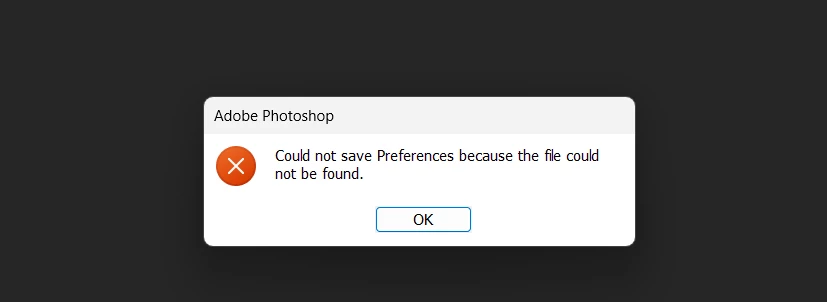
Could not save preferences because the file could not be found

  • September 1, 2023
  • 3 replies
  • 522 views

How To Soluve This Problem


This topic is closed to new replies. Start a new post to keep the conversation going.

3 replies

c.pfaffenbichler
Community Expert
Community Expert
September 1, 2023

What have you done for all-purpose trouble-shooting so far?
Restoring Preferences after making sure all customized presets like Actions, Patterns, Brushes etc. have been saved might be a good starting point:
https://helpx.adobe.com/photoshop/using/preferences.html
https://helpx.adobe.com/photoshop/kb/basic-trouble-shooting-steps.html

Participant
September 2, 2023
c.pfaffenbichler
Community Expert
Community Expert
September 3, 2023

Is Photoshop installed on the OS-disk? 

Do you have Administrator access?