

Question
Could not synchronize the color settings because the file is locked - Adobe Photoshop CS6
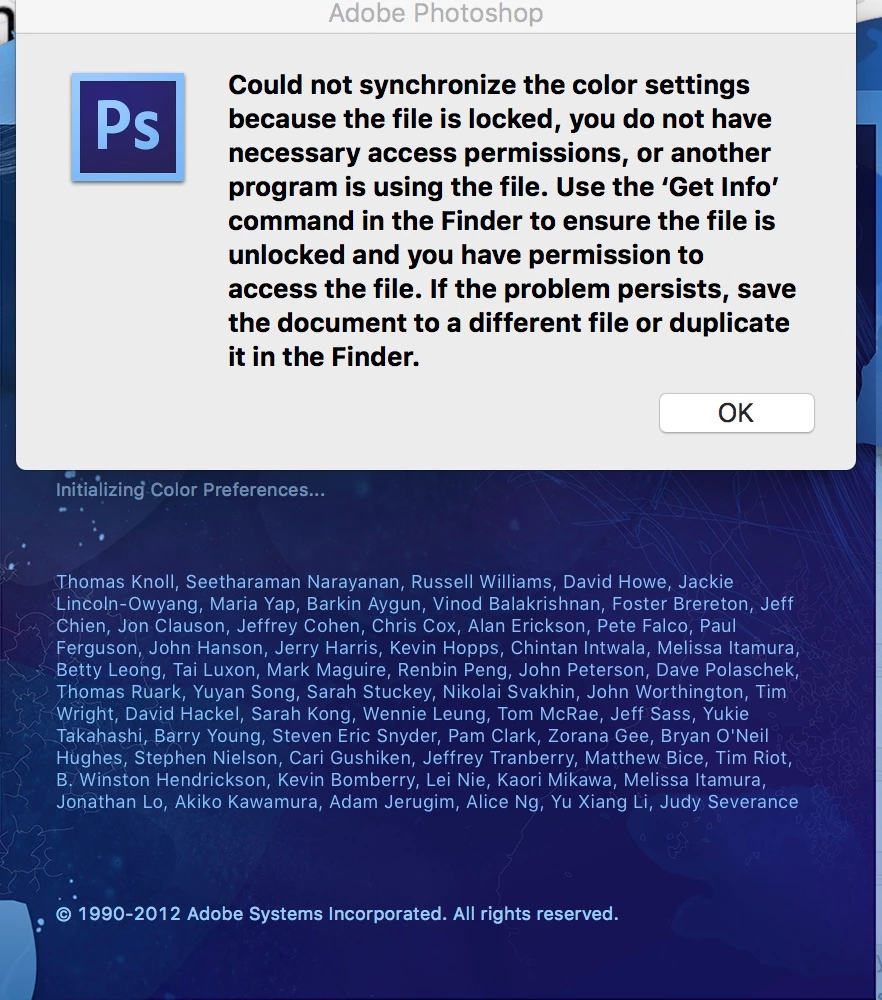
Transfer of all data via Migration Assistant to a new iMac Pro. Now whenever I open Photoshop CS6 ver. 13.0.6 x64 I get the error message:
Could not synchronize the color settings because the file is locked, you do not have necessary access permissions, or another program is using the file. Use the 'Get Info' command in the Finder to ensure the file is unlocked and you have permission to access the file. If the problem persists, save the document to a different file or duplicate it in the Finder.
Running OSX High Sierra latest version.


 AdChoices