patriciah31638982
Participant
August 21, 2020
Answered

Create anchor points at intersecting paths using combine shapes

  • August 21, 2020
  • 3 replies
  • 2092 views

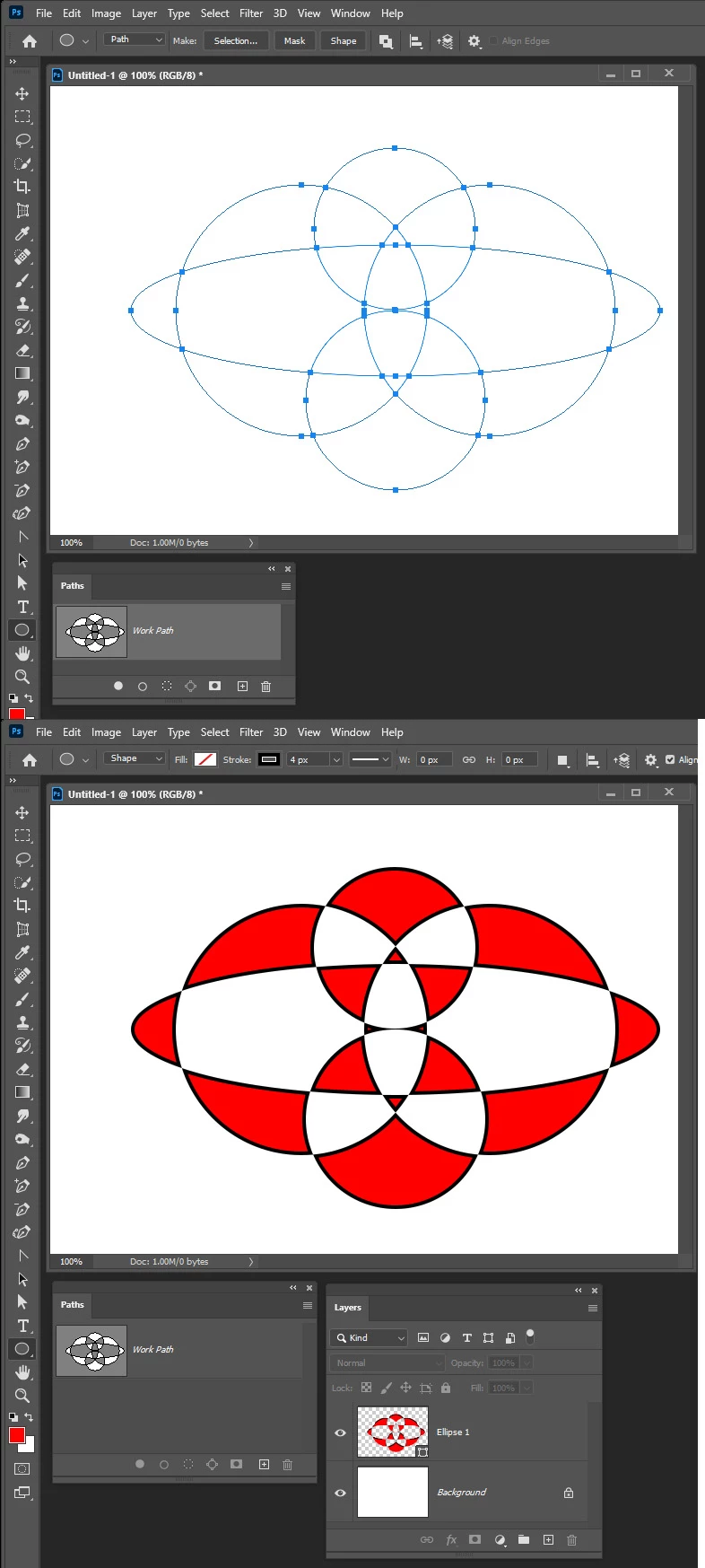
When I'm using the path tool and I use the combine shapes option I've gotten 3 different results and none of them are consistent.


Most of the time my overlapping shapes look like this.

Though some times it ends up like this.

But every once in awhile I get overlapping paths with extra anchor points where my arrows are pointing, like this.
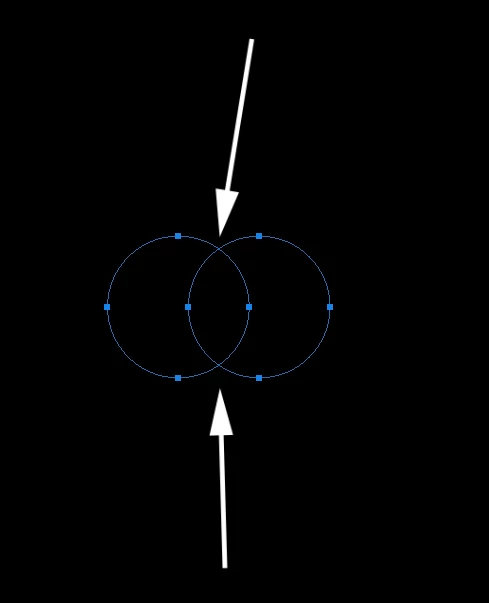
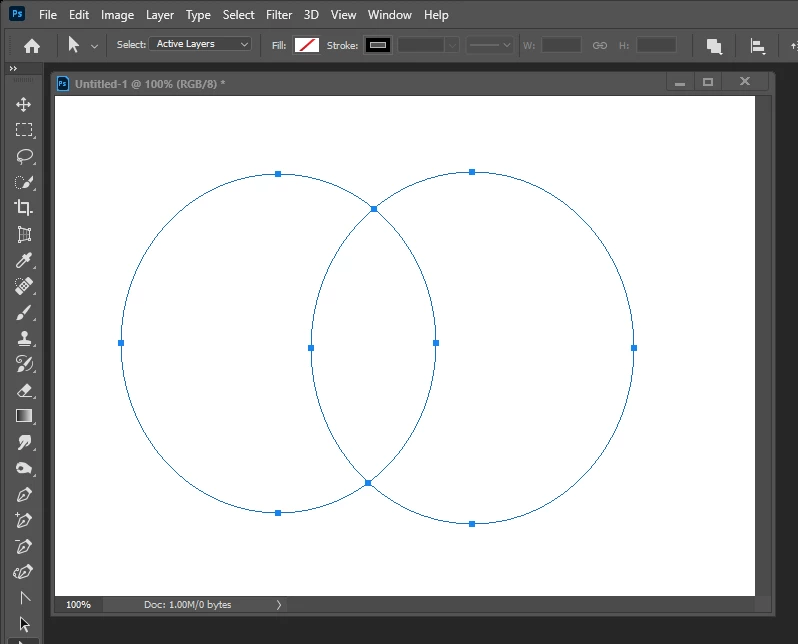
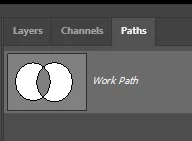
This is my desired result but unfortunately it doesn't happen all the time and sometimes I can't make it happen at all... what am I doing wrong?
 

This topic has been closed for replies.
Correct answer JJMack

Yes they will

3 replies

Participant
December 11, 2024

Read this thread as I am having the same issue but I still can't get the right result. How did you end up doing it? thanks

Legend
August 21, 2020
If all subpaths are drawn in Exclude mode, then you will get what you want.
 
JJMack
Community Expert
JJMackCommunity ExpertCorrect answer
Community Expert
August 21, 2020

Yes they will

JJMack
Legend
August 21, 2020

By the way. That's 12 points, not 10.

)

JJMack
Community Expert
Community Expert
August 21, 2020

Does this help?

JJMack
patriciah31638982
Participant
August 21, 2020

Thank you for trying but that's what I'm trying to avoid. The result I'm looking for is two full overlapping circles with a total of 10 anchor points. 4 origional anchor points for each circle and 2 more where they overlap.