

JBJB1029
Known Participant
August 27, 2023
Question

Creating a Tutorial to Recreate a Logo?

  • August 27, 2023
  • 1 reply
  • 1298 views

Could someone create an easy tutorial for creating my (own) custom-made version of this logo, please?
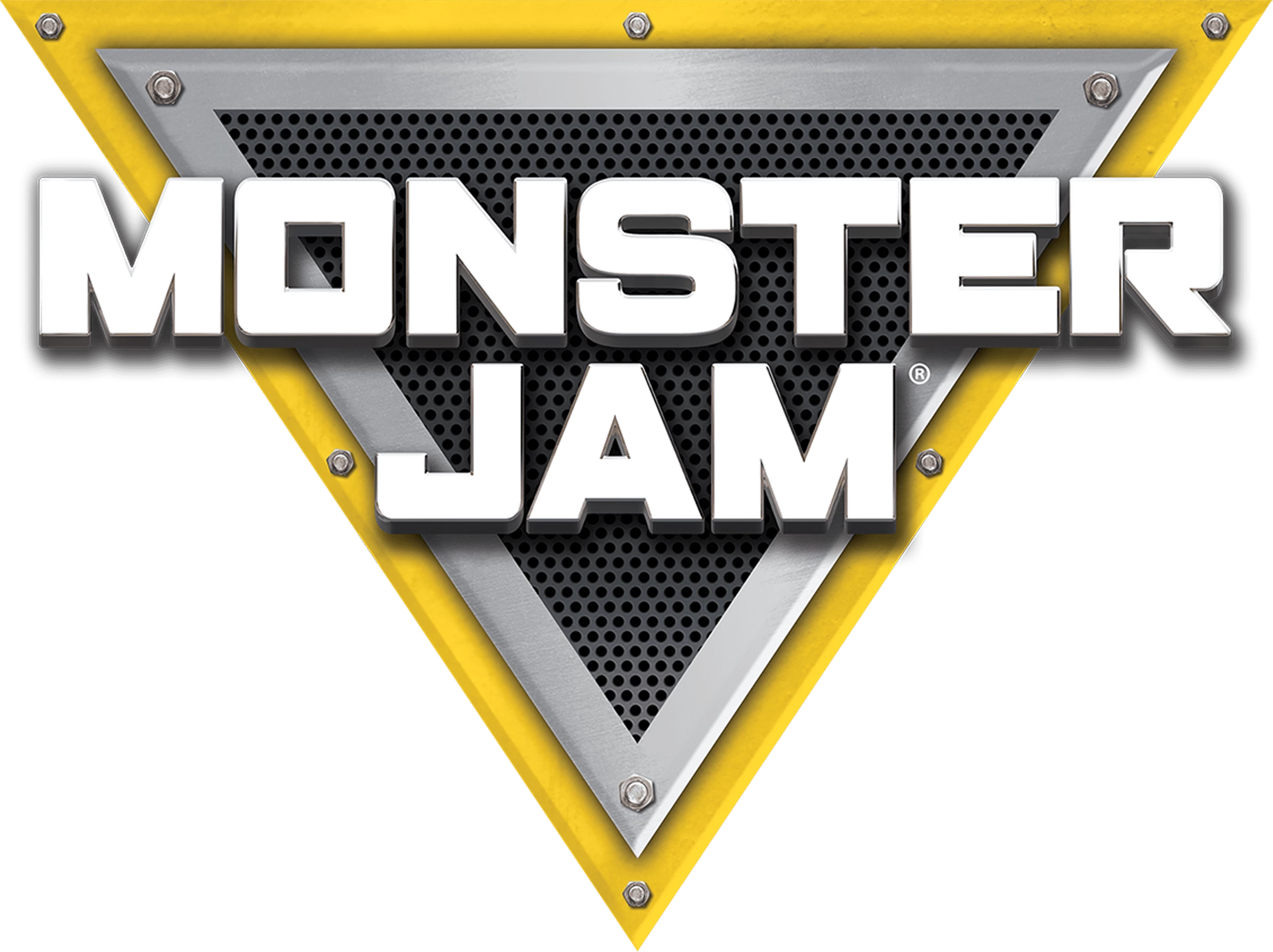
P.S. Here's the Monster Jam Font. However, the font used in the logo is not publicly available, but it looks very similar to the ITC Machine. So, in conclusion, the closest font they can find that resembles the Monster Jam font logo is ITC Machine designed by Ronne Bonder and Tom Carnase.

This topic has been closed for replies.

1 reply

melissapiccone
Community Expert
Community Expert
August 28, 2023

I don't have time to create a tutorial for you - they are very time consuming. But this is fairly simple to recreate using layer styles for the triangles, a pattern for the dots and more styles for the text. Find tutorials for layers styles - that will get you on the right path. 

Melissa Piccone | Adobe Trainer | Online Courses Author | Fine Artist
jane-e
Community Expert
Community Expert
August 28, 2023

@JBJB1029 


Typically logos are done in a vector application so they can be scaled, not in a raster application such as Photoshop.


I agree with Melissa that you start with drawing shapes, appling effects such as bevel and shadows, multiple appearances, etc. For the bolt, I would look in Adobe Stock if I didn't want to draw it.


If you proceed in Photoshop, put everything on its own layer and draw it at the final size. Otherwise, use Illustrator.


Jane

c.pfaffenbichler
Community Expert
Community Expert
August 29, 2023
quote

If you proceed in Photoshop, put everything on its own layer and draw it at the final size. 

And use Shape Layers and Vector Masks where possible.