
Crop overlay not working correctly.
Is anyone else having issues with the grid overlay when you're trying to crop an image?
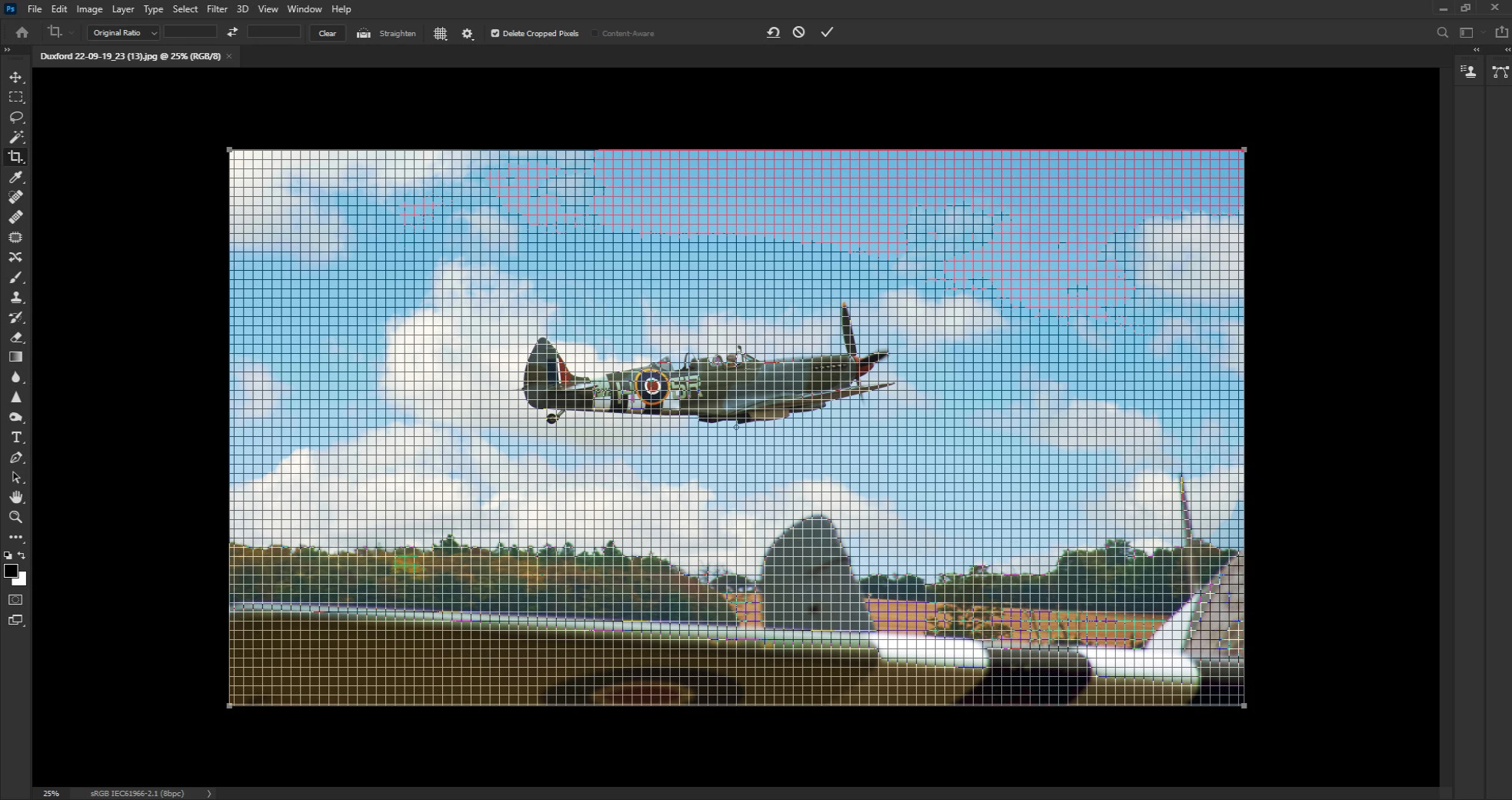
Whenever I try, the grid overlay appears but the lines that form the grid are many more in number than than there ought to be and obviously, they're much closer together. So close, in fact, that the overlay's rendered useless.
If I select another overlay, rule of thirds, for example, that displays correctly unless I click the cursor anywhere outside of the image which causes the too-tight-grid to replace it until I release the mouse, when the other, chosen one reappears.
This is what I'm getting:
As opposed to this, which is what should be happening:
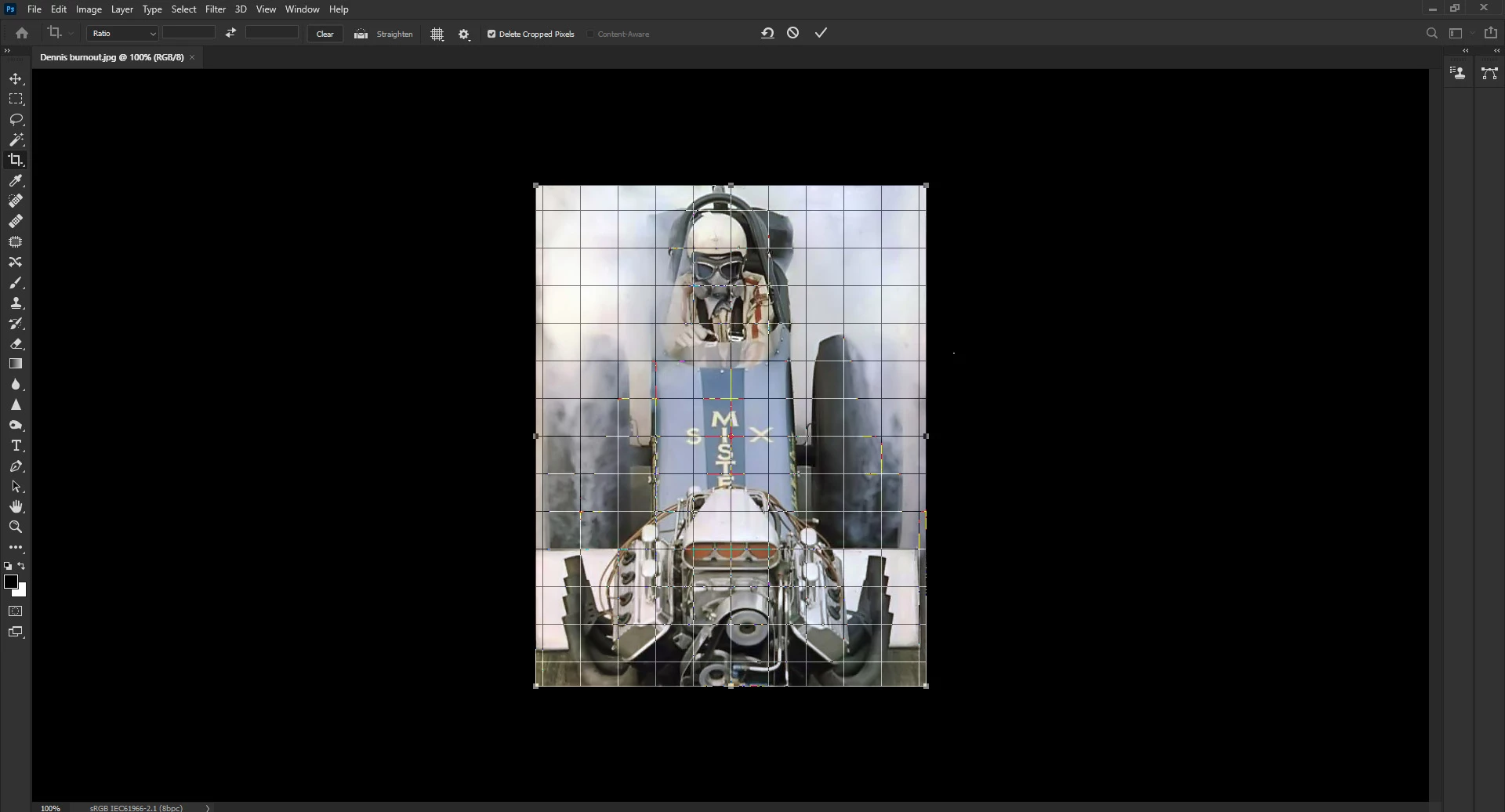
The first image is one that I took at Duxford last September and the second is one that I downloaded ages ago from somewhere online.
For some reason, ALL of my own images; I've tried ones that I took years ago, are suffering the too-tight-grid scenario, whereas if I apply the same tool to images, selected and downloaded at random, all is well.
I'm using Photoshop CC in its latest incarnation.
Al updates in place.
Any ideas . . . ?
Edit:
I've now discovered that by using version 21.1.3; the one before the most recent one and leaving the Graphics Processor turned on, the grid works as it should do.
At the moment . . .
Help please . . . ?
 AdChoices