Question
cropping bounding boxes showing up at random scale
with the cropping tool set to 6" x 4.5" it shows the 6 inch wide cropping frame as being the same width as the 8.5 inch wide page
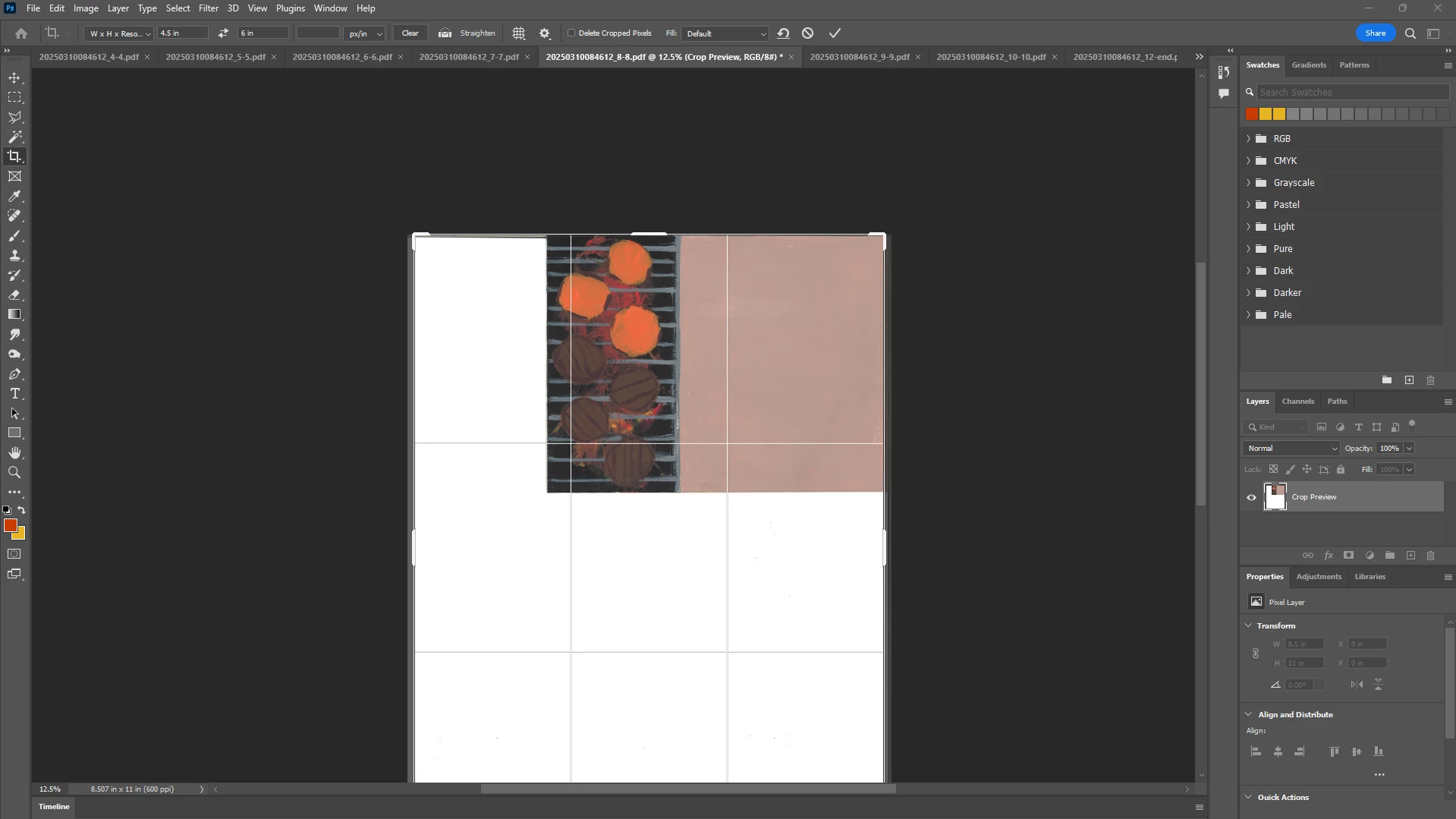

with the cropping tool set to 6" x 4.5" it shows the 6 inch wide cropping frame as being the same width as the 8.5 inch wide page
Already have an account? Login
No account yet? Create an account
Enter your E-mail address. We'll send you an e-mail with instructions to reset your password.


 AdChoices