
Question
customise Contact Sheet II location?
Hi,
PhotoShop v25.5
Is it possible to customise or chnage the location that contact sheets are saved to? So
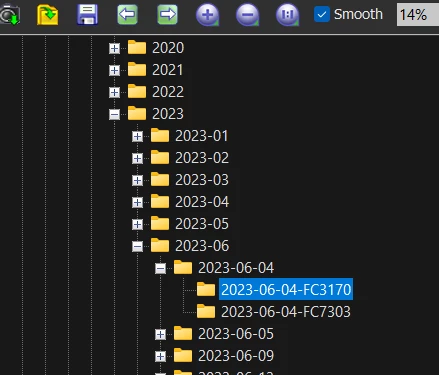
for example I would like to have my sheet(s) created one level up from the folder contai ing the
actual images. e.g. 2023-06-04, 2023-06-04 etc? So the save path would have ot be relative to the actual
images it contains thumbnails for.
If this is not possible can anyone recommend a contact sheet maker that allos more flexibilty over saved locations?
Thanks


 AdChoices