


Participant
September 1, 2026
Answered

DCS 2.0 import problems with channels

  • September 1, 2026
  • 6 replies
  • 103 views

Product: Adobe Photoshop
Affected Version: 27.10
Last Known Working Version: 27.9.1
Platform: Windows

Description:
Photoshop 27.10 appears to have introduced a regression in the way DCS files containing multiple spot-color plates are interpreted.

The exact same DCS file opens correctly in Photoshop 27.9.1. In 27.10, the first custom plate is instead interpreted as Photoshop’s native Gray channel. After this happens, the spot-color metadata/tagging associated with the subsequent channels is also incorrect.

This affects production files used for screen-printing color separations, where every DCS plate needs to retain its correct plate name and spot-color assignment.

Steps to Reproduce:

  1. Open the attached DCS separation file in Photoshop 27.9.1.
  2. Open the Channels panel.
  3. Confirm that the first plate and all subsequent spot channels are interpreted correctly.
  4. Close the file.
  5. Open the exact same DCS file in Photoshop 27.10.
  6. Open the Channels panel.
  7. Observe that the first custom plate is now interpreted as Gray.
  8. Observe that the spot-color assignments/tagging of the subsequent channels are no longer interpreted correctly.

Actual Result in Photoshop 27.10:

The channel structure begins with:

  • Gray
  • #1 - Base White
  • #2 - 3945 C
  • #3 - Bright Red C
  • #4 - 2728 C
  • #5 - 446 C
  • #6 - Highlight

The first plate should not be converted or interpreted as Photoshop's native Gray channel.

Expected Result:

Photoshop 27.10 should read the DCS plate names and spot-color metadata exactly as Photoshop 27.9.1 does.

The first custom plate should retain its DCS plate identity/name, such as Shirt Plate, and the following channels should retain their correct spot-color assignments.

Regression:

Yes.

The same file behaves correctly in:

Photoshop 27.9.1

and incorrectly in:

Photoshop 27.10

No changes are made to the DCS file between tests.

Impact:

This breaks DCS-based screen-printing separation workflows because Photoshop no longer preserves the intended relationship between plate names, channel data, and spot-color assignments.

Downgrading to Photoshop 27.9.1 immediately restores the expected behavior.

Additional Information:

I can provide:

  • The original DCS file
  • Screenshot of the correct Channels panel in Photoshop 27.9.1
  • Screenshot of the incorrect Channels panel in Photoshop 27.10

This appears to be a regression specifically related to DCS/EPS plate parsing or the handling of the first plate in a multichannel DCS file.

    Correct answer Anshul_Saini

    Thank you for sending the DCS file and the additional information, @TASMAGORIA. I was able to reproduce the same behavior you reported in Photoshop 27.10 using your file.

    I also tested the same DCS file in:

    • Photoshop 2025 (26.11.7) > opens correctly

    • Photoshop 27.10 > reproduces the incorrect channel/plate interpretation

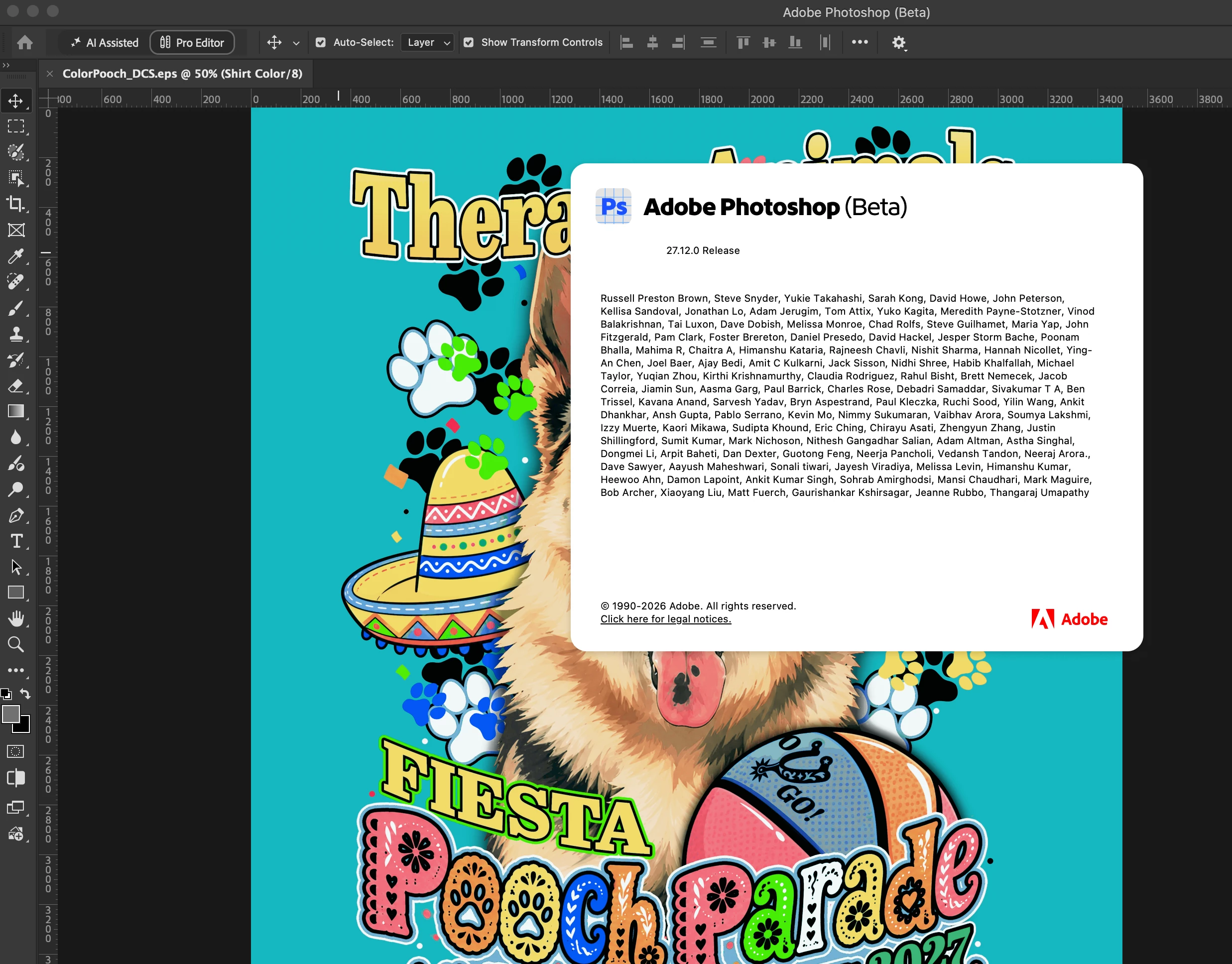
    • Photoshop Beta 27.12 > opens correctly again, with the DCS channels interpreted as expected


    So this does confirm that the behavior in 27.10 is a regression rather than something specific to your DCS file or workflow.


    The good news is that I can no longer reproduce the regression in the current 27.12 Beta, where your file behaves as it did in the older v27.9.1. This indicates that the underlying issue has already been addressed in the newer code and should carry forward into a future Photoshop release.


    For the time being, please continue using 27.9.1 for this production workflow if you need the stable release behavior.


    Once a future Photoshop release containing the corrected behavior becomes available, please test your DCS workflow again. If you see the problem return, let me know here, although based on my testing with your exact file in 27.12 Beta, I don’t expect that to happen.


    Thank you for providing the sample file. It made it possible to reproduce and verify the regression directly.


    Best,
    Anshul Saini

    6 replies

    Anshul_Saini
    Community Manager
    Anshul_SainiCommunity ManagerCorrect answer
    Community Manager
    September 24, 2026

    Thank you for sending the DCS file and the additional information, @TASMAGORIA. I was able to reproduce the same behavior you reported in Photoshop 27.10 using your file.

    I also tested the same DCS file in:

    • Photoshop 2025 (26.11.7) > opens correctly

    • Photoshop 27.10 > reproduces the incorrect channel/plate interpretation

    • Photoshop Beta 27.12 > opens correctly again, with the DCS channels interpreted as expected


    So this does confirm that the behavior in 27.10 is a regression rather than something specific to your DCS file or workflow.


    The good news is that I can no longer reproduce the regression in the current 27.12 Beta, where your file behaves as it did in the older v27.9.1. This indicates that the underlying issue has already been addressed in the newer code and should carry forward into a future Photoshop release.


    For the time being, please continue using 27.9.1 for this production workflow if you need the stable release behavior.


    Once a future Photoshop release containing the corrected behavior becomes available, please test your DCS workflow again. If you see the problem return, let me know here, although based on my testing with your exact file in 27.12 Beta, I don’t expect that to happen.


    Thank you for providing the sample file. It made it possible to reproduce and verify the regression directly.


    Best,
    Anshul Saini

    Participant
    September 28, 2026

    Excellent,

    Thank you! 

    Anshul_Saini
    Community Manager
    Community Manager
    September 29, 2026

    You’re very welcome, and thanks again for providing the sample file and helping us verify the regression.

    I’ll mark this as resolved based on the corrected behavior in the newer build. If you encounter the issue again in a future release, please let us know.

    Best,

    Anshul Saini

    Participant
    September 22, 2026

    Thank you for the response.

    Attached is everything you asked for. 
    and the link for the DCS file itself. » https://we.tl/t-JRdkcog1dac1Phyo

    Thank you!


    Anshul_Saini
    Community Manager
    Community Manager
    September 17, 2026

    Hi @TASMAGORIA,

    Thank you for the detailed report and for testing the exact same DCS file in Photoshop 27.9.1 and 27.10. One additional test would help us determine whether the behavior is related to the GPU/color management changes in Photoshop 27.10.

    Please try the following with the same DCS file:

    1. Test with GPU disabled

    Go to Photoshop > Preferences > Performance, turn off Use Graphics Processor, restart Photoshop, and open the same DCS file again.

    Does the first custom plate still appear in Gray, while the subsequent spot-color/channel information is interpreted incorrectly?

    2. If the behavior changes with the GPU disabled

    Please also check Preferences > Technology Previews and make sure Precise color management for HDR display is disabled, then restart Photoshop and test the same file again.

    Please don’t make any changes to or resave the DCS file between these tests.

    A short screen recording would also be very helpful. Ideally, please show:

    • Opening the DCS file in 27.10.

    • The resulting Channels panel.

    • The same file being tested with the GPU disabled, if possible.


    If you can, please also provide:

    • The original DCS file.

    • Help > System Info > Copy & paste here from Photoshop 27.10.

    • Screenshots of the correct channel structure in 27.9.1 and the incorrect structure in 27.10.

    This will help us determine whether we’re dealing with a file-format or channel-parsing regression, or whether the 27.10 rendering/color-management changes are contributing to what you’re seeing.

    Thanks,

    Anshul Saini

    Participant
    September 23, 2026

    Hello I replied above, thank you!