


Answered
Displacement Tool
Hi,
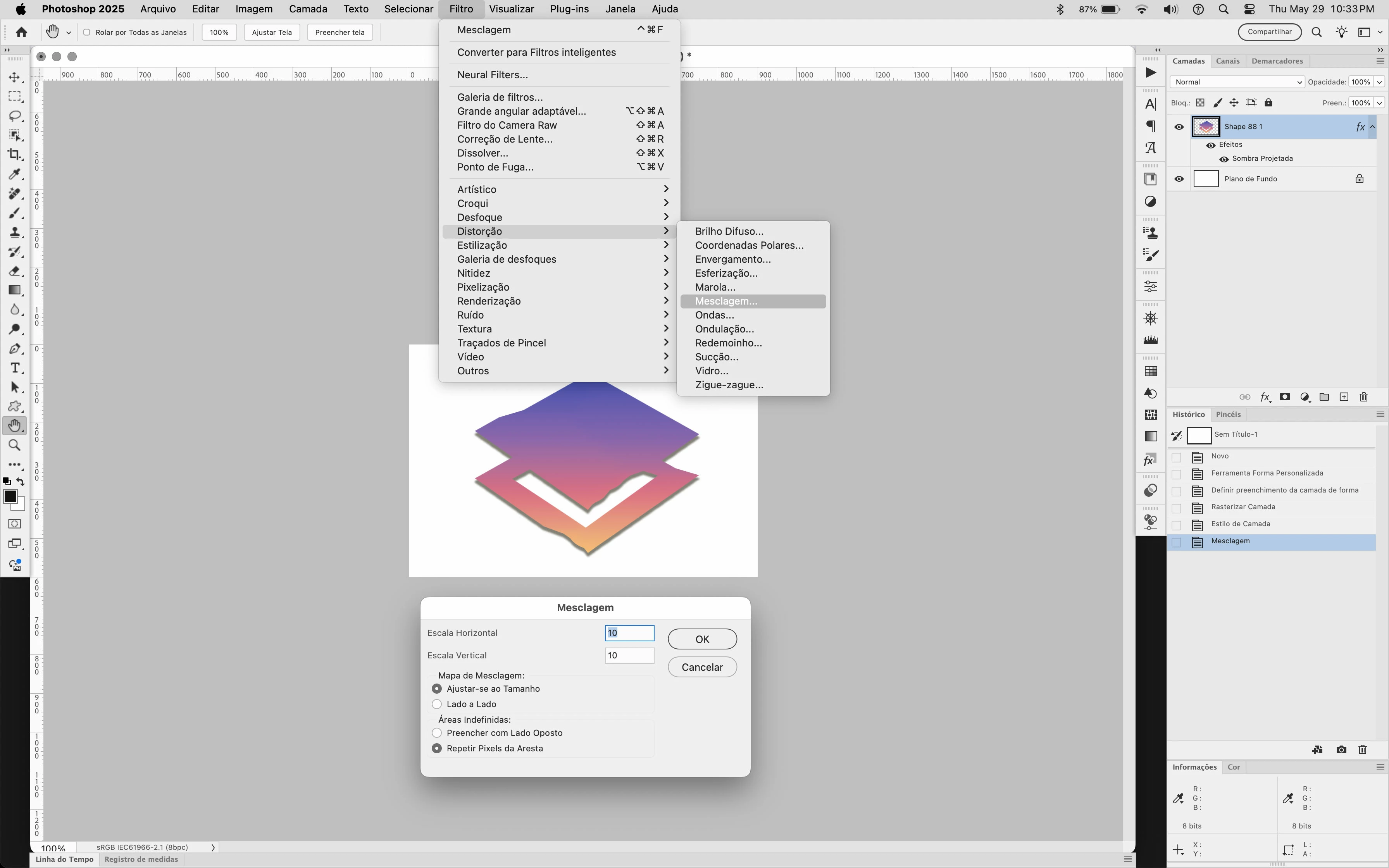
So I've been trying to do a mockup and when I went to use the displacement tool to apply my displacement map, I couldn't? The tool itself is there, but I not able to apply the map. Have somebody else dealt with this problem?
FYI, I use Photoshop CC 2025, in Brazil
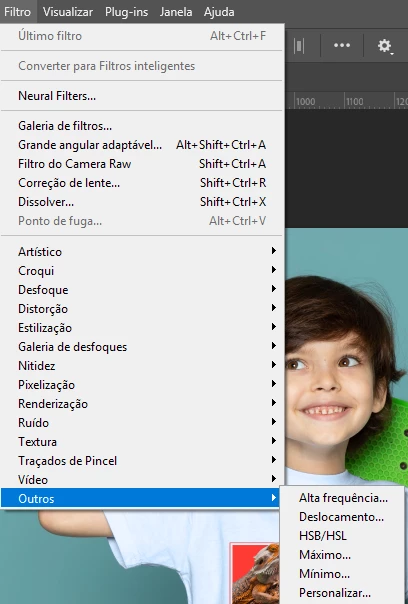
This is what the window for displace looks like now, so many things are missing :')
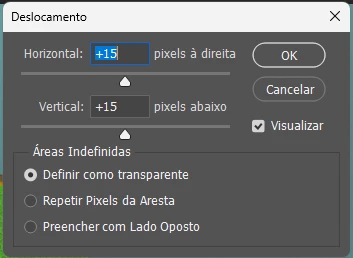
If anybody has a solution for this I would be immensely grateful!

 AdChoices