TheFrenchFrog
Participant
January 27, 2026
Question

Disque de travail saturé pour ouvrir un fichier de 4,6mo (680go de libre) ...

  • January 27, 2026
  • 2 replies
  • 63 views

Since I reinstall macOS (26.2) on my macbook Pro (M1 Max 2021 - 32go RAM) Illustrator and Photoshop (maybe all adobe products, didn’t try yet) are acting bad. For photoshop, first start, I get this screen when I try to open a simple PNG… I have 680Gb of brand new free available space and it tells me drives are staurated. 
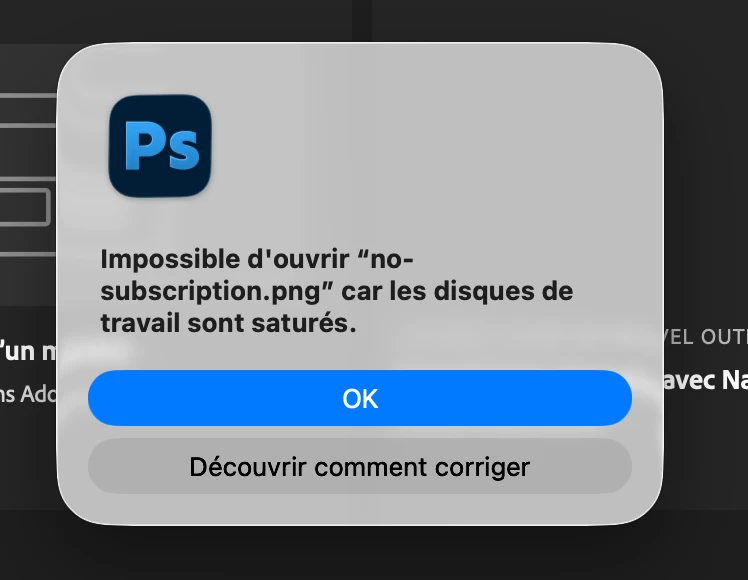

How can it be ?

    2 replies

    TheFrenchFrog
    Participant
    January 27, 2026

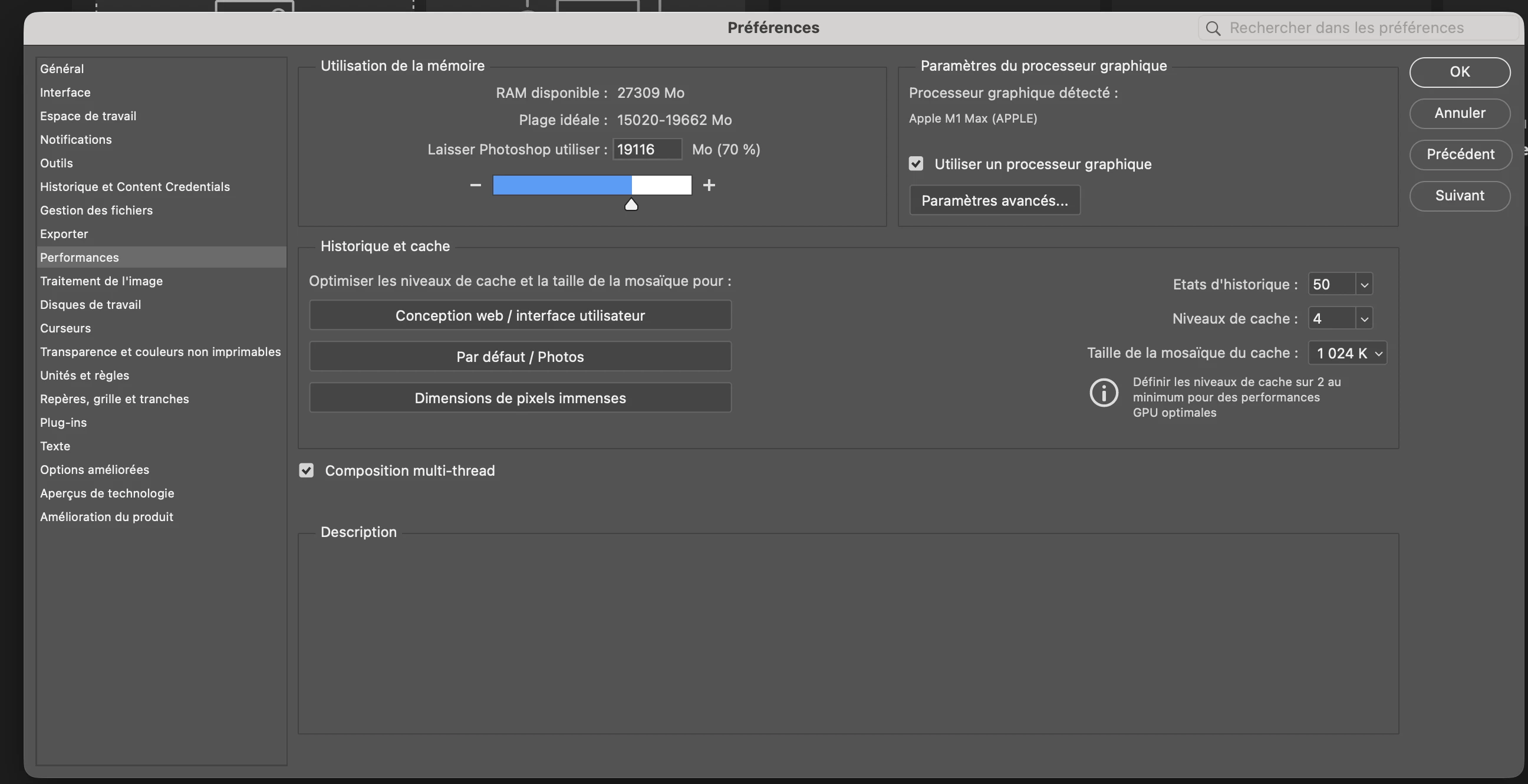
    Scratch disk settings.


    davescm
    Community Expert
    Community Expert
    January 27, 2026

    Thanks for the screenshot. I would try two things:
    1. Check that Photoshop has permission to write to that disk.
    2. Reset Photoshop’s preferences. The preference files contain more than just the user settings and are updated every time Photoshop closes. Any corruption can lead to issues and they are not always overwritten when the software is installed. Back them up first though :
    https://helpx.adobe.com/uk/photoshop/desktop/get-started/settings-and-preferences/backup-and-restore-preferences.html

    Dave

    davescm
    Community Expert
    Community Expert
    January 27, 2026

    Can you please show your scratch disk settings (2 tabs down in Preferences)
    Dave

    TheFrenchFrog
    Participant
    January 27, 2026

    Sure, I uploaded it above