

Inspiring
September 18, 2025
Answered
Does anyone know how to disable these pop-up tips?
- 1 reply
- 153 views
- Translate
Software
Photoshop 2024 (v25.9.0)
(PC Desktop)
The Issue
I've been unable to disable these pop-up windows...(see attached)
Specifically these two, but there are more. Below are the headings of them.
1. "Content-aware fill"
Now you can choose the area Photoshop is using to fill a selection, preview it live, and output it to a new layer. Go to edit > content aware fill to try it out.
2. "Try adjustments presets"
Already Tried
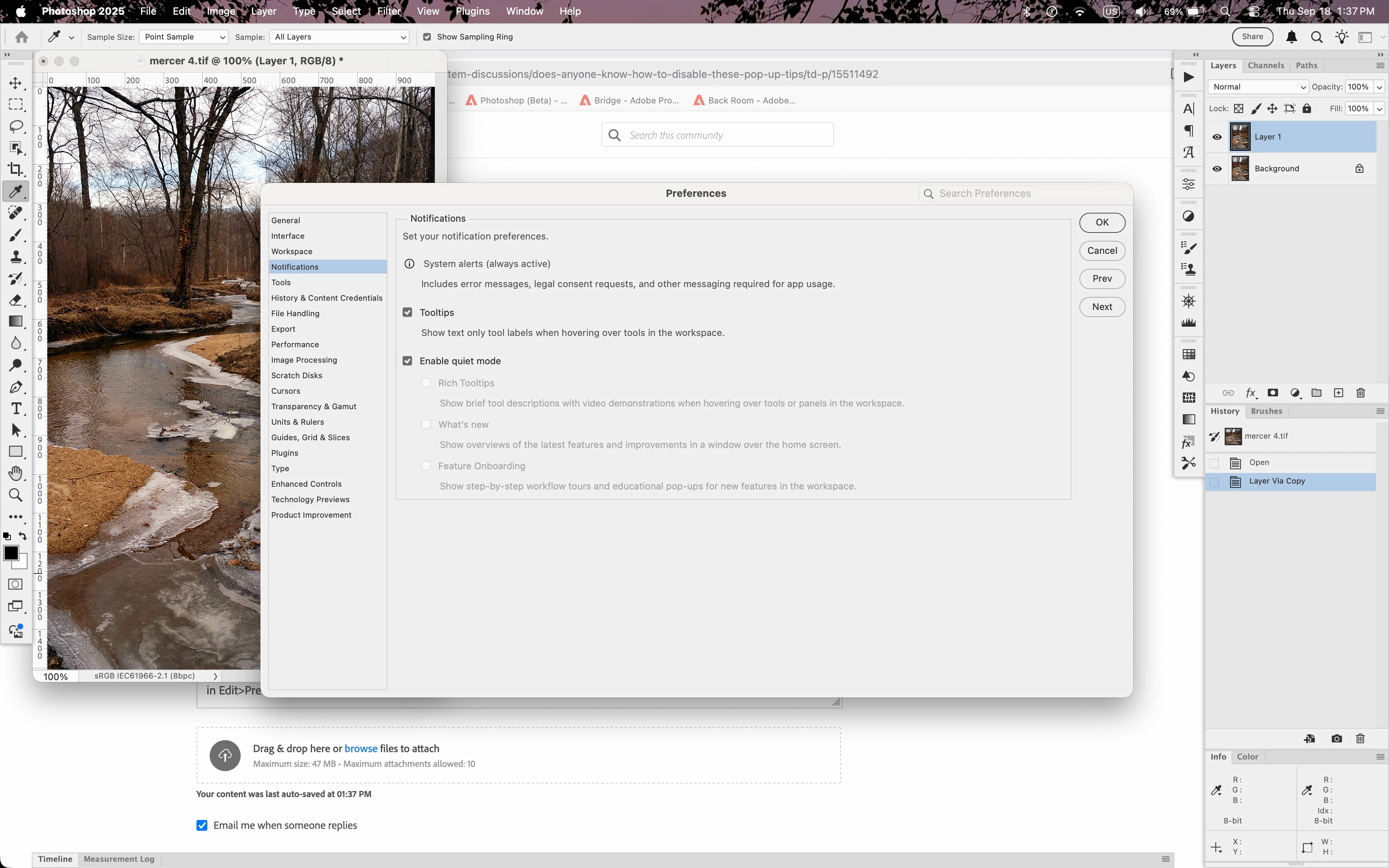
Already have both of the following items disabled.
Edit > Preferences > Tools
Show Tools Tips (unchecked)
Show Rich Tool Tips (unchecked)
Also, tried closing and restarting the software. Still no luck.
The Question
Anyone have any suggestions?
Thank you, in advance.



 AdChoices