Participating Frequently
February 23, 2026
Answered

does feathering an edge not work anymore?

  • February 23, 2026
  • 1 reply
  • 63 views

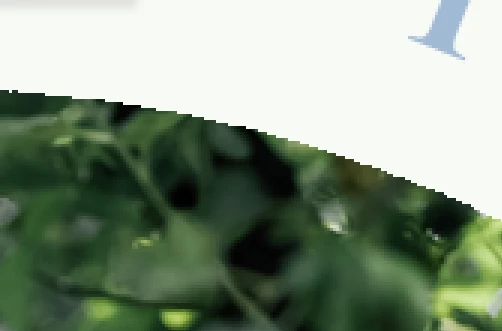
I used to use feathering to fix bad pixelated cut out edges, by using a feather radius of around 3 pixels and creating a mask to feather the edge, now it just seems to still show the hideous pixelated edge - is there a way I can get a better result? 

Usually the edge would disappear with the feather. 


    Correct answer c.pfaffenbichler

    You are Layer Masking over an existing Transparency – so there are effectively two Masks. 


    Instead of loading the transparency to apply as a Layer Mask please try Layer > Layer Mask > From Transparency and apply a Feather to the Layer Mask then.  

    1 reply

    c.pfaffenbichler
    Community Expert
    Community Expert
    February 23, 2026

    Could you please post a screenshot taken at View > 100% with the pertinent Panels (Toolbar, Layers, Channels, Options Bar, …) visible? 

    Could there be more than one Layer/Layer Mask involved? 


    Edit: Feather works fine here. 


    Participating Frequently
    February 23, 2026

    Hello, there is only one layer involved in the mask, the main design layer has been flattened (not by me). 

    View at 100% 
    300ppi


    c.pfaffenbichler
    Community Expert
    c.pfaffenbichlerCommunity ExpertCorrect answer
    Community Expert
    February 23, 2026

    You are Layer Masking over an existing Transparency – so there are effectively two Masks. 


    Instead of loading the transparency to apply as a Layer Mask please try Layer > Layer Mask > From Transparency and apply a Feather to the Layer Mask then.