
Participant
December 7, 2019
Question

Downsizing image without losing quality

  • December 7, 2019
  • 1 reply
  • 752 views

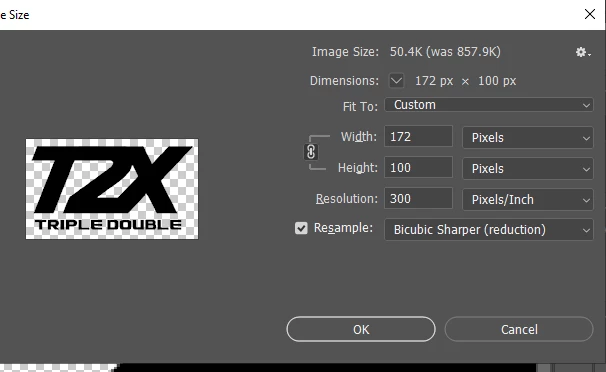
I have tried many things and I am tearing my hear out as I write this one-handed. I have a logo that is 709 by 413 and I want to resize it to 86 by 50. I have tried using Image => Image Size => Bicubic Sharper but I still get these horrible results on my webpage (using Wordpress if that helps). I have attached a before and after photo.

Before:

Settings:
After:

In Photoshop
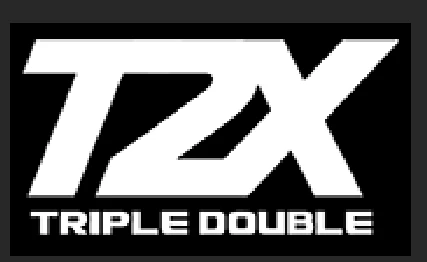
It looks really bad particularly on my mobile site. This makes me very sad. I would appreciate any help!

This topic has been closed for replies.

1 reply

Nancy OShea
Community Expert
Community Expert
December 8, 2019

If this were my project, I would recreate the logo and text in Illustrator as a vector graphic and export to SVG.  You'll get much nicer results because SVG does not degrade when rescaled up or down.   At such a small size, raster images will look terribly pixelated especially on High DPI screens.  There's nothing much you can do about that.  


Nancy O'Shea— Product User & Community Expert