Participant
April 17, 2025
Pregunta

Drag photo into Photoshop and it broken

  • April 17, 2025
  • 1 respuesta
  • 407 visualizaciones

Sometime I draged the image into Photoshop and it appeared to be broken.

How can I fix it?
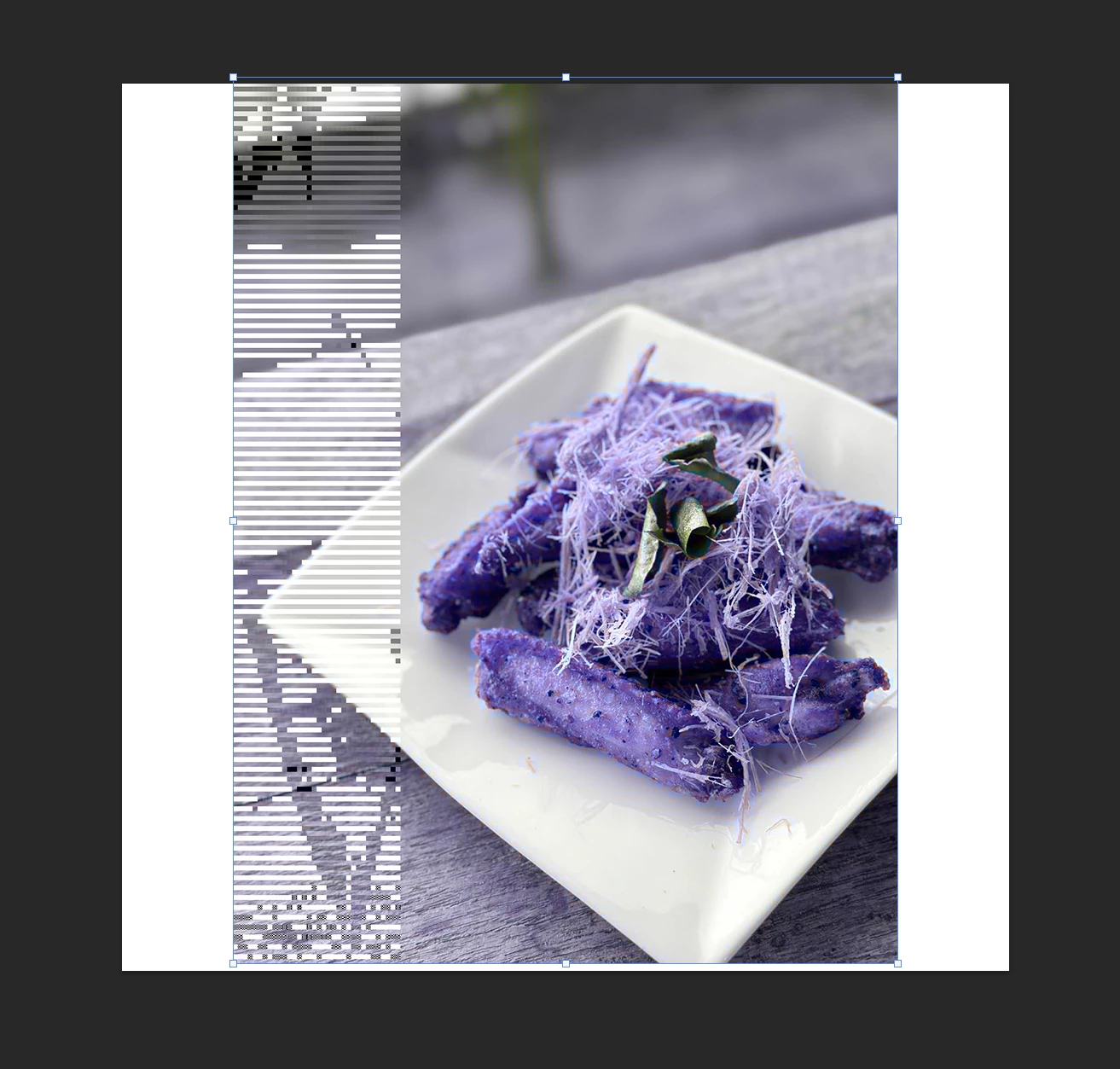
 

Here is the original image

 

1 respuesta

Community Manager
April 17, 2025

Hi @Celestial_Companion7439, welcome to the community!
Does this happen with every image or just this one in particular? Can you share your System Info? You can find it in Photoshop under Help > System Info. Just copy the info to a text file and attach it to your response, or share it with us through Google Drive, WeTransfer, or another file-sharing platform.
Thanks a lot! 😊

Alek

*(If you mention me with an @, like @Aleke, I’ll get a notification and can respond faster.)*
Participant
April 18, 2025

Hi Aleke,


here is the System info from my PS

  
[Moderator's note: To keep the thread readable, system info has been moved to a text file.]

Community Manager
April 18, 2025

Hey @Celestial_Companion7439! Thanks for sharing your system info!

I noticed you're running Photoshop 26.3. Could you try updating to the latest version (26.5) and see if that helps? Everything else in your system info looks fine. Has this issue been happening with other images too? Does the behavior change if you open the file normally instead of dragging it?

Thanks a bunch! Let me know if you need any more help!

Alek

*(If you mention me with an @, like @Aleke, I’ll get a notification and can respond faster.)*
