


Edge GLARE Problem
I photographed an oil painting using a Nikon D850 and captured a RAW file. I did not use polarizing filters because I didn’t have them. The left and right sides show glare across the canvas weave on each side of the canvas. I’ve tried using the Curves adjustment on a new layer, but that only works area wide.
I may photograph the painting again, but thought I would see what Photoshop could do to improve the image.
I will put the full image and a detail of the LEFT side (the right side is the same). There are blue pixels which are perfect and the white/light pixels are blown out causing the glare effect.
Thank you for any suggestions:
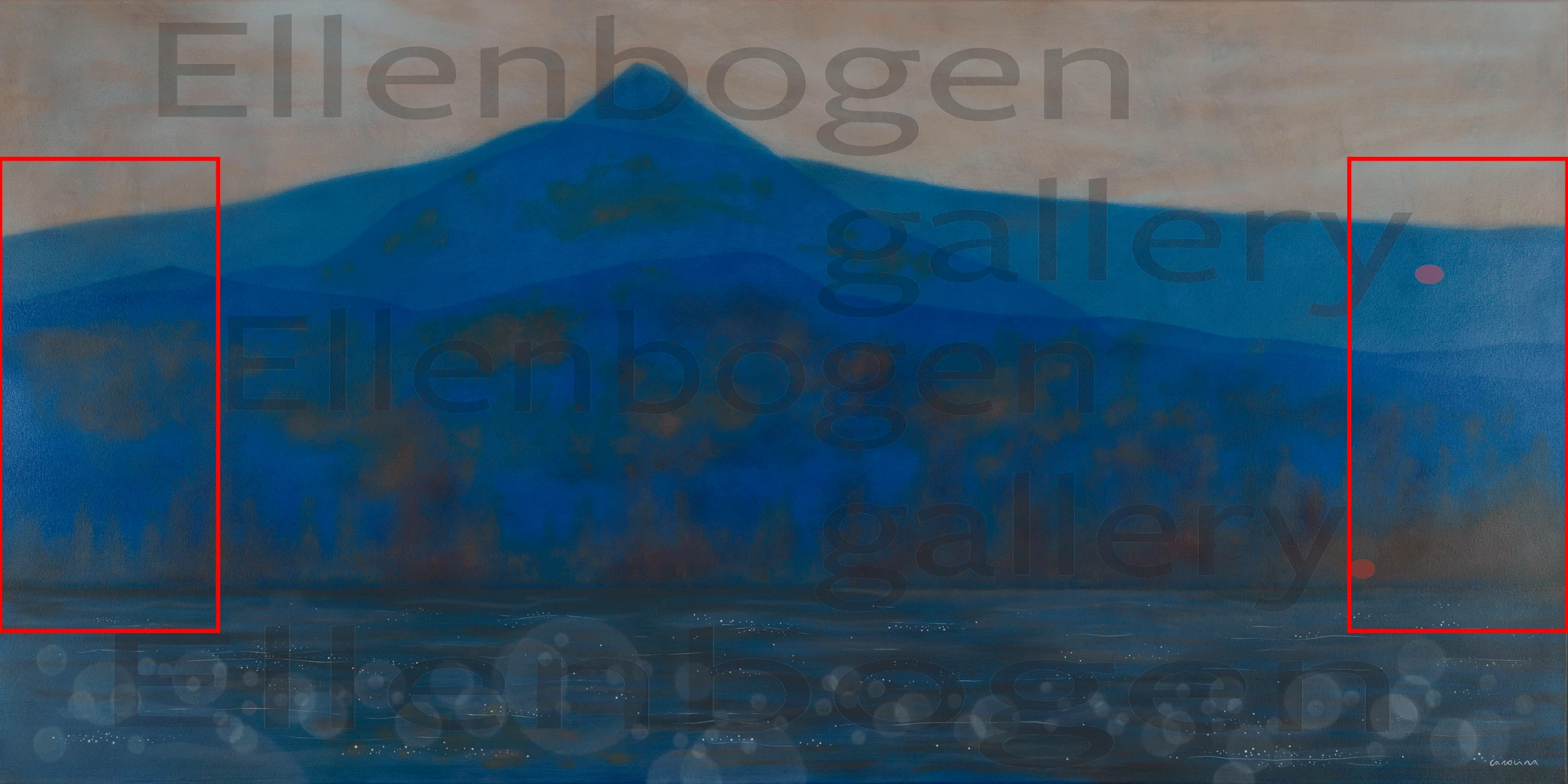
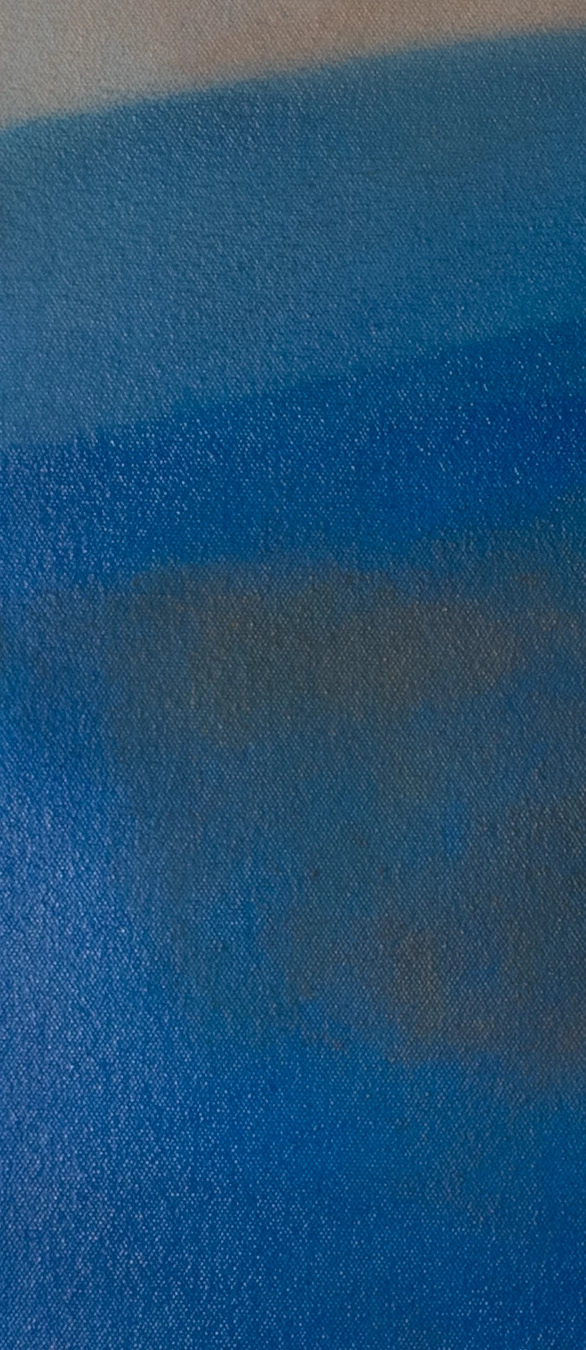
I am assuming the worst case scenario here… either I get those polarizing filters and shoot again, or, I repair the image pixel by pixel by sampling a nearby correct pixel and patching the bad pixel. I can’t do a general repair, because there are very subtle shifts in color across the canvas!
Thank you for any suggestions.
 AdChoices