



Edit anytime, anywhere with Photoshop mobile on Android
Hey Creators, Happy MAX!
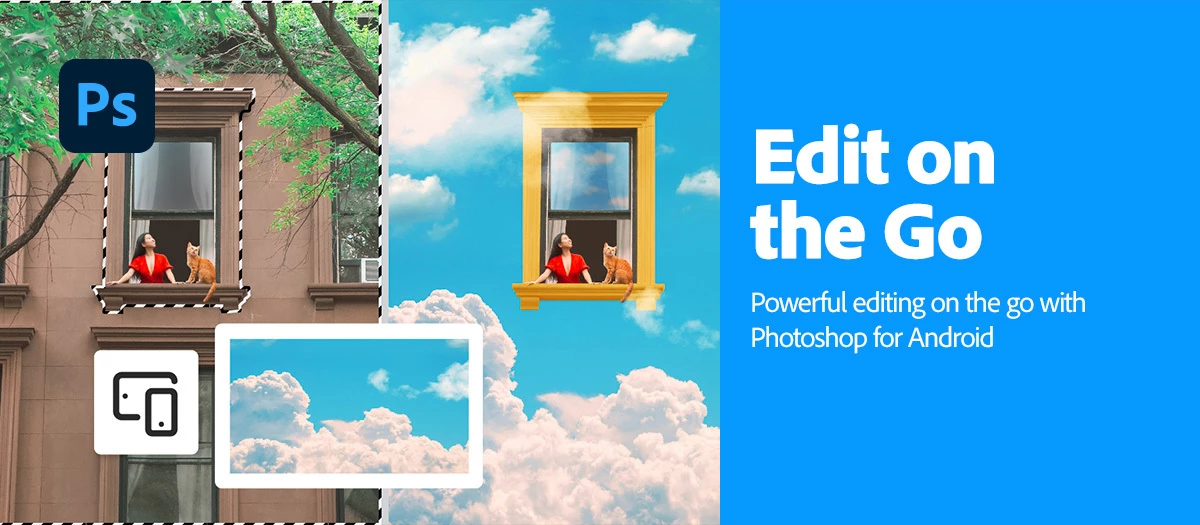
Big news—Photoshop on Android is officially out of Beta and ready for everyone to explore! Whether you're a seasoned pro or just getting started, this mobile powerhouse is packed with jaw-dropping features designed to supercharge your creativity.
 |
Try the Android App Download the app and dive into the new features offered in Adobe Photoshop mobile. |
Ready to dive in? Check out what's new in Photoshop on Android
|
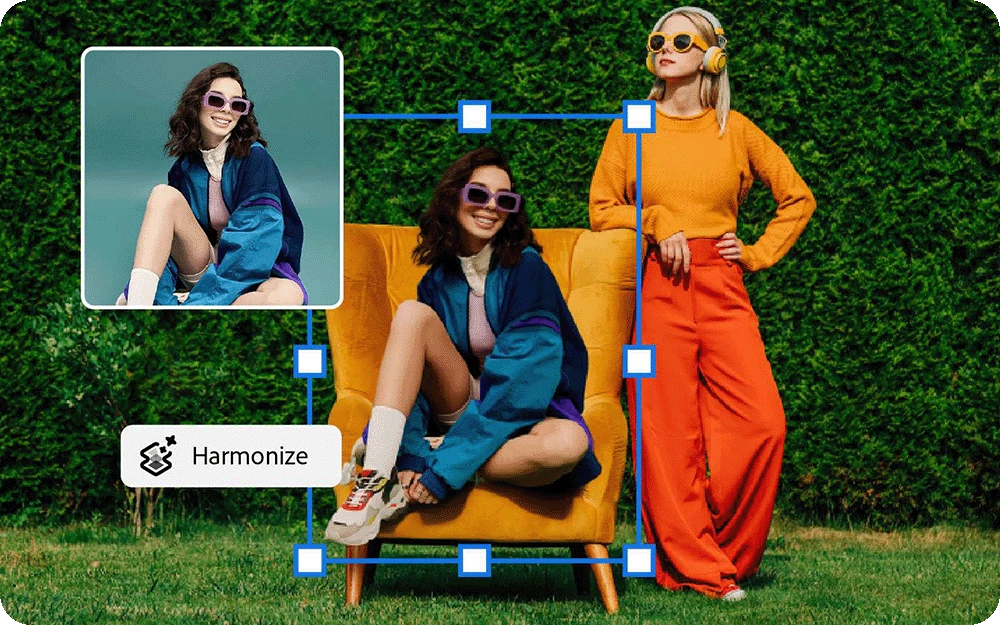
Harmonize Drop any object into a new scene and let Harmonize do the heavy lifting—automatically adjusting lighting, color, and shadows for a flawless finish.
To learn how to get a flawless finish, click here. |
 |
|
Add new objects Turn your words into visuals! Use Generative Fill or classic Photoshop tools to add new elements with ease.
To learn how to add new objects, click here. |
 |
|
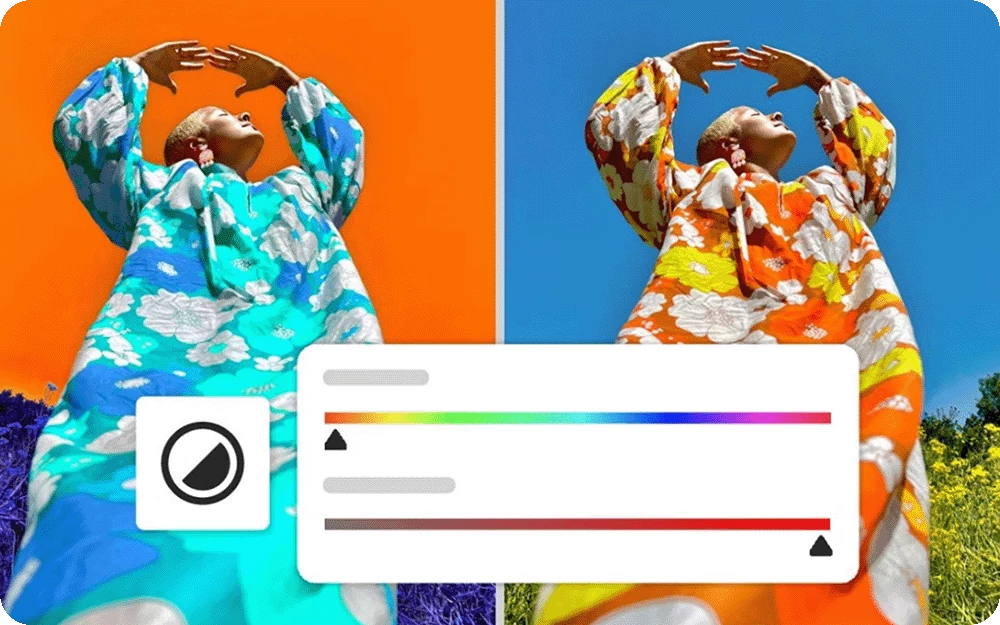
Adjust a specific part of an image Zoom in on the magic—Tap Select or the Lasso tool lets you fine-tune brightness and vibrancy in any part of your image.
To learn how to adjust part of your image, click here. |
|
|
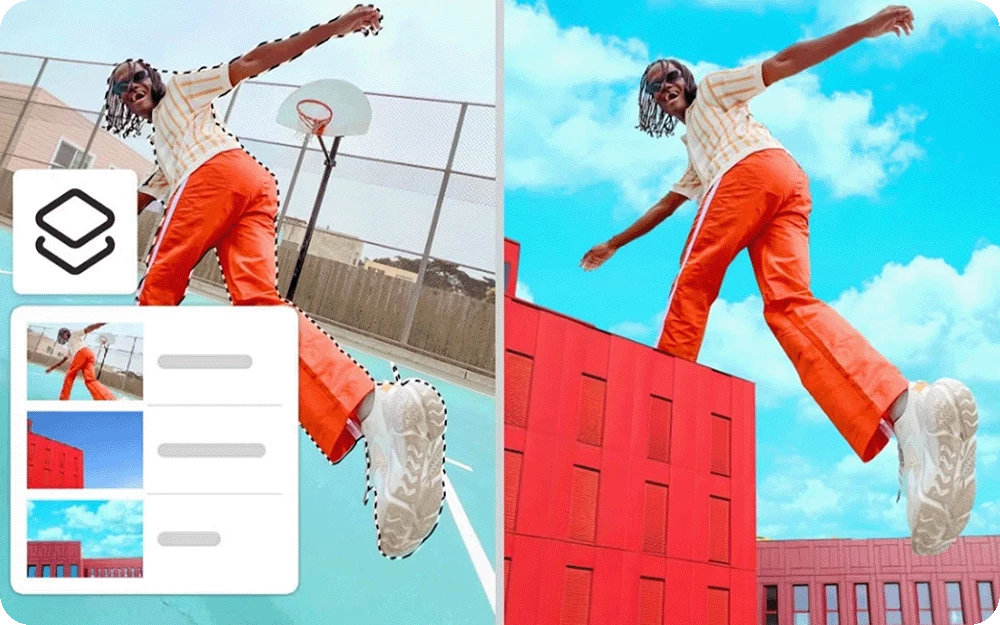
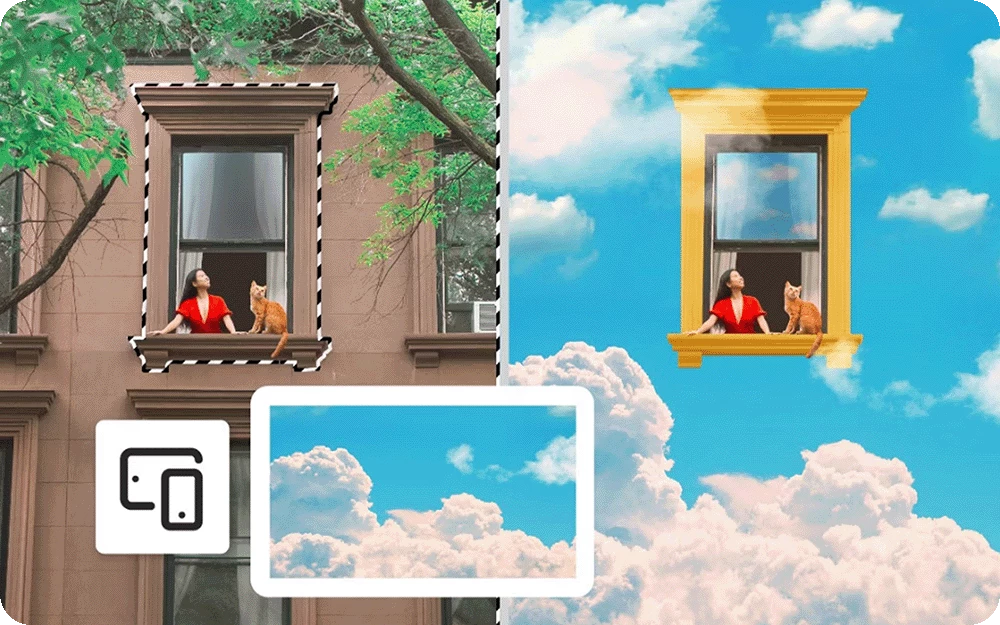
Change or replace backgrounds Swap scenes in seconds! Use your own photos, AI-generated designs, or explore Adobe Stock’s rich library of textures and patterns.
To learn how to change backgrounds, click here. |
|
|
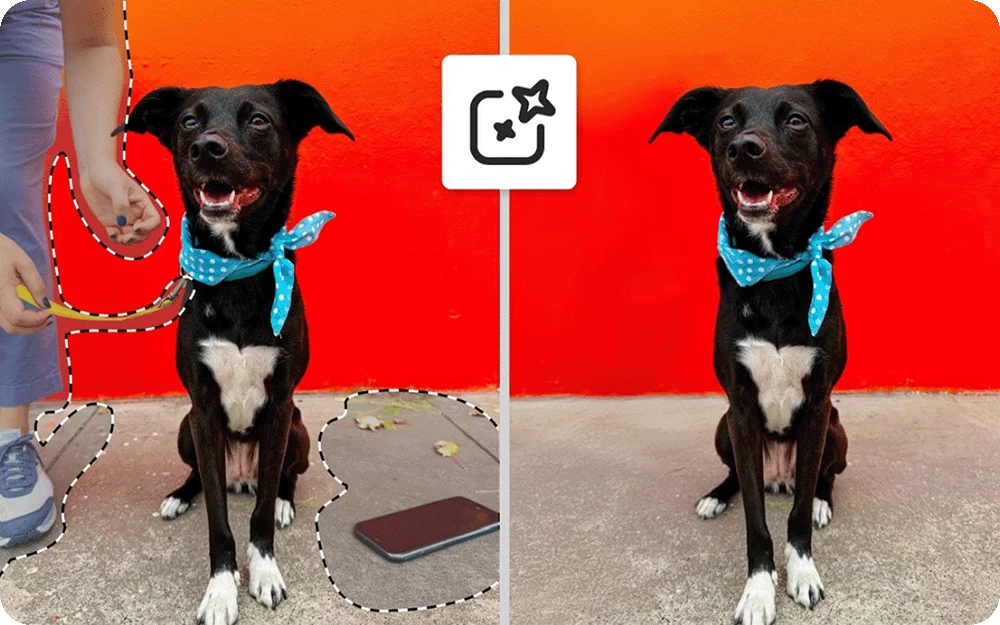
Remove distractions and unwanted content Say goodbye to clutter—Use Generative Fill and precision tools to make cleanup effortless.
To learn how to remove distractions from your images, click here. |
|
|
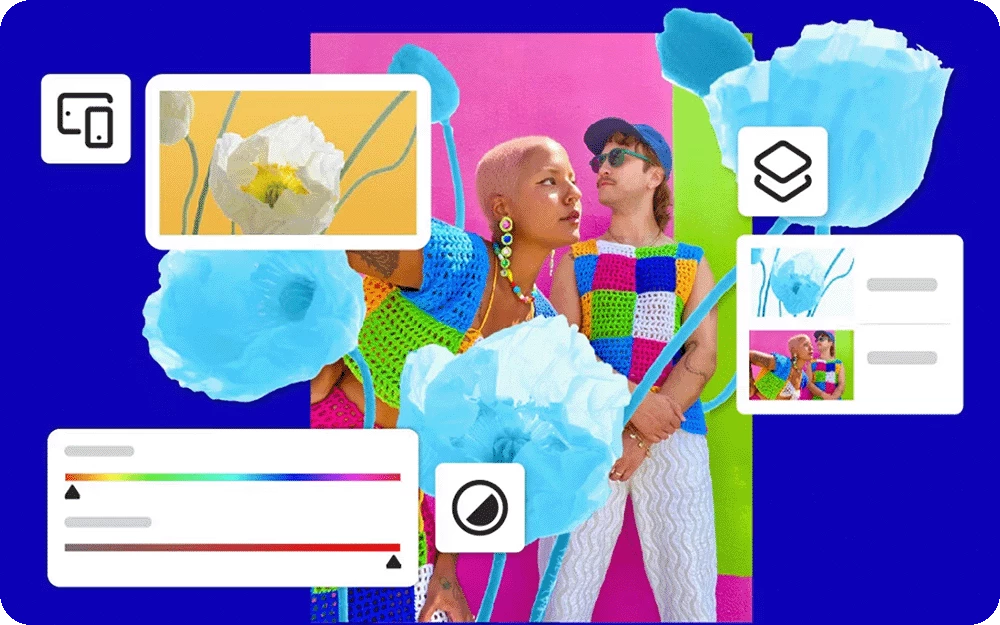
Transform and combine images Mix, match, and make it yours! Blend photos, graphics, text, and more to create stunning, personalized visuals.
To learn how to combine images, click here. |
 |
Want to master Photoshop on Android? Click here to get started.
Curious if your phone is compatible with Photoshop on Android? Click here to find out.
Need help or feedback? Drop your questions here in the community, and we'll be happy to help.
We'd love to hear from you!
Try out Adobe Photoshop mobile, and let us know your thoughts. Feel free to reach out if you have any questions or suggestions!

We'd love to see what you've created and hear about your experience or feedback! Click 'Reply' below.
Click 'Follow' below to bookmark this post for easy reference.
For other questions, feel free to start a new post in the community.
 AdChoices