

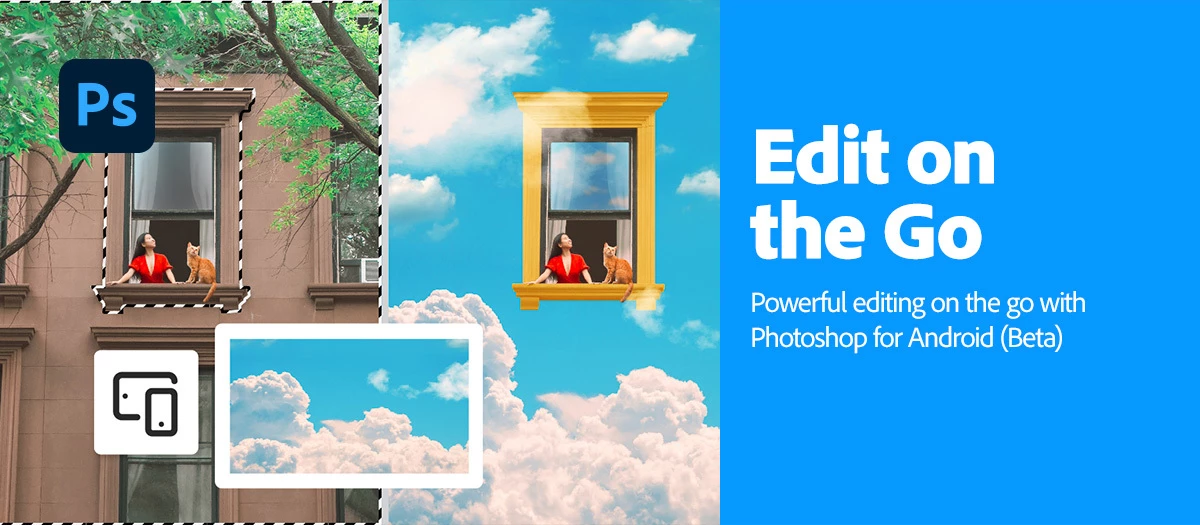
Edit images on the go | Photoshop on Android (Beta) is now available!
 |
Try the Android App (Beta) Download the app and dive into the new features offered in Adobe Photoshop mobile. |
|
Add new objects Bring your imagination to life—add new objects to your images with just a few words using Generative Fill or classic Photoshop magic. For more information, click here. |
 |
|
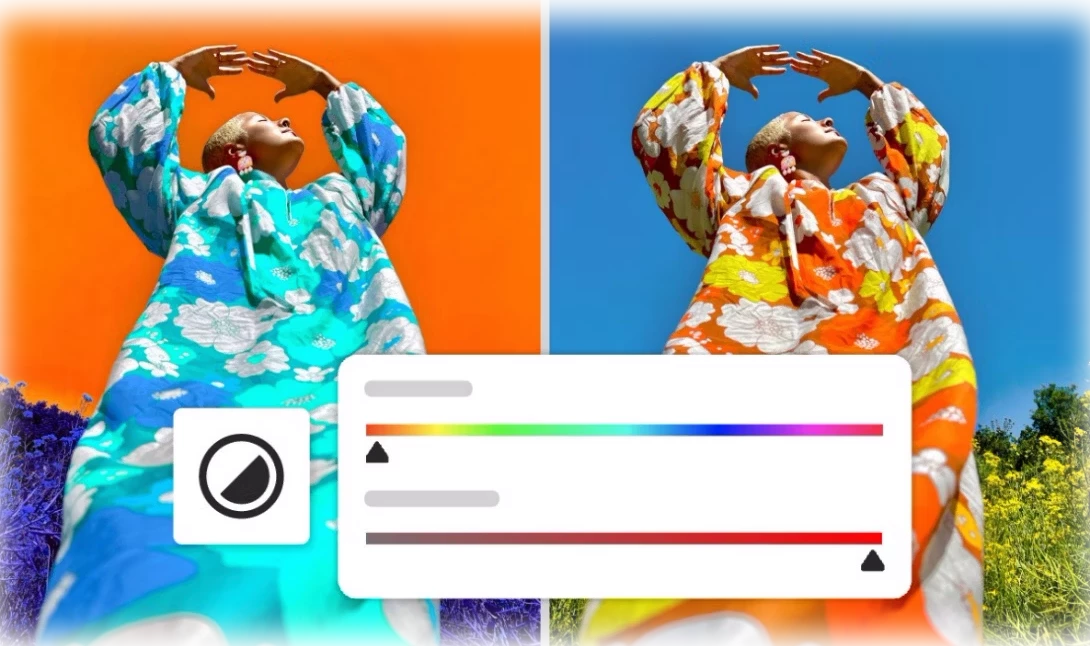
Adjust a specific part of an image Spotlight the magic—use Tap Select or the Lasso tool to zero in on any part of your image, then dial up the brightness or vibrancy to make it pop with color. For more information, click here. |
 |
|
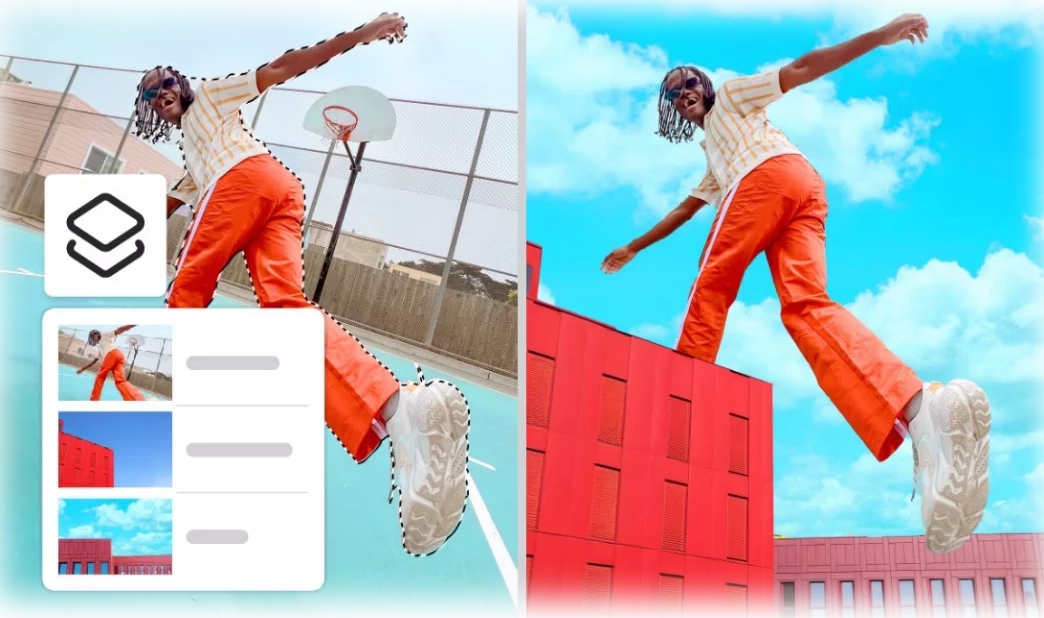
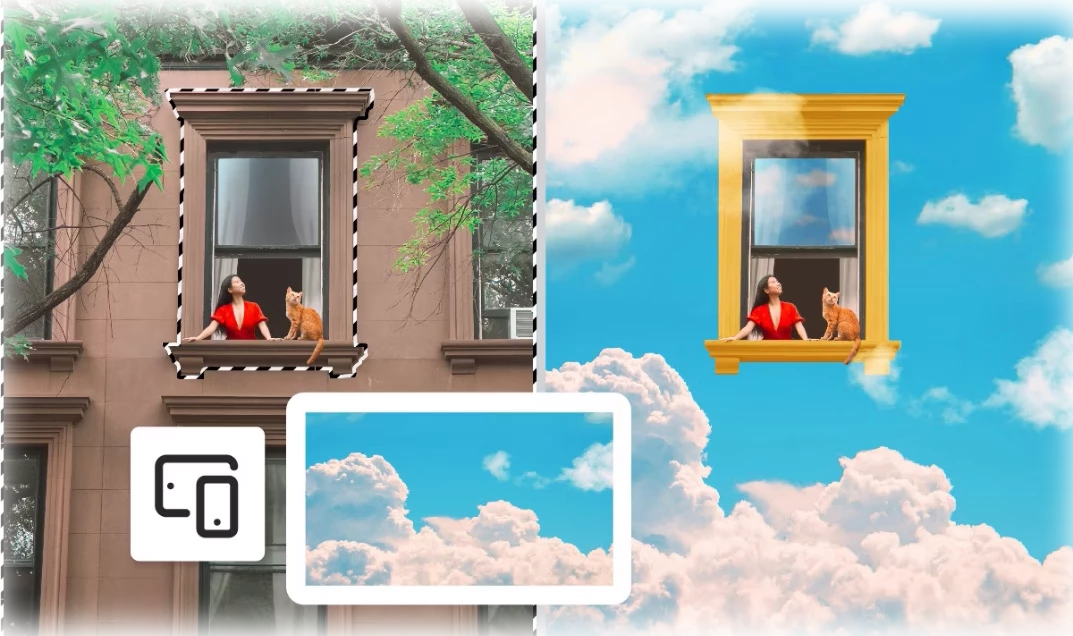
Change or replace backgrounds Swap out your background in a snap—use a photo from your phone, dream up something new with AI-powered Generative Fill, or choose from a rich trove of Adobe Stock images, textures, and patterns to set the perfect scene. For more information, click here. |
 |
|
Remove distractions and unwanted content Make unwanted elements vanish like magic—Generative Fill and Photoshop’s powerful tools let you clean up your images with effortless precision. For more information, click here. |
 |
|
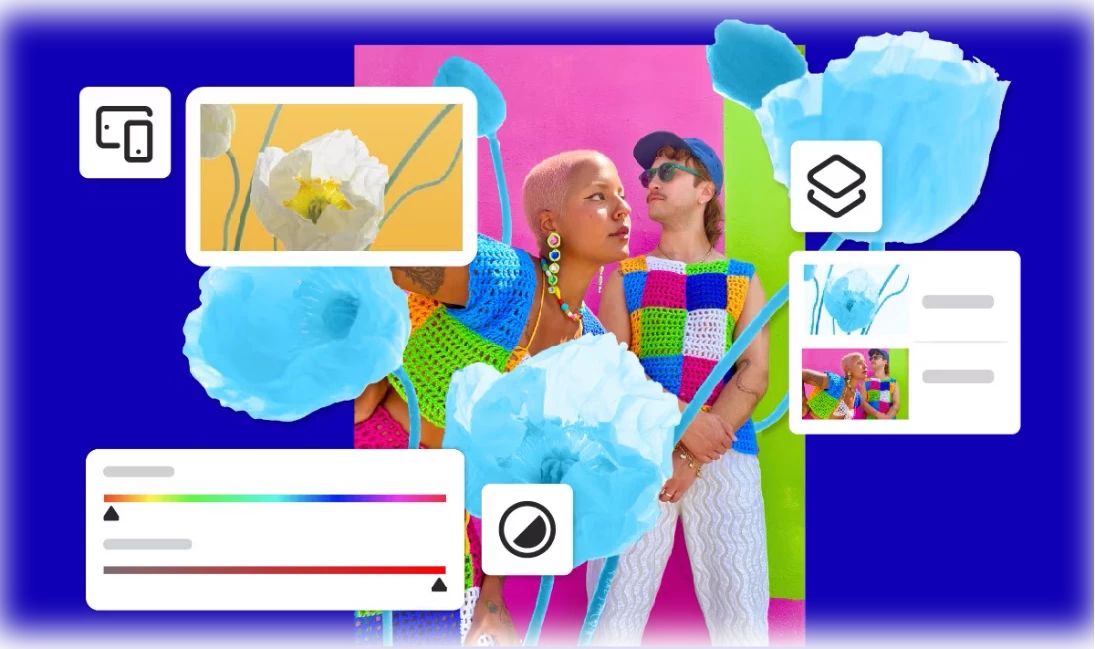
Transform and combine images Craft eye-catching visuals that are unmistakably yours—blend your photos with Adobe Stock images, bold graphics, expressive text, and more to bring your vision to life. For more information, click here. |
 |
You can learn about how to use Photoshop on Android, here.
To check if Photoshop on Android is compatible with your phone, click here.
Need help or feedback? Drop your questions here in the community and we’ll be happy to help.
We’d love to hear from you!
Try out Adobe Photoshop mobile, and let us know your thoughts. Feel free to reach out if you have any questions or any suggestions!

We’d love to see what you’ve created and hear about your experience or feedback! Click 'Reply' below.
Click 'Follow' below to bookmark this post for easy reference.
For other questions, feel free to start a new post in the community.


 AdChoices