
Participant
November 21, 2024
Question

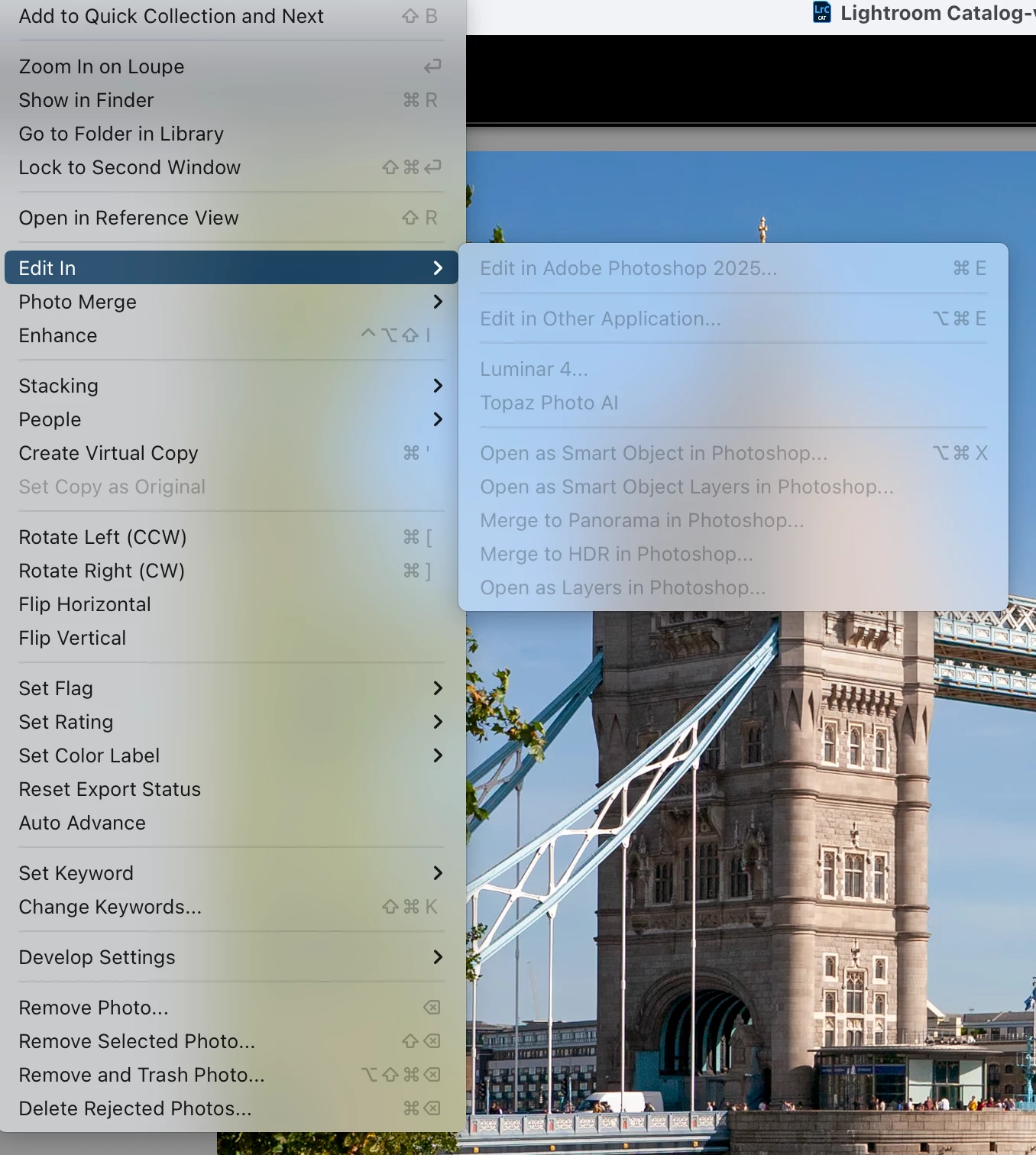
Edit in Photoshop 2025 not working from LrC

  • November 21, 2024
  • 2 replies
  • 542 views

Edit in Photoshop 2025 is not working from LrC...the menu is greyed out. I've uninstalled and reinstalled both LrC and PS 2025....makes no difference.  I've laso changed external editor in LrC preferences to PS 2025  


This topic has been closed for replies.

2 replies

Participant
December 22, 2024

Im having the exact same problem...already uninstalled Photoshop 2025, check my external editor preference (it is Photoshop 2025) and can't get it to work.  Have you found a solution?

davetee99Author
Participant
December 23, 2024

I think I had to reimport my pics

Participant
December 24, 2024
I finally figured out what was happening. I have my pic on an external drive and Lightroom wasn't connecting to them on the external drive. I turned the external hard drive off and on and it connected again. Working fine now... Thank you for your prompt response.
Per Berntsen
Community Expert
Community Expert
November 21, 2024

Edit in Photoshop wiil be greyed out if

  • you are working with a smart preview
  • the image is on a disk that is not connected (image will be marked as missing, exclamation mark on the thumbnail)
  • the image is missing because the drive letter for the disk has changed (Windows)
  • the image is missing for some other reason (renamed, moved or deleted outside of LrC)