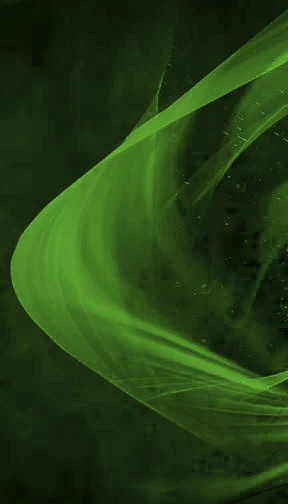
It's always nice to make this sort of effect yourself, rather than downloading smoke or abstract brushes. This was done with a custom bush that took me less than a minute to make.
Make a new layer, and run a black to white gradient down the screen
Select a vertical strip about 5 pixels wide, and delete the rest (Invert select and hit delete)
Gaussian blur the thin gradient with a value of about 5
Add a small black dot to the top of the line.
Go Edit > Define Brush preset Call it something like Veil or Curtain.
OK, select the brush tool, which should have your new preset.
In the Brush presets panel set spacing to 1%
Under Shape Dynamics set Angle Jitter to Direction
Under Scattering, se the Count to 2 (to make the line denser)
Under Transfer set Opacity Jitter to Pen Pressure
OK, set the brush opacity to about 60%, and lay down some lines.
If you want to make the effect brighter, duplicate the layer and set to Screen.
Además de con las técnicas 3D que ha explicado Mylenium, este tipo de fondos pueden realizarse de manera sencilla en Photoshop aplicando filtros de desenfoque sobre manchas y deformando dichas manchas desenfocadas.
Para ello primero seleccionamos una mancha en una capa:
Luego aplicamos un filtro de desenfoque:
Por ultimo deformamos la imagen resultante:
Duplicando esta capa o repitiendo el proceso en otras capas y jugando con sus transparencias se consigue el efecto deseado en pocos pasos.
This is not an effect, this is a semi-transparent 3D mesh obscuring itself with an incidence based shader, thus giving different opacities where it overlaps. If you were to re-create it in PS, obviously trying to re-create it with a 3D mesh and a texture might work. Otherwise you can of course emulate it with tons of semi-transparent layers stacked on each other, otehr apps like Flamepianter or the Corel ParticleShop plug-in. Even some stuff from the parametric fills section liek the flames might get you there.

 AdChoices