
Known Participant
July 16, 2025
Question

Enhance Detail distorts the Generative Fill results

  • July 16, 2025
  • 1 reply
  • 115 views

Photoshop and Photoshop Beta, current release (26.9.0 for beta, 26.8.1 for Photoshop)

Mac Studio

Mac OS 15.5 (24F74)

When using Enhance Detail after generating a new image, the result does not match the original and no longer matches the detail of the original. Here is a before and after example.
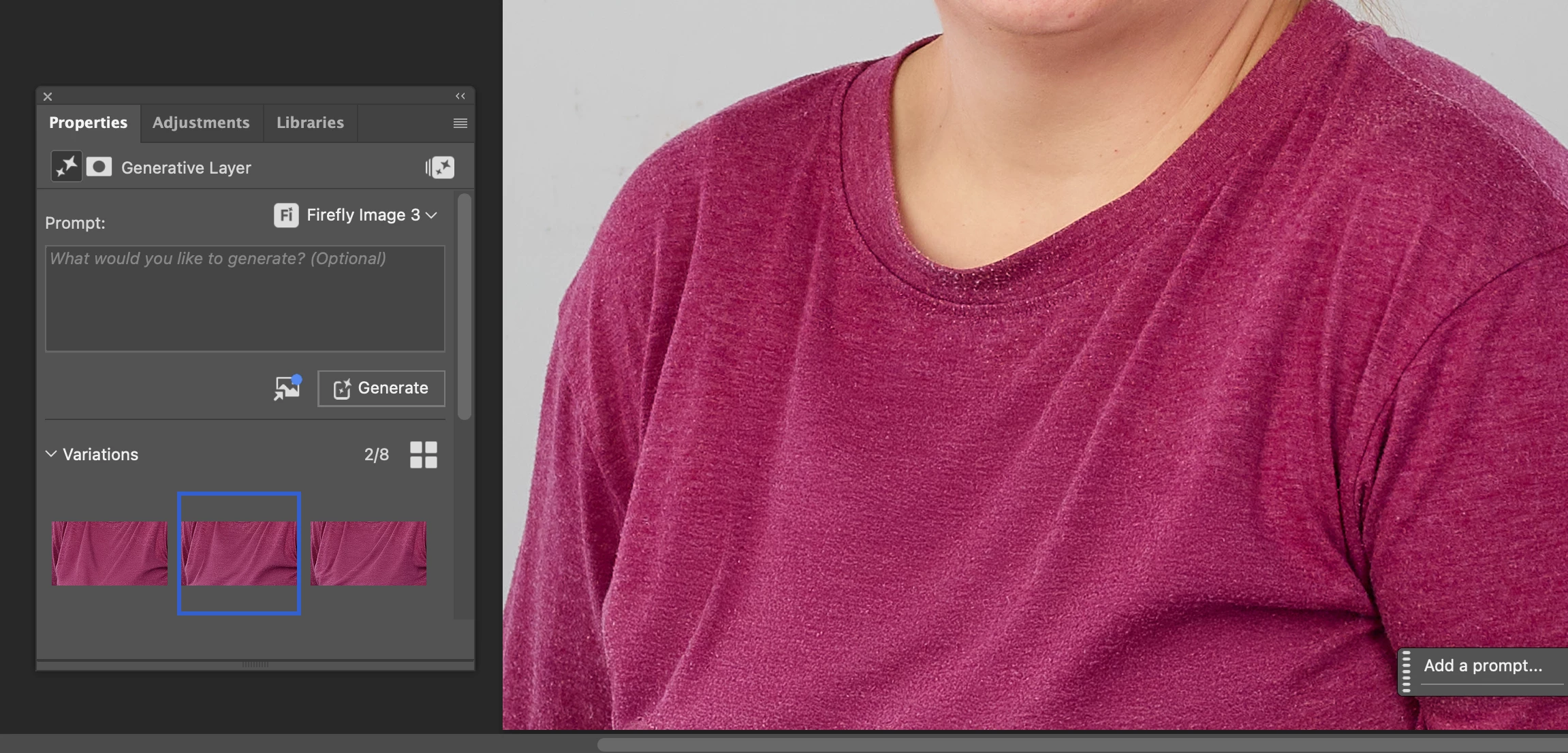
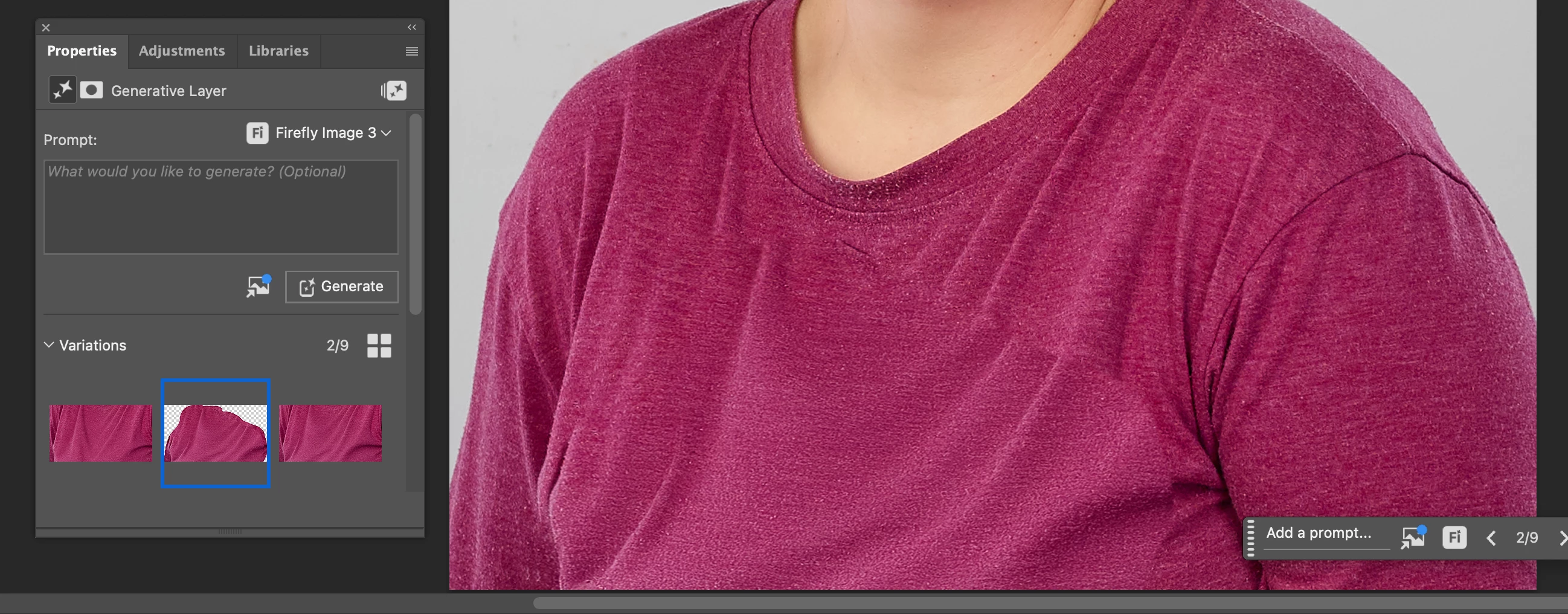
I have verified this is in both regular PhotoShop and the beta.


1 reply

Community Manager
July 16, 2025

Hi @jime90533359! Thanks for reaching out, and sorry to hear you're running into issues with Photoshop.

I tried testing this on my end but wasn’t able to reproduce the problem. Is it happening with every image, or just certain ones? Also, what kind of prompts are you usually using?

Thanks so much!
Alek

*(If you mention me with an @, like @Aleke, I’ll get a notification and can respond faster.)*
Known Participant
July 16, 2025

@Aleke, I have tried on the same image and on different images and have been unable to reproduce the problem. If I see it happen again, I will contact you. In answer to your questi

on, I was not using any prompts. The original image had a graphic on the shirt that I used Generative Fill to eliminate. I tried using Increase Detail five or six times, and the problem was the same in every image. Now, however, it's working flawlessly. Thank you for your help.

Jim