Participant
November 5, 2025
Question

Entfernen Werkzeug funktioniert nicht - Error Programmfehler

  • November 5, 2025
  • 1 reply
  • 135 views

Das Entfernen-Werkzeug in Photoshop funktoniert seit dem Update nicht mehr.  Wenn ich das Werkzeug nutzen möchte erhalte ich immer einen Programmfehler ohne Spezifikation, siehe Printscreen. 
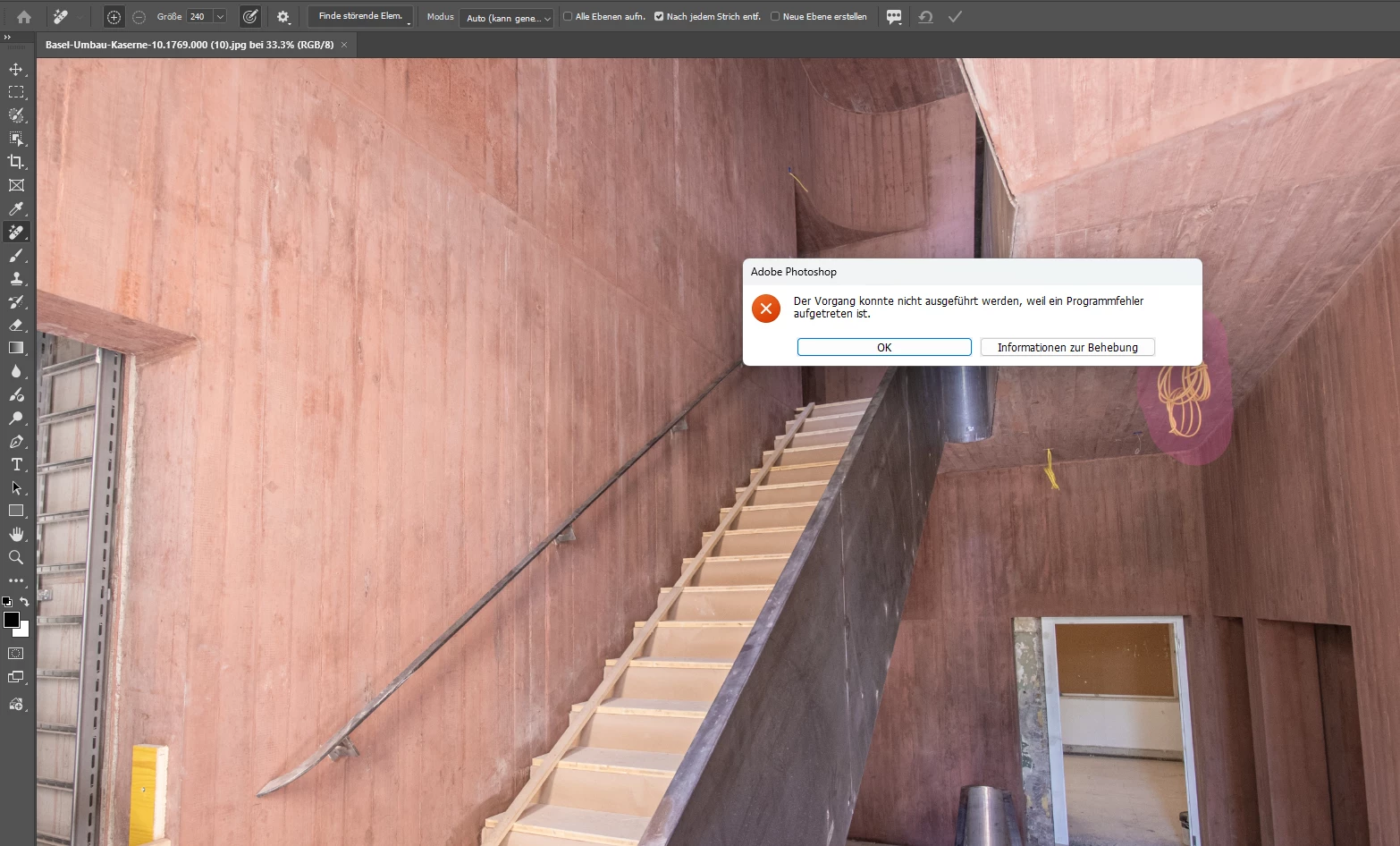
Betriebssystem Windows und Adobe Photoshop Version: 27.0.0 20251015.r.25 d1c1320 x64 (final, Release).

Systeminformationen sind angefügt. 


Folgendes habe ich bereits versucht: 

  • Deinstallation alter Versionen 
  • Voreinstellungen beim Beenden zurücksetzen 
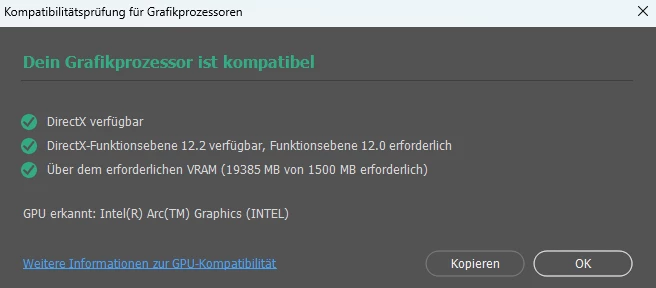
  • GPU kontrolliert 


Woran könnte dies liegen? 


Beste Grüsse 
Virginia

1 reply

Sameer K
Community Manager
Community Manager
November 5, 2025

Hey, @virginia_4948. Welcome to the Photoshop Community. Thanks for including the System info and the steps you've tried already. 


In a recent conversation, we confirmed that 'Run as Administrator'—something as basic as that — helps in a few cases. 

Just head to the Photoshop installation folder (Default - C:\Program Files\Adobe\Adobe Photoshop 2025)

Find Photoshop.exe > right-click > use 'Run as Administrator'.


The GPU drivers are from five months ago, and please update the GPU drivers and follow the content here: https://adobe.ly/4oYABFX


Thanks!
Sameer K
(Type '@' and type my name to mention me when you reply)

Participant
November 14, 2025

@Sameer K thank you for your help.

We tried "Run as Administrator" and updating the GPU driver.

The tool can now be used, but the result is still incorrect, see print screen.


What could be the reason for this?

best regards
Virginia