Hi @Jennifer30506438bphu, @Maac!,
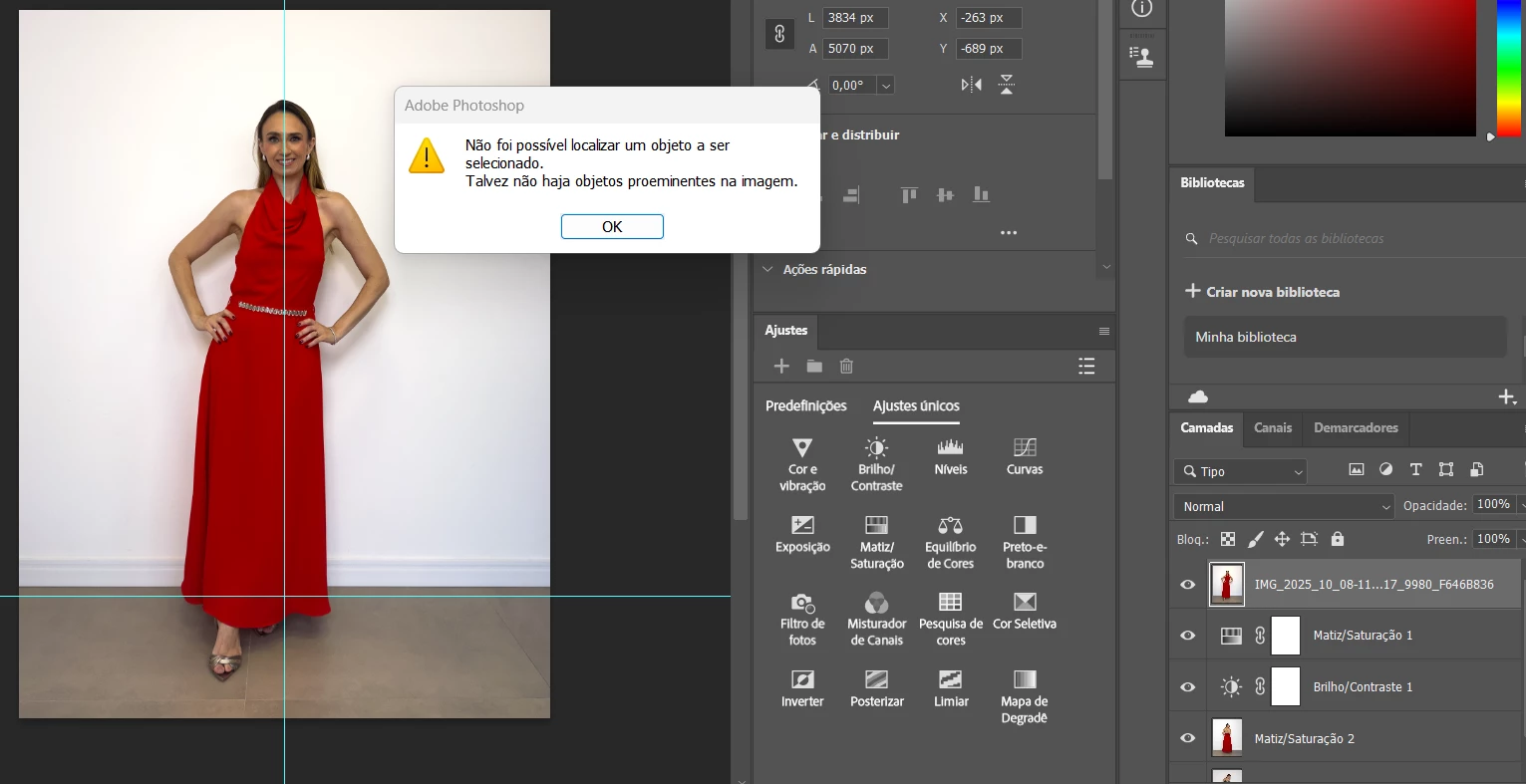
Thanks for reporting this. This error can occur when the selection engine doesn't initialize correctly for the current processing mode.
Please try the following quick checks in Photoshop 27.2 (Update to v27.2 if you haven't already):
• Go to Edit > Preferences > Image Processing
• Under Selection Processing, switch the mode:
- Try More Stable first. If it's already set to More Stable, switch to Faster
• Restart Photoshop after changing the setting
Also, in the same workflow, try toggling the Select Subject and remove Background processing location:
• Run the selection on the Device
• If that fails, switch to Cloud (or vice versa)

Then test again. This helps determine whether the issue is tied to the local model or the cloud-based selection service.
If the error persists, please share a full-screen screenshot that shows the active tool and the Options bar, as suggested by Myra Ferguson earlier. That context will help confirm whether this is a tool-state issue or a processing failure.
Also, copy & paste your system info from the Photoshop Help menu.
Looking forward to your update.
Best regards,
Anshul Saini




 AdChoices