Hey, @default2g7978squ8ge. Welcome to the Photoshop Community. I'll help you figure this out.
I'll need more information to help you figure this out. Please share the system information from Photoshop Help > System Info. Copy and paste it into a text document, then upload and attach it here.
For now, ensure there are no stale preferences in your Photoshop. Go to the location of the preference folder below and rename it to backup.
Windows 10/11: Users/[user name]/AppData/Roaming/Adobe/Adobe Photoshop [version]/Adobe Photoshop [version] Settings
You can press Press the Windows key > Enter 'Run' > Enter %APPDATA%\Adobe
Rename the Adobe Photoshop folder by adding a .old at the end. (Adobe Photoshop 2026 > Rename > Adobe Photoshop 2026. old), You can restore these preferences later if you need to.(
https://adobe.ly/4860qM9)
Restart the computer.
These changes will give Photoshop a fresh start, like a fresh install.
Also, please test and confirm if the issue exists with Photoshop (Beta). You can get Photoshop (beta) from the Creative Cloud > Apps tab > Beta Apps section.
Let me know how it goes.
Thanks!
Sameer K
(Type '@' and type my name to mention me when you reply)
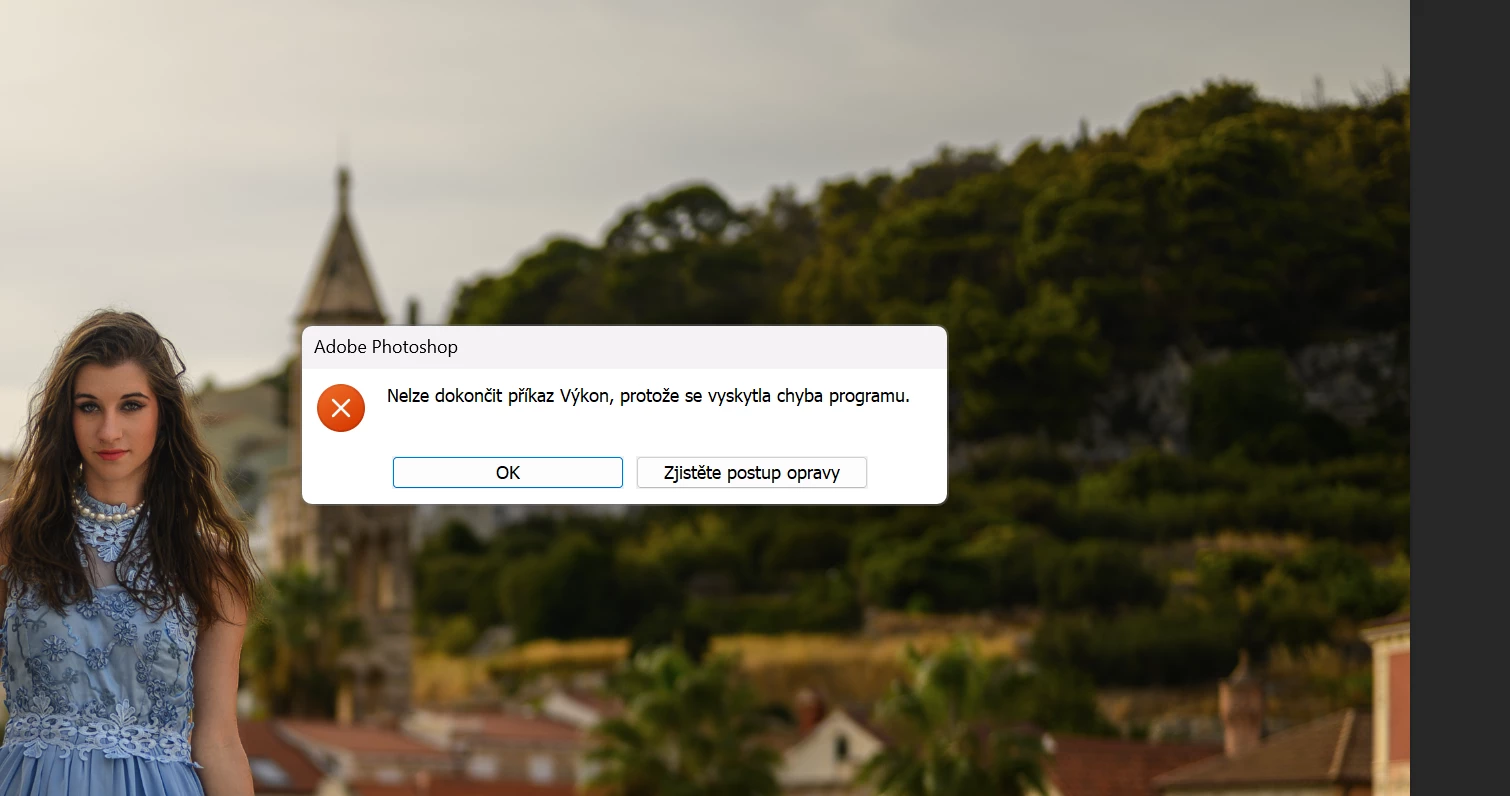
@default2g7978squ8ge what exact version of Photoshop are you using and what does the error message say, what are you trying to do when the error appears



 AdChoices