



Error al usar herramienta quitar
Hola:
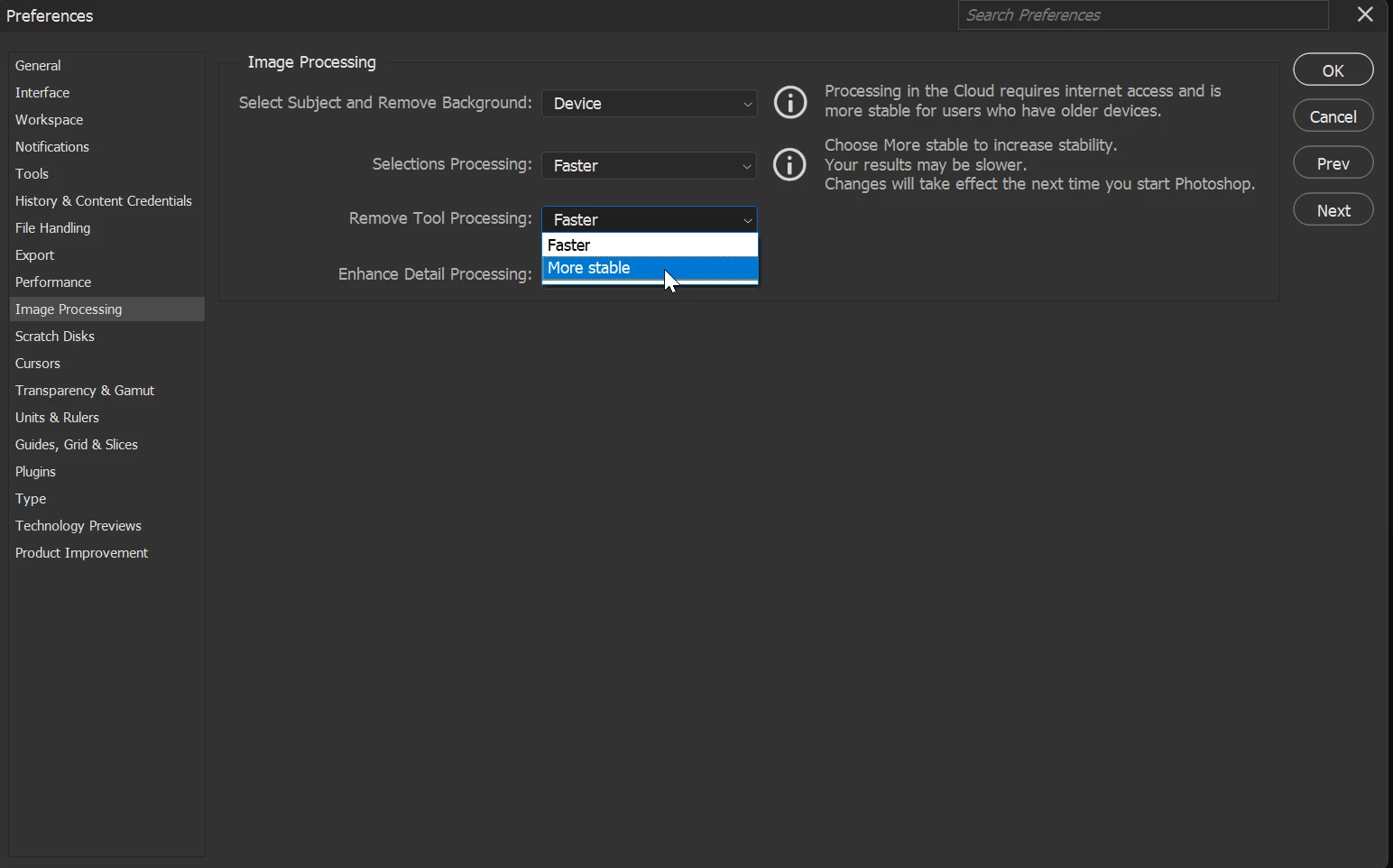
Estoy intentando usar la herramienta de "Quitar", pero me salen los siguientes fallos:
"No se puede utilizar la herramienta porque se produjo un fallo en la activación". "No se ha podido cumplir porque ha habido un error de programa."
Ya he restaurado los valores a versión original, pero no funcionó.
Información del sistema:
Versión de Adobe Photoshop: 27.0.0 20251015.r.25 d1c1320 x64 (final: Release)
Número de inicios: 1
Sistema operativo: Windows 11 64 bits
Arquitectura del sistema: Intel Familia CPU:6, Modelo:13, Versión:1, AVX2, AVX-VNNI, HybridCPU(4:4)
Cantidad de procesadores físicos: 8
Vel. del procesador: 3302 MHz
Memoria incorporada: 32398 MB
Memoria libre: 20768 MB
Memoria disponible para Photoshop: 24895 MB
Memoria usada por Photoshop: 70 %

 AdChoices