
Question
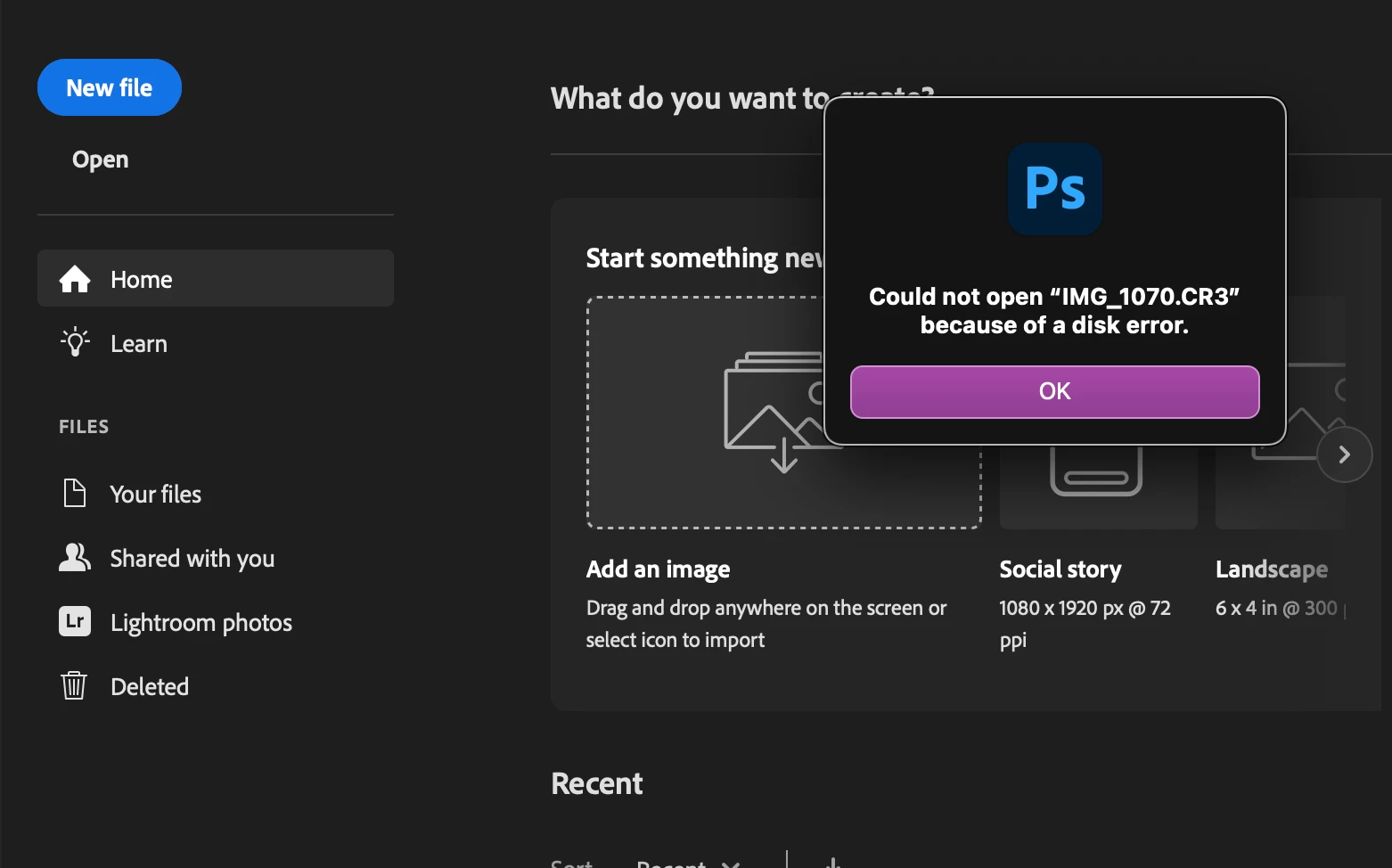
Error message from Photoshop 2025
I recently bought a new Apple MacBook Pro running Sequoia 15.3.2, and went thru the migration process Apple provides from my old computer. I upgraded Lightroom Classic and Photoshop to the latest version. My problem - when I try to use "Edit in Adobe Photoshop 2025" from LIghtroom Classic the Photoshop 2025 application launches and gives me an error message "Could not open "IMG_1070.CR3" because of a disk error". Using my old computer this process operated seemlessly. Any ideas on how to solve this mystery?


 AdChoices