Answered
Error pincel Photoshop solo pinta blanco
Hola! alguien me puede ayudar. No puedo pintar en color con los pinceles en Photoshop 2021 (22.2) en MACos. Si selecciono la herramienta lápiz no tengo problema, es solo con la herramienta Pincel.

Hola! alguien me puede ayudar. No puedo pintar en color con los pinceles en Photoshop 2021 (22.2) en MACos. Si selecciono la herramienta lápiz no tengo problema, es solo con la herramienta Pincel.
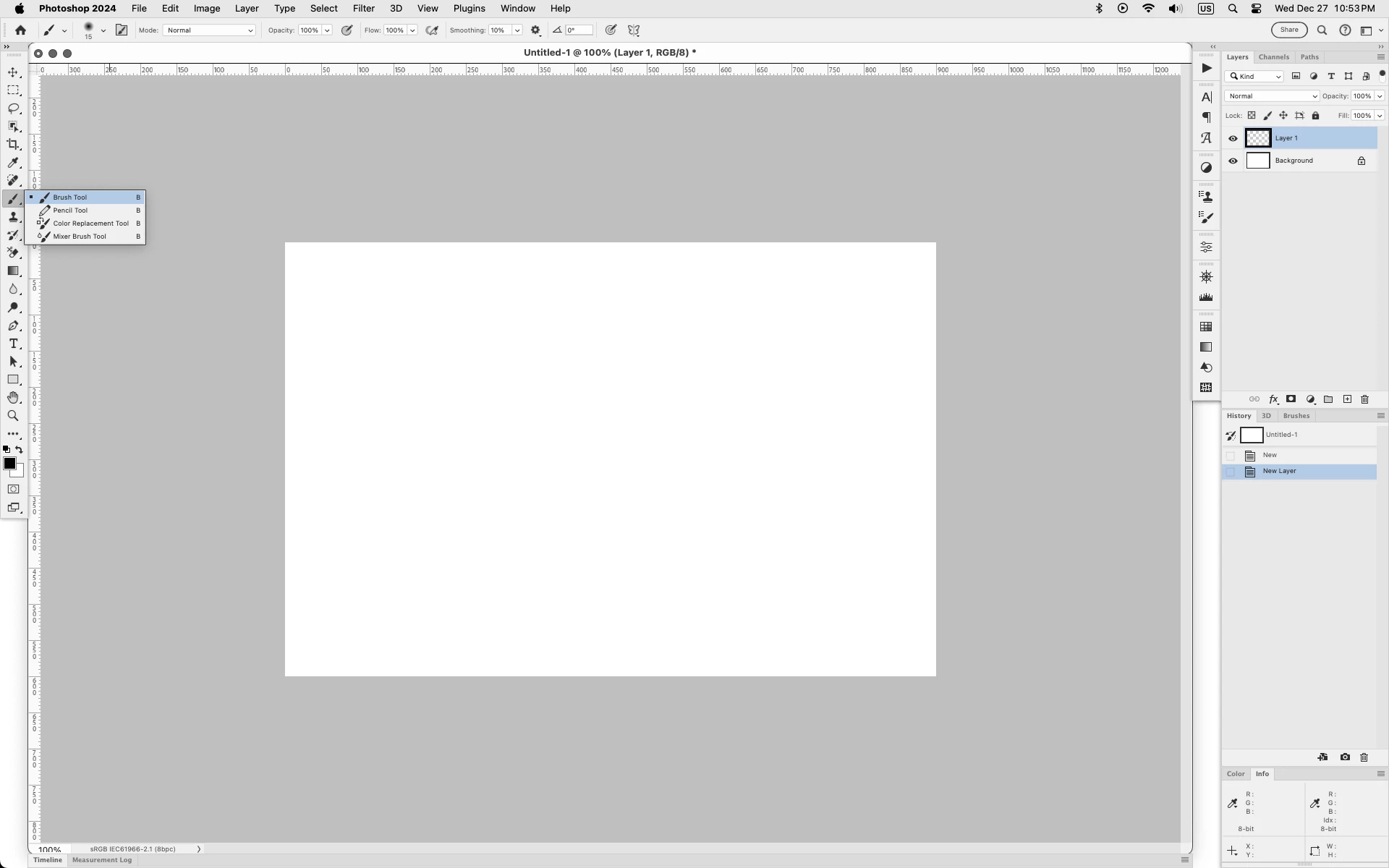
Looks like in your screenshot you have the History Brush Tool selected.
The Brush Tool is in the same tool slot as the Pencil Tool.
Click and hold on the Pencil Tool to see the other hidden tools in that same slot.
https://helpx.adobe.com/es/photoshop/using/tools.html
Already have an account? Login
No account yet? Create an account
Enter your E-mail address. We'll send you an e-mail with instructions to reset your password.


 AdChoices