

Imaginerie
Community Expert
Community Expert
February 3, 2026
Question

Error with AI based selection in Camera Raw (within Photoshop)

  • February 3, 2026
  • 1 reply
  • 0 views

Running PS 27.3.1 on Win11

I get error messages in the camera raw filter, in Photoshop when I try to run the AI based selection/masks on a portrait
See this for the person recognition:
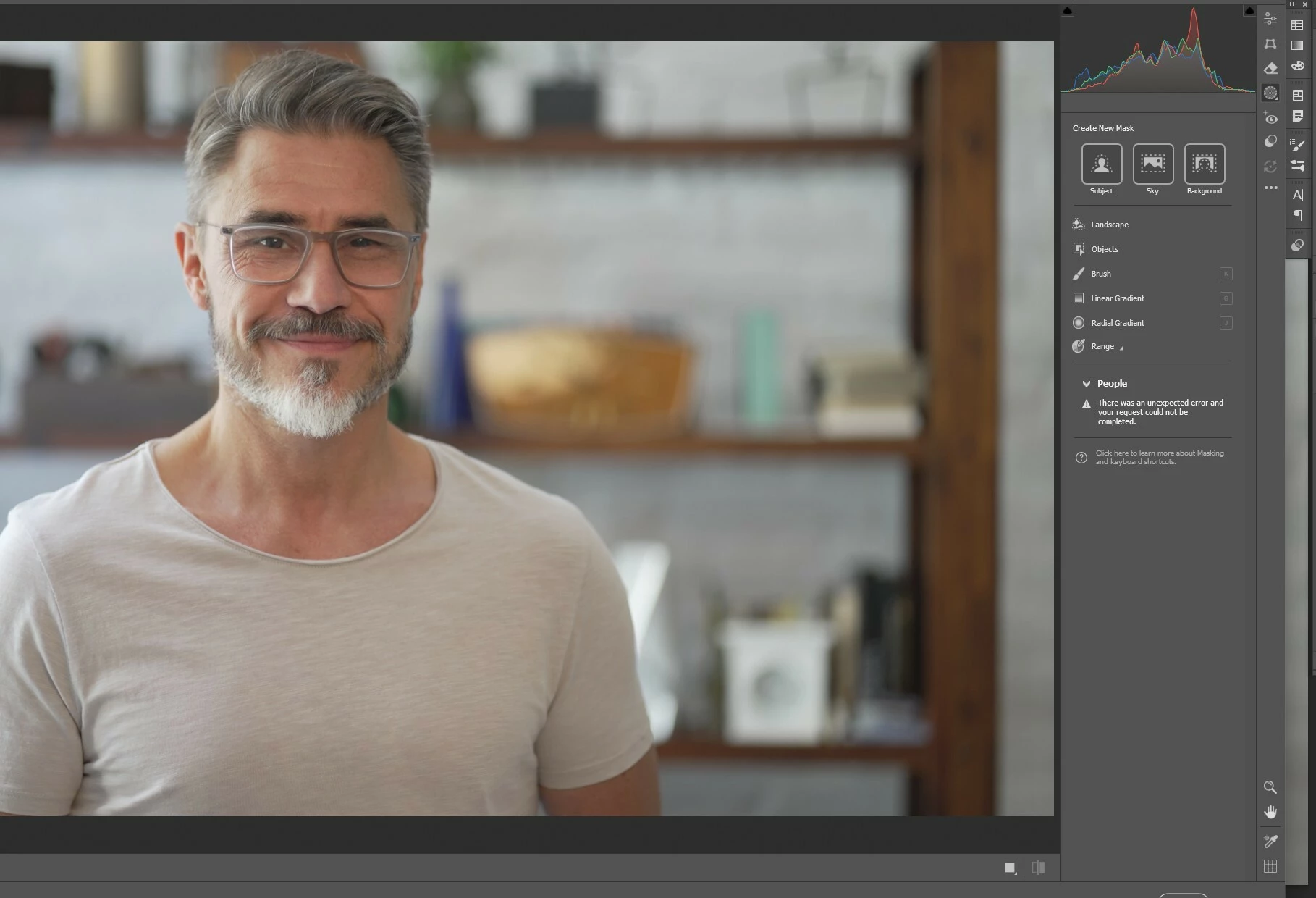
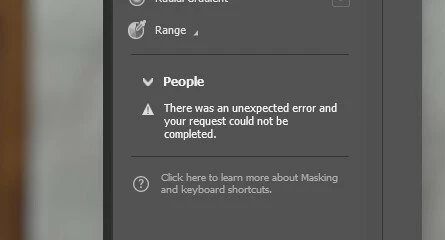
Then a different error message but still an error for the “select subject”

And same again in the “remove” section
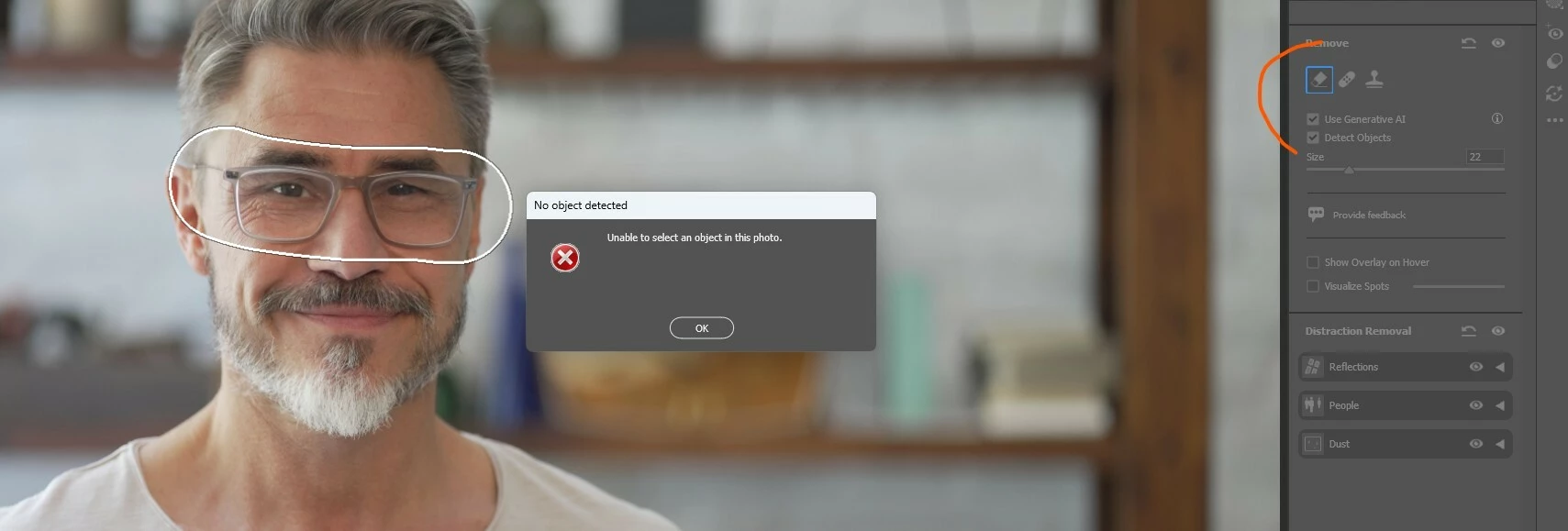
Other GenAI features work as intended in Photoshop proper, it’s just in ACR.


Thanks!

1 reply

Community Manager
February 3, 2026

Hi ​@Imaginerie 

I tried testing this on my side but have not been able to reproduce the issue. When you have a moment, could you let us know if this happens only with this particular photo or if it affects all photos? I am also curious whether it only occurs with certain subjects or people, or if sky and background selections are affected too. If possible, let us know whether you see the same behavior in Lightroom or Lightroom Classic, since both use the same Adobe Camera Raw processing engine for raw files.

It would really help as well if you could share your system info. You can find it in Photoshop under Help and then System Info. Just copy everything into a text file and attach it here, or share it through Google Drive, WeTransfer, or any file sharing option you prefer. Thanks!
Alek

*(If you mention me with an @, like @Aleke, I’ll get a notification and can respond faster.)*
Imaginerie
Community Expert
Community Expert
February 3, 2026

I will test, however, it would be quite the miracle, as I was alerted to this by a user on Discord, and to verify it, I took literally the first image on Adobe Stock.

Select Sky, background work fine in LrC as well as remove, and person + subject selection.

Let me check with a few other images and come back to you.
System info attached: