

kendallt
Participant
March 16, 2026
Question

Export Artboards to Files not working because there are no user slices?

  • March 16, 2026
  • 3 replies
  • 23 views

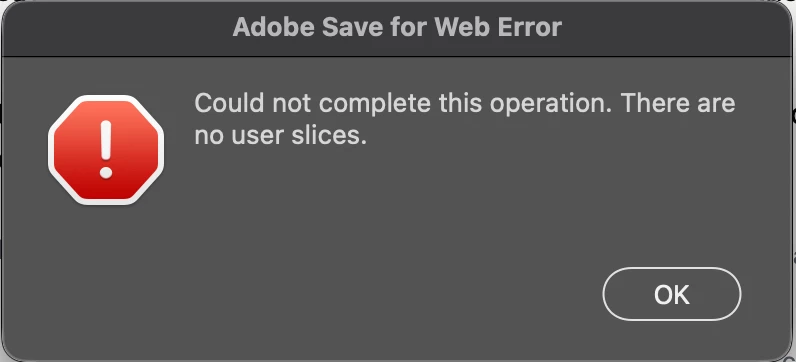
I’m trying to export artboards to files but a Save for Web error message keeps popping up saying that it can’t complete the operation because there are no user slices.  I wasn’t trying to save for web, just trying to avoid renaming all my artboards after the fact. This is also the first time I’ve seen this message so I’m a little confused.


    3 replies

    Stephen Marsh
    Community Expert
    Community Expert
    March 16, 2026

    Try this past topic:


    There are likely others to be found with a forum search.
     

    Stephen Marsh
    Community Expert
    Community Expert
    March 16, 2026

    I wrote a couple of scripts for saving Artboards to WebP and AVIF formats:


    The scripts can be modified for different formats or you can batch convert to another format.

    Claire H.
    Community Manager
    Community Manager
    March 16, 2026

    Hi ​@kendallt, Thanks for reaching out! Have you tried using File > Export > Export As or right-clicking the artboard in the Layers panel and choosing Export As or Quick Export, which do not rely on the legacy Save for Web engine? If not, can you create a numbered list of the exact steps needed to replicate the issue? Thanks! ^CH