



Export As" window glitches (Photoshop Version 27.9)
The "Export As" window is glitching, which sometimes makes it go behind Photoshop. Additionally, its size does not stay adjusted as usual and it is always smaller. I have to resize it every time I open the program and use the "Export As" function.
Another problem is that the file preview is pixelated, which does not happen in the regular version. This started in this last beta update; it didn't have this problem before. Furthermore, the image only looks good if I set the zoom to 100%. However, I cannot see the full image with good quality like before because it goes past the borders. I have to keep moving it to see the corners that do not show up.
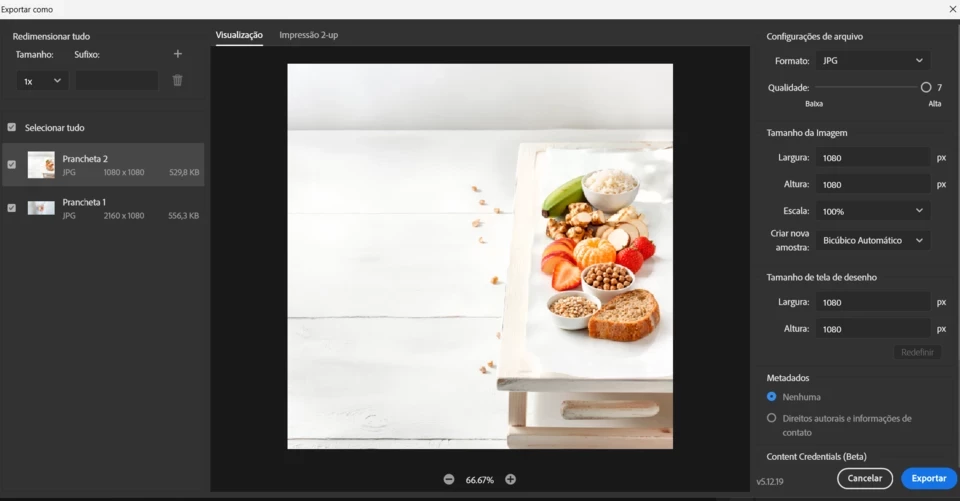
Previous version 27.8 is perfectly normal and trouble-free.
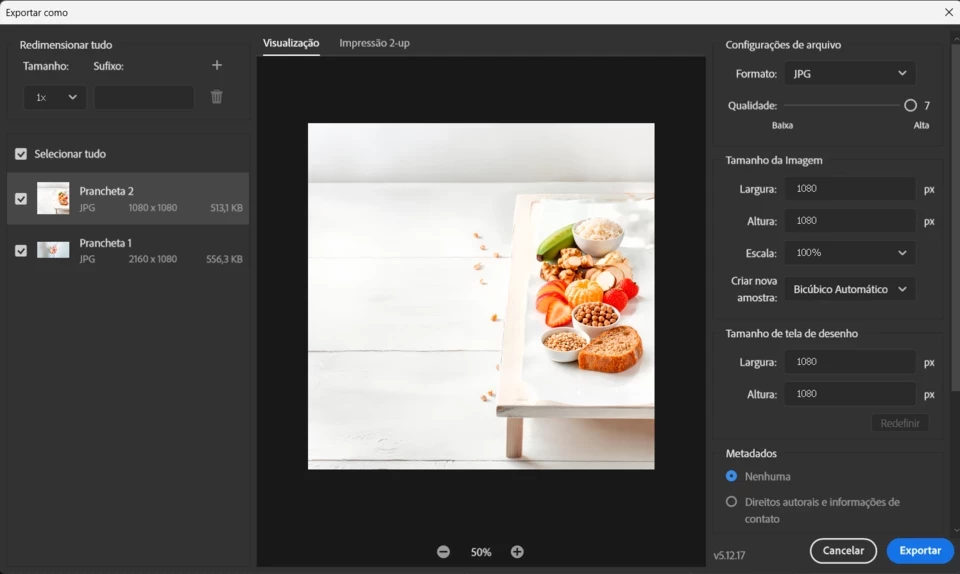
I reported this bug in the Beta version, and even so, they updated the definitive version with the exact same error that many people were complaining about. Apparently, the Beta version is no longer serving its purpose of finding bugs to prevent them from being repeated in the final release.
 AdChoices