
Inspiring
Mar 21, 2025 3:33 AM UTC
Answered

export RGBA PNG

I'm trying to export RGBA as a PNG. 
I flattened the image due to smart objects not liking the conversion from 8bpc to 16. I have tried most of these permutations in both modes simply trying to get my alpha attached within PNG.
In the attached image you can see I have MODE=RGB, 8bpc (tho I really don't care if the final output is 8bpc or 16 since it will undergo yet another conversion outside of PS) ; you can see a nice Alpha in the channels. 
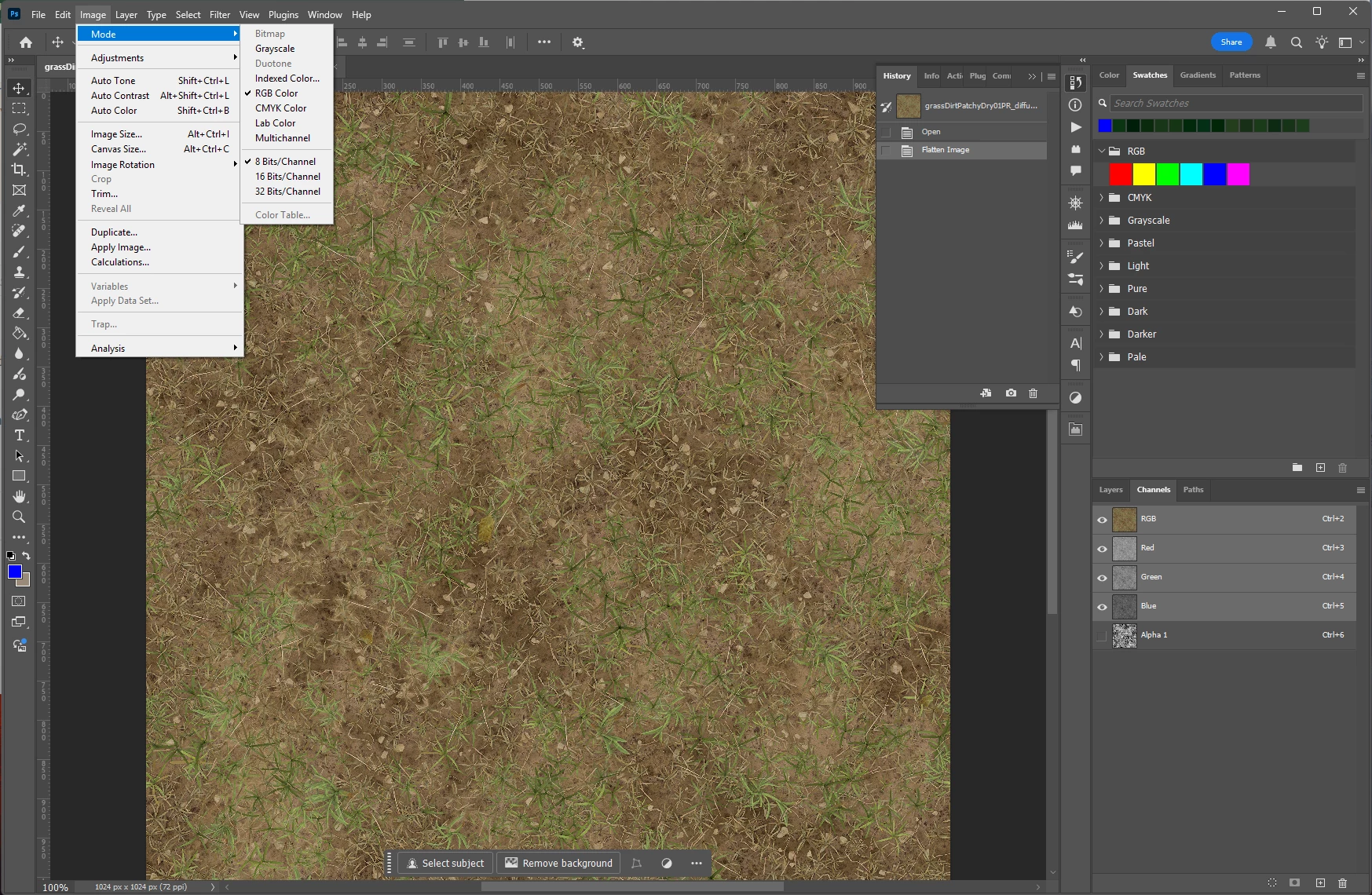

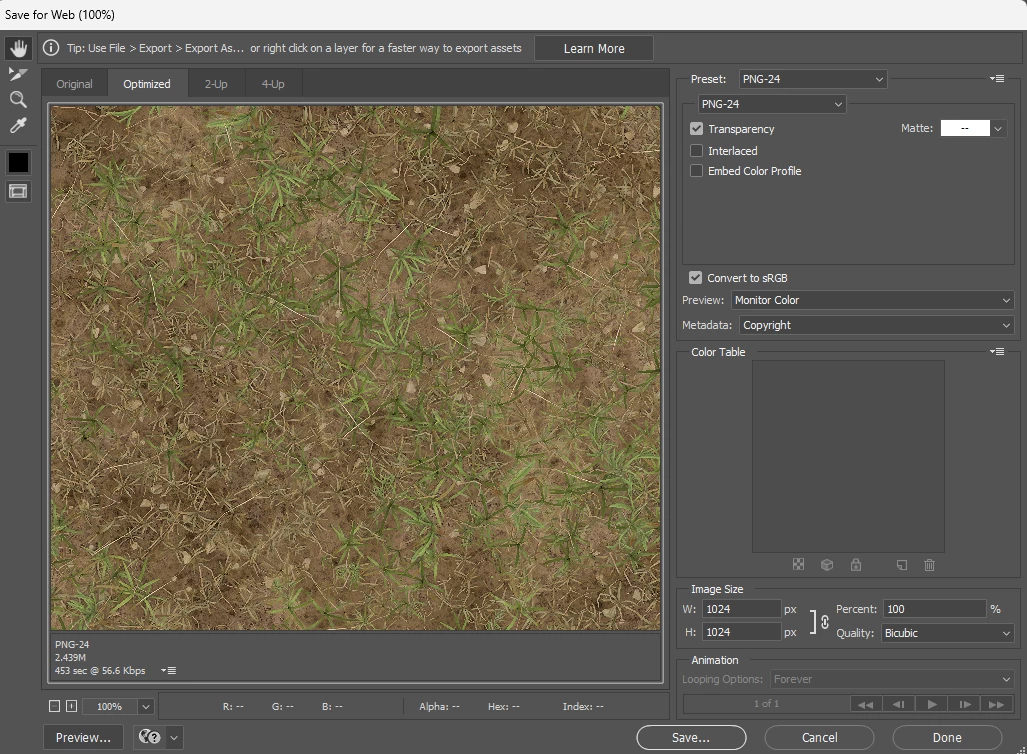
I thought I used to just export > legacy > select PNG-24 with transparency checked. 

I also tried quick export which just gives a 3-channel output 
I also tried Save as Copy but the transparency box is grayed out

 

davescm
davescmCorrect answer
Community Expert
Mar 21, 2025 4:06 PM UTC

Sorry about that, it looks like their link is broken. Try this instead, it takes you to the page the other link should have gone to. https://www.fnord.com/  Scroll down for SuperPNG.


Dave

3 replies

davescm
Community Expert
Community Expert
Mar 21, 2025 10:55 AM UTC

Photoshop's PNG save will save transparancy to a PNG, but your example does not have transparancy. You are trying to save a separate alpha channel. To do that you will need a plug in such as SuperPNG which allows you to save that separate alpha channel in the PNG file.
https://github.com/fnordware/SuperPNG


Dave


Translate
Inspiring
Mar 21, 2025 3:55 PM UTC

Unfortunately the link therein is 404 Not Found. 
I downloaded the zip and searched it. There is no *.8bi therein.


Translate
davescm
Community Expert
davescmCommunity ExpertCorrect answer
Community Expert
Mar 21, 2025 4:06 PM UTC

Sorry about that, it looks like their link is broken. Try this instead, it takes you to the page the other link should have gone to. https://www.fnord.com/  Scroll down for SuperPNG.


Dave

Translate