


Participant
October 6, 2025
Question

Export > Save for Web Error using new Macbook with M4 Chip

  • October 6, 2025
  • 1 reply
  • 131 views

Hi, I recently got a new Macbook Pro with M4 Chip and am running Photoshop 25.


When I use the slice tool and then Export > Save for Web I get the following error message.
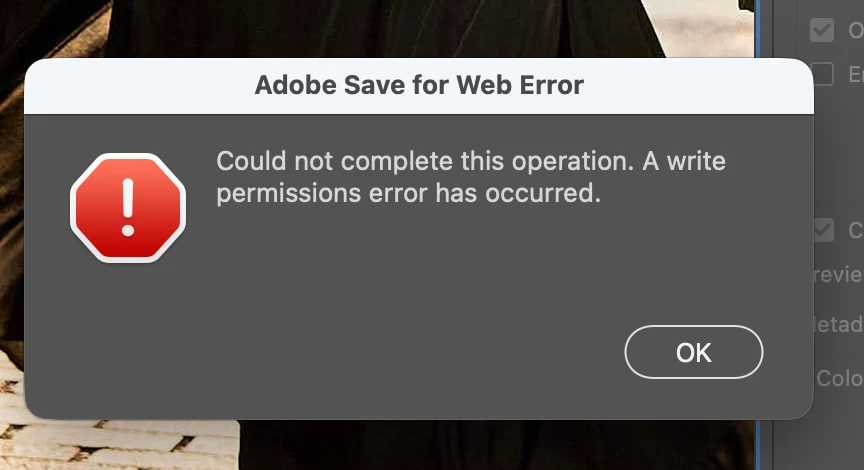


I've given PSD and Creative Cloud full write access. 
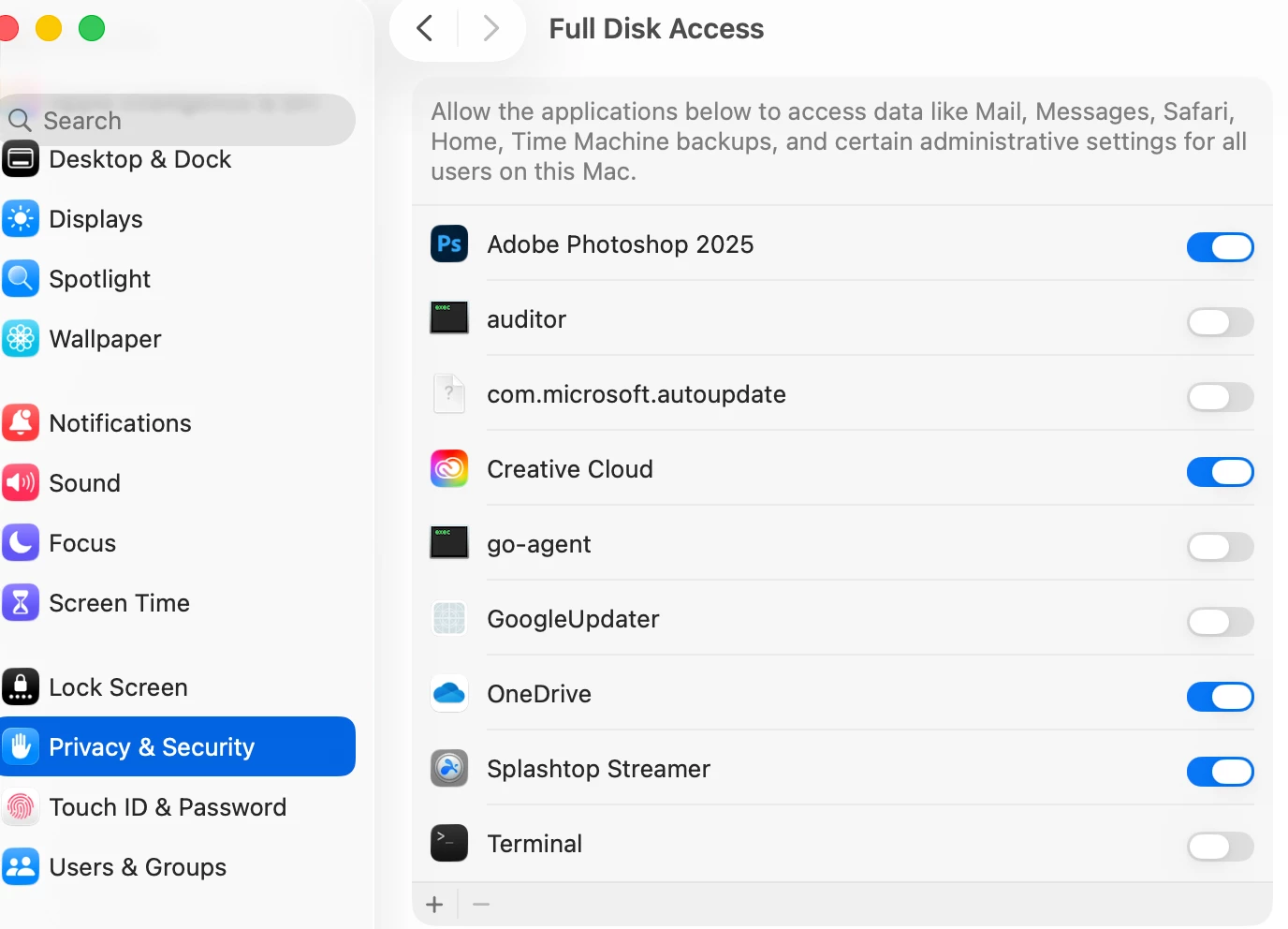
Any suggestions on what could be causing this? 

1 reply

Sameer K
Community Manager
Community Manager
October 6, 2025

Hey, @kimberly_0731. Thanks for adding the screenshots; it helps. You have OneDrive Syncing set on this machine. 

Please check if disabling it temporarily helps. 


Thanks!
Sameer K
(Type '@' and type my name to mention me when you reply)

Participant
October 7, 2025

Thanks Sameer, it did work temporarily, but I'm back to getting the same error message again (same results whether One Drive disk access is toggled off or on).

CMass
Community Manager
Community Manager
October 16, 2025

Hey @7674871_0731

I've tried to reproduce the issue you're seeing on my end, but have not been able to. Are you saving this file directly to your desktop? Can you record your workflow when the error happens?


^CM