

Question
Eyedropper Tool Question
Hello. Just trying to get some help since something got messed up in my settings it seems and I don't know how to revert them. I used to be able to use the Eyedropper tool in Layer Select color options. Now it's just giving me a "Basic Color" window and not the option I had to eye drop colors in the range I'd like. If anyone knows how to get the back it would be much appreciated since it is rather annoying to me. Thank you. 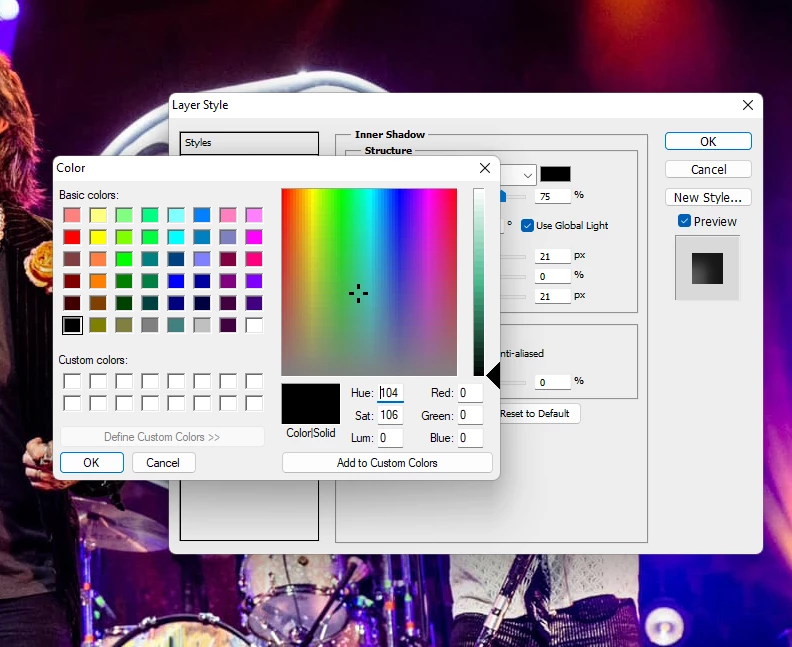


 AdChoices