
Participant
August 24, 2022
Answered

Faces not detected in Neural Filters

  • August 24, 2022
  • 6 replies
  • 17009 views

When I use Neural Filters, Skin Smoothing and Smart portrait are greyed out.  

  • I tried reverting back to a previous version of Photoshop
  • I've tried on several images, it doesn't work for any so it's not an issue where the face isn't clear.  Attached is an image I'm trying to use, you'll see it's big in the frame and clear.


The only thing that I can find with Google searches is people advising on making sure the face is clear etc.


Please help, I use Skin Smoothing every day in my workflow!


Jeff
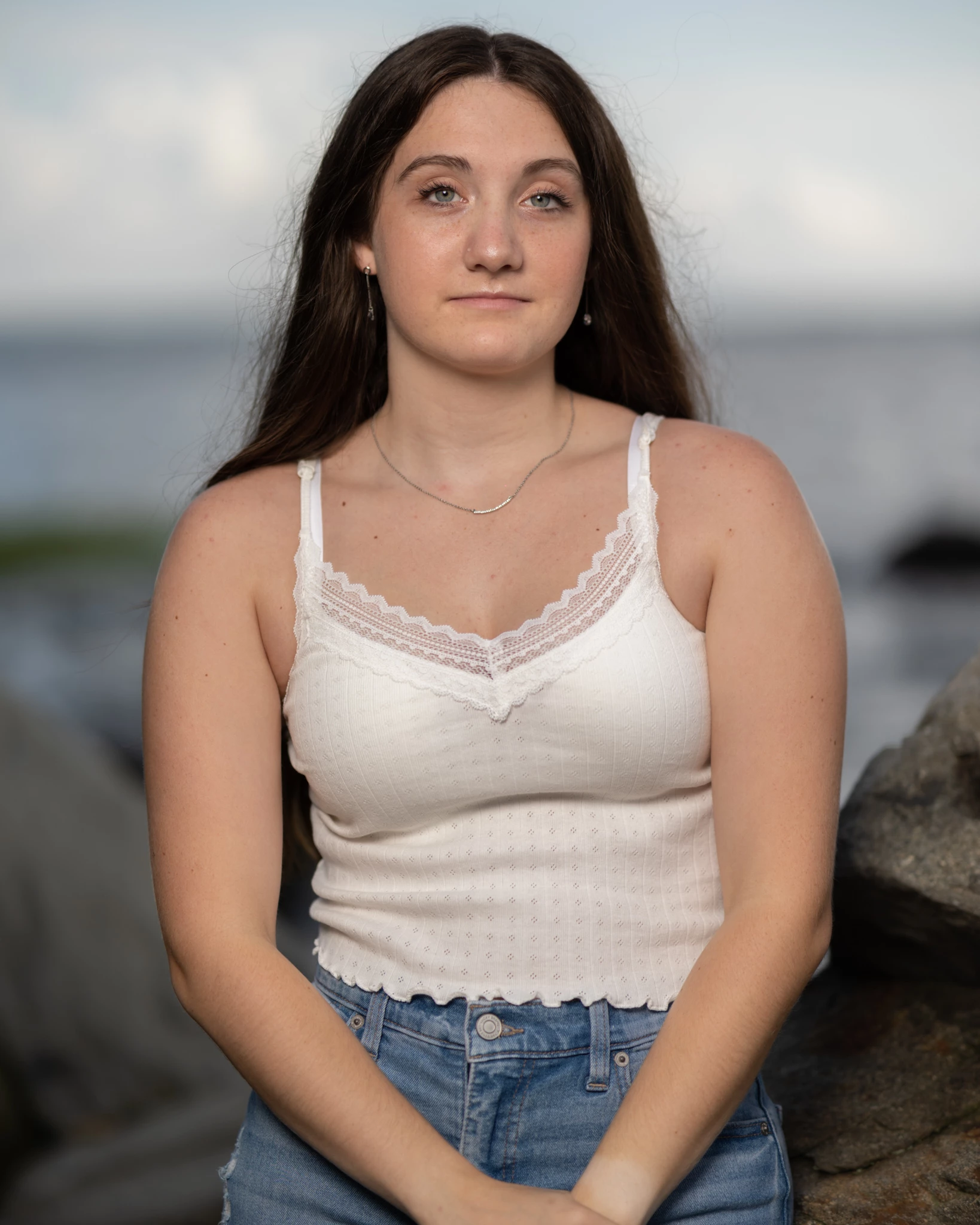
Correct answer RyanWWW

Same here, I've updated my GPU driver (AMD) and reinstalled PS but didn't work.


But I found a temporary workaround: in preference-performance, disable using GPU and then face detection works fine.


So I guess the problem is still about v23.5 PS's GPU compatibility, hope it will be fixed soon. 

6 replies

Participant
September 27, 2023

This is what i did to fix Photoshop Neural Link not Recognizing Faces https://youtu.be/1tIUEjGWis4

Participant
July 13, 2023

It's only occuring on AMD cards. I have two PC's and my Neural filters are not working on my AMD. My Nvidia one is fine. If I turn off GPU hardware in PS then it works fine.

Participant
July 2, 2023

I was having the same problem, but in my case it was because I'd used Generative Fill to fix some blemishes. This created a Generative Layer on top of my original image, which is why the Neural Filters couldn't detect a face. Once I'd flattened the image the Neural Filter recognised the faces right away : )

Participant
August 26, 2022

I'm having same problems with neural filters. Suddenly, no faces detected in any photos. Problems started few days / weeks ago, not sure.


Photoshop is up to date, so is graphic card drivers. I have reinstalled photoshop, deleted neural filters and downloaded them again, reset preferences and nothing seems to work.


Anyone else having these problems? Can't find similar discussions.


RyanWWWCorrect answer
Participant
September 6, 2022

Same here, I've updated my GPU driver (AMD) and reinstalled PS but didn't work.


But I found a temporary workaround: in preference-performance, disable using GPU and then face detection works fine.


So I guess the problem is still about v23.5 PS's GPU compatibility, hope it will be fixed soon. 

September 12, 2022

Same here. AMD GPU drivers and Photoshop are both updated to latest, but neural filters won't work. I had to disable the GPU settting under Performance to make it work again.

Bojan Živković11378569
Community Expert
Community Expert
August 26, 2022

Everything works fine using Ps 23.5.0 on Win 11, try with preference reset as already suggested because that can solve weird problems sometimes https://helpx.adobe.com/photoshop/using/preferences.html

J E L
Community Expert
Community Expert
August 25, 2022

Hi @defaultuihgdjrwdrs3 I'm sorry you don't have any replies yet. I was able to use the Neural filter successfully (Windows 10, Photoshop 23.5 Release) on your image and the face was detected immediately. Is your graphics card driver updated? Are you signed in to Creative Cloud with your Adobe ID and using a stable Internet connection? Close all apps down, quit Creative Cloud desktop, sign out of Creative Cloud, and then launch Creative Cloud desktop and open Photoshop from there. When is the last time you did a Disk Cleanup and full system shutdown? The idea is to clear everything out and start fresh, since the Neural filters process image data in the cloud.


Also, did you try resetting your Photoshop preferences to get back to a default state? The other option is to copy your Photoshop system configuration here by going to Help > System info and pasting it into a reply. We'll see if we can help you figure out what's going on!

Participant
August 26, 2022
It was the graphics card driver. I had updated it to the latest version,
but apparently it wasn't compatible with Photoshop. I downgraded the driver
to a simpler version and it works now. Thank you!
J E L
Community Expert
Community Expert
August 26, 2022

So glad to hear you're back in business! Thanks for letting us know.