
Answered
File byte in windows explorer
Two Ps files are in Windows Explorer, file sizes are 5.62 MB & 99.4MB respectively. What is reason larger file with 99.4 MB shows the content but smaller file does not show?
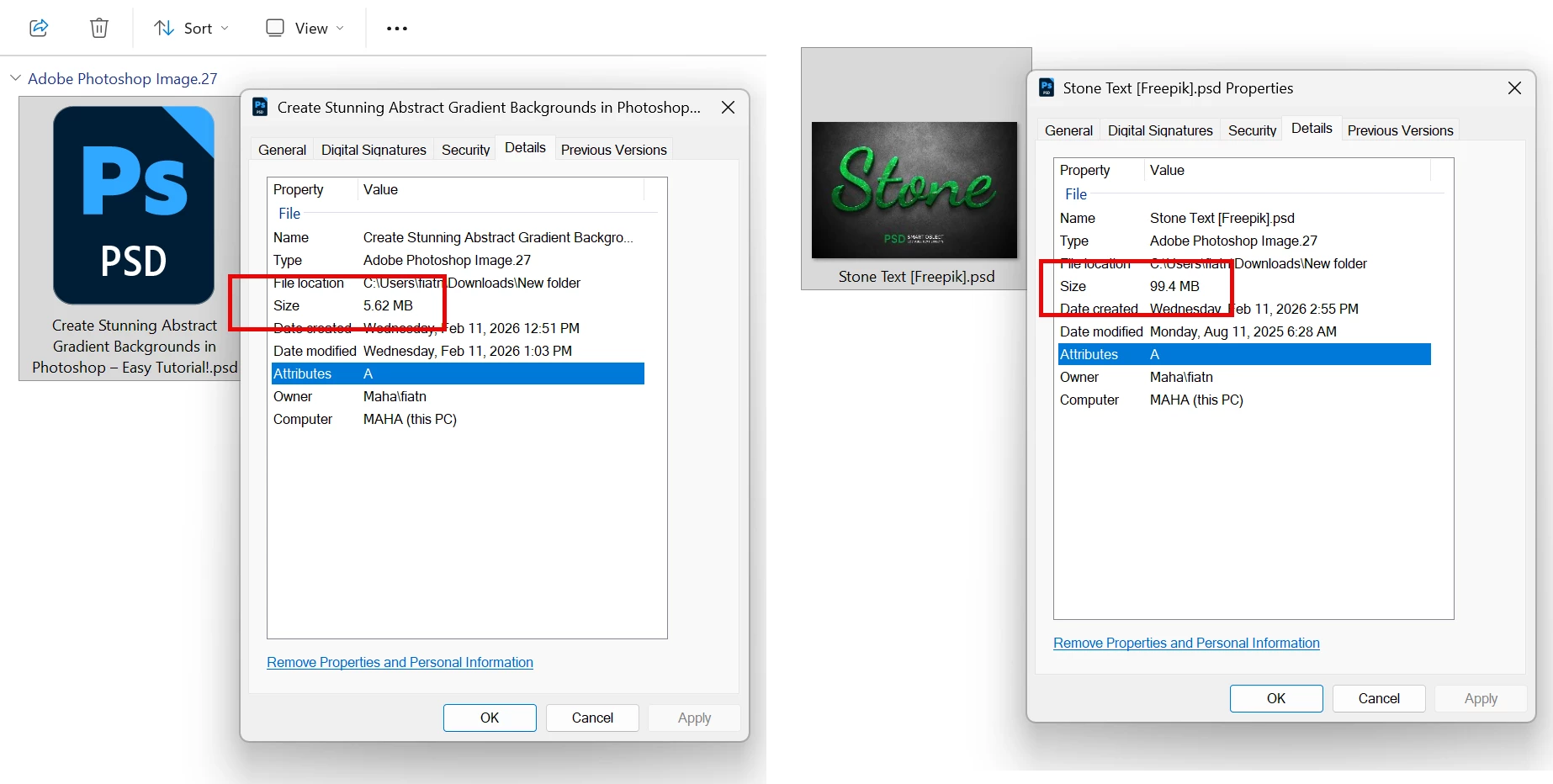

Two Ps files are in Windows Explorer, file sizes are 5.62 MB & 99.4MB respectively. What is reason larger file with 99.4 MB shows the content but smaller file does not show?
Well, then it’s working on one but not the other. Could be anything, any file property. Maybe one is saved with max compatibility and the other not. Maybe one has layers that the codec doesn’t read.
Already have an account? Login
Enter your E-mail address. We'll send you an e-mail with instructions to reset your password.


 AdChoices