Participant
January 27, 2024
Question

File looks different from in (or camera raw) than photoshop

  • January 27, 2024
  • 1 reply
  • 273 views

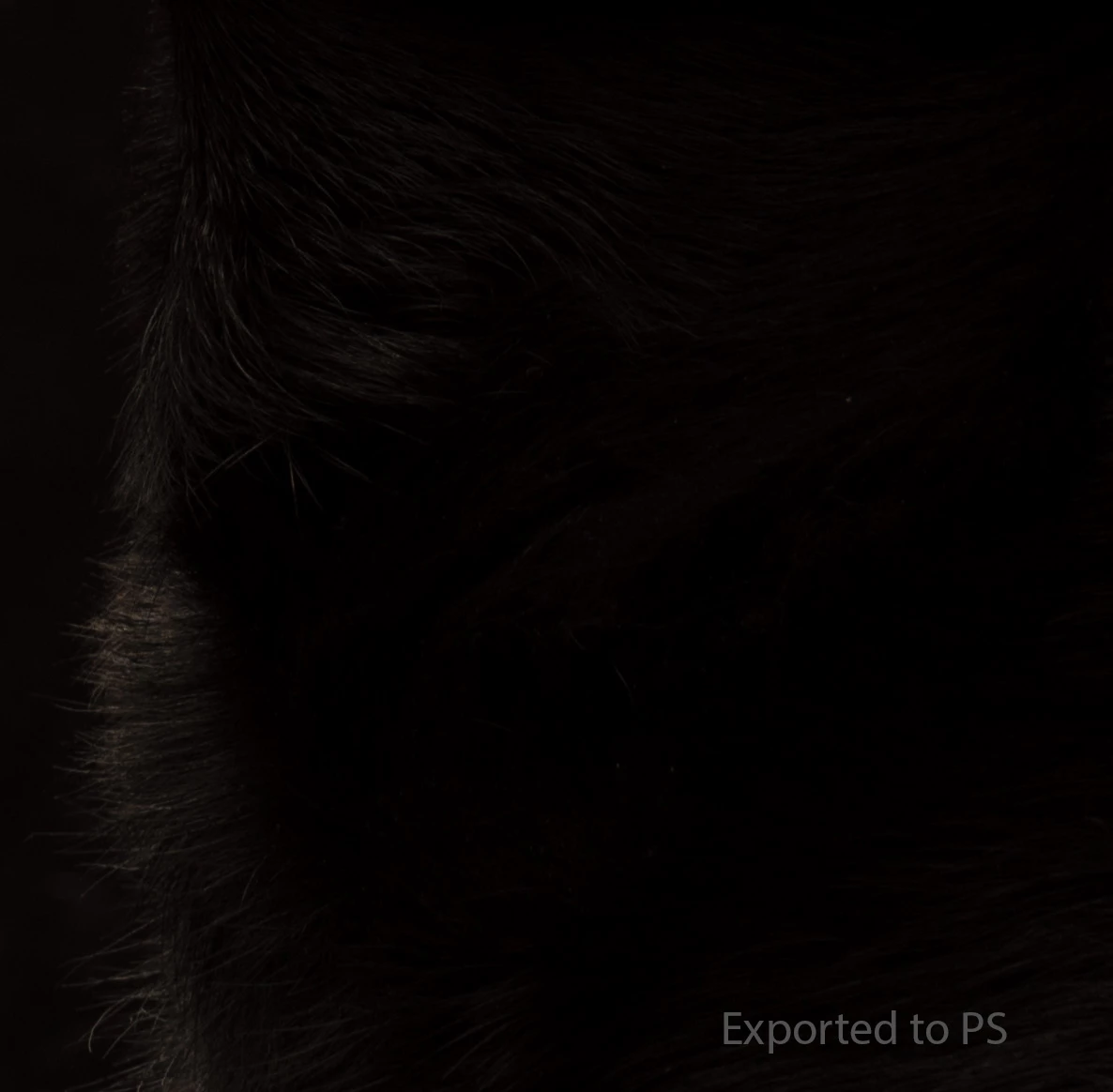
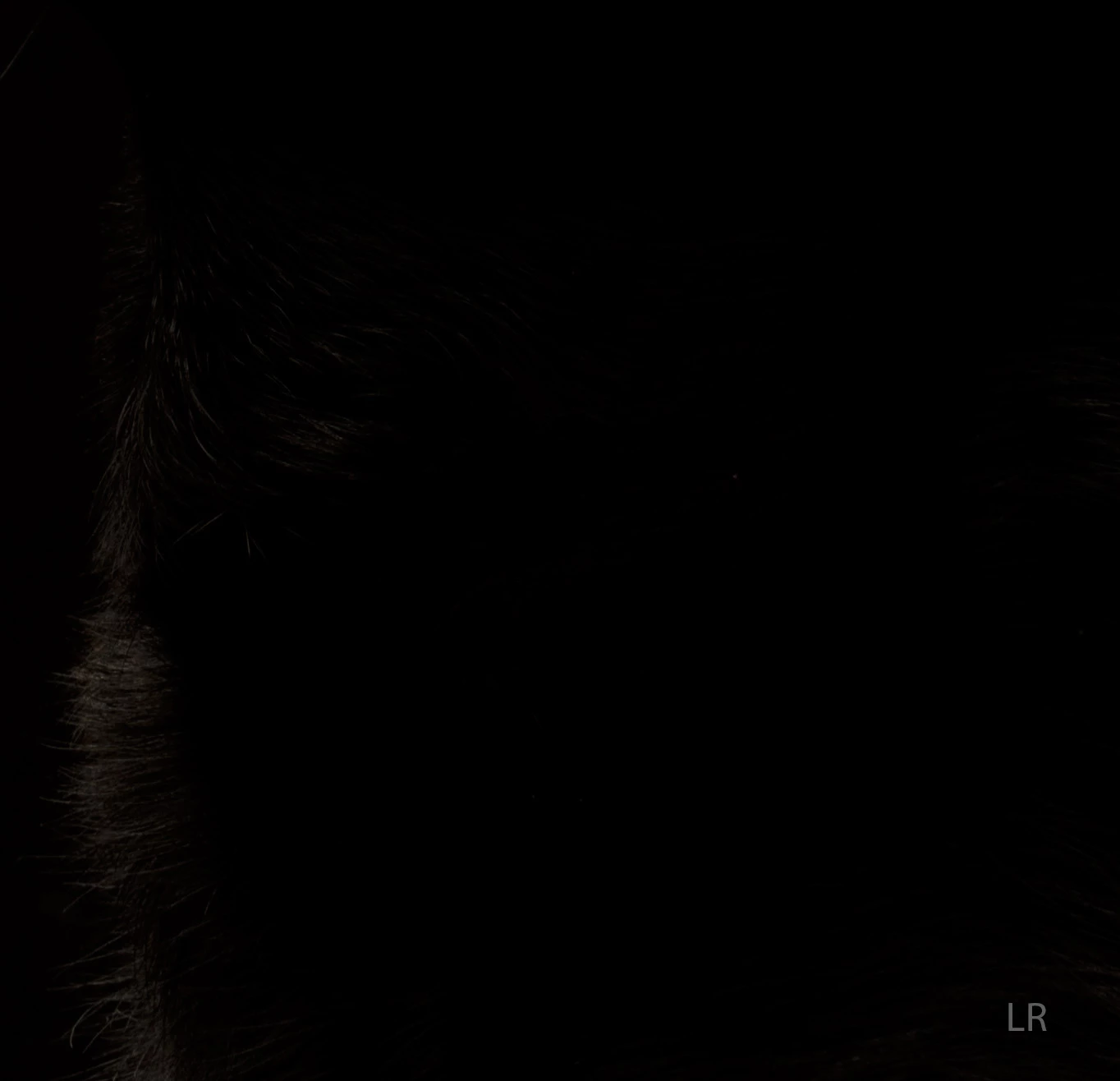
I'm having an issue when I export or edit a file from either LR or Camera Raw to PS.  It's a dark image with a black dog so it's not really easy to see.  The shadows lose detail and block up and the highlights gray out in almost a solarized way.  Up to date on all the latest applications.  I've seem to have tried everything with very little luck.  Would appreciate any ideas or guidence.


Thanks!


Ron
 

This topic has been closed for replies.

1 reply

Participant
January 27, 2024

I'm sorry it's so hard to visually see here against the white.  I processed the file through canon raw app and it opens fine in photoshop so it must be something with the export of LR and CameraRaw.  


D Fosse
Community Expert
Community Expert
January 27, 2024

This could be a bad monitor profile, or a GPU bug (often two sides to the same coin, since the conversion into the monitor profile is executed in the GPU).


Do you see any difference between Library and Develop in LrC? They start out from different source color spaces, so a faulty profile conversion could affect one but not the other.


Photoshop seems to be fine.

Participant
January 28, 2024

Thank you D - It looks slightly different between Library and Develop.  Develop is better, smoother and less blocked up black.  I did replace the Spyderx pro profile twice with no luck.