Participant
October 17, 2020
Question

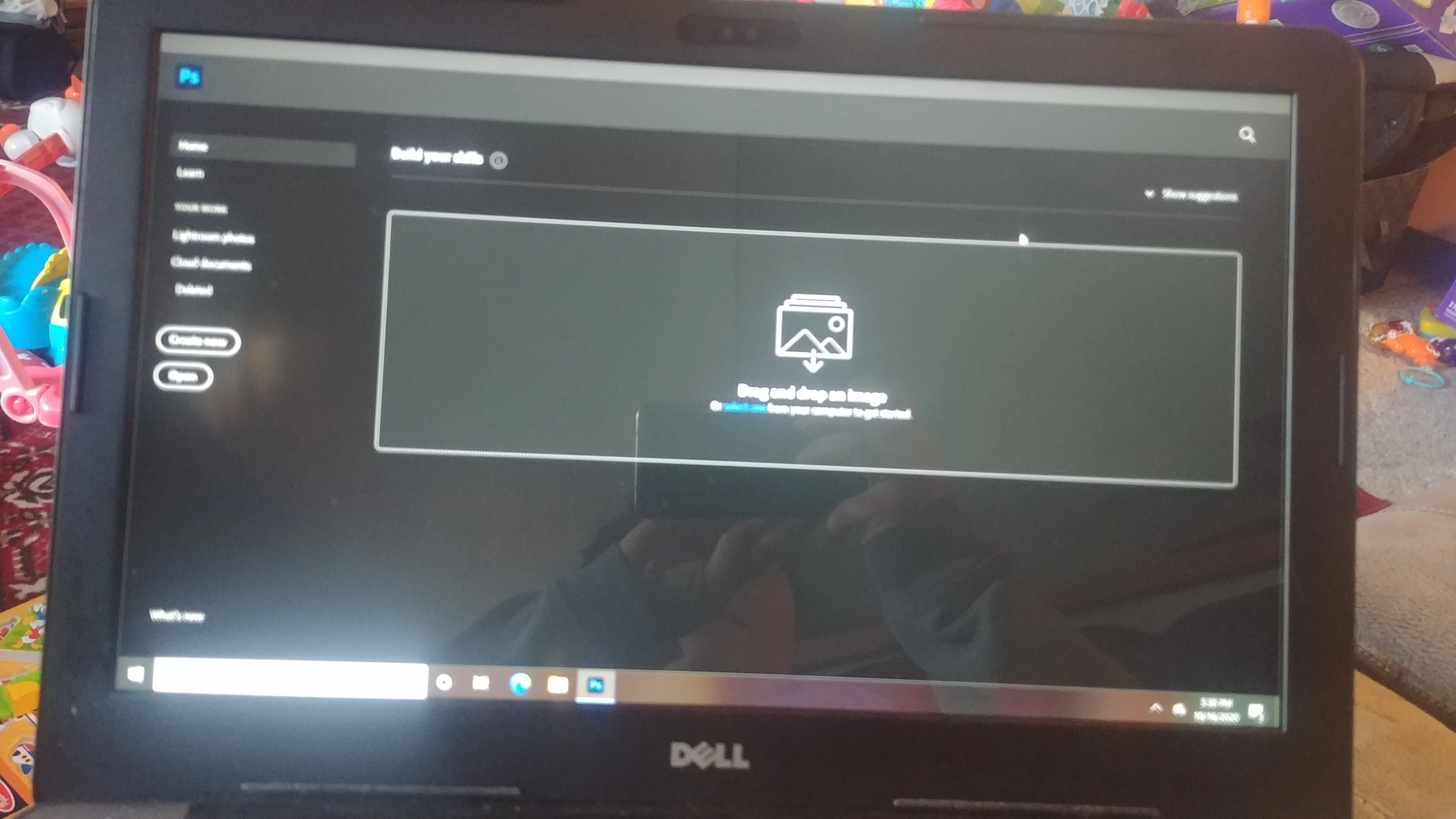
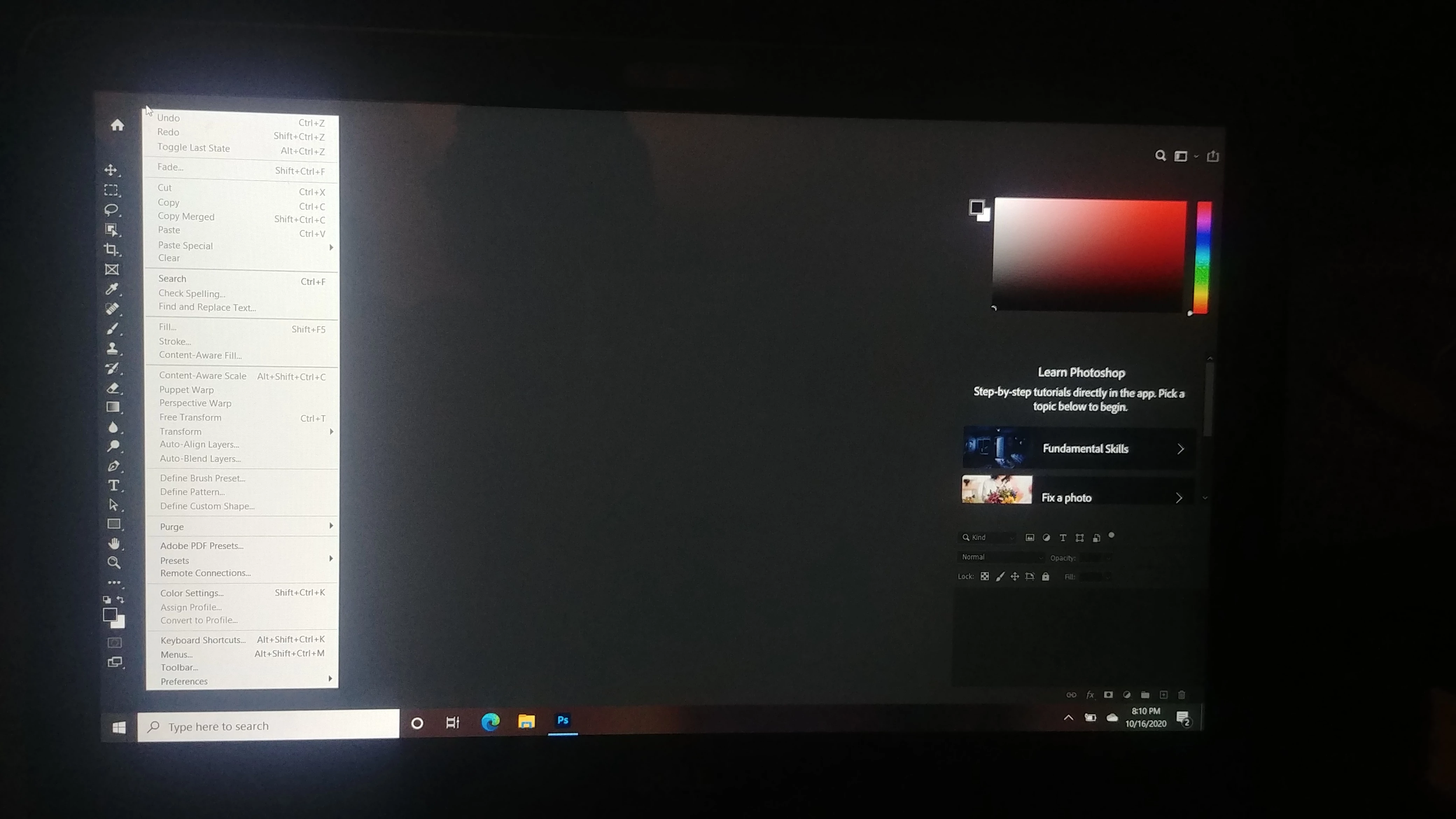
File menu blank
  • October 17, 2020
  • 2 replies
  • 143 views

 Can anyone help, my file menu is missing but when I scroll over they are there. Photoshop hasn't been running right and just looks all messed up. I've tried uninstalling everything a few times and still the same. I reset settings and tried the graphics check box. Any ideas?? 

This topic has been closed for replies.

2 replies

@mj
Community Expert
Community Expert
October 17, 2020

Hi @Nicole5CAF ,


Please try @lambiloon 's suggestion first.


If it does not work, it mat have to do with video card drivers.


This thread should help you get on your way.


https://community.adobe.com/t5/photoshop/photoshop-2020-missing-the-menu-bar-and-issue-with-interface/td-p/10783996?page=1


Good luck

lambiloon
Community Expert
Community Expert
October 17, 2020

Hi click on new button then press f multiple times to check your screen mode hope it helps....regards

Ali Sajjad / Graphic Design Trainer / Freelancer / Adobe Certified Professional