
File open as camera raw cropped right hand part of image off
Hi, latest Pshop 2025. (except for last update)
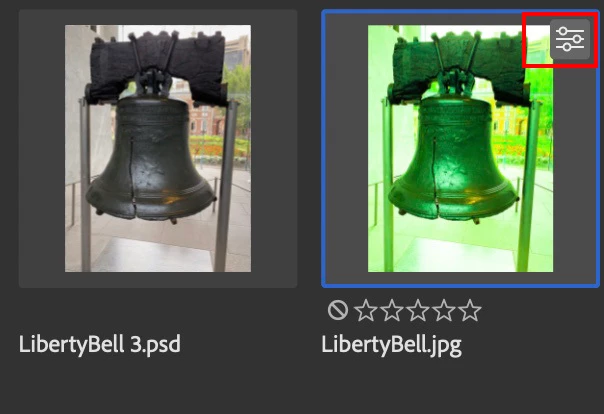
I go file open as>camera Raw and open a jpg image. (sent me from someone 20 yrs ago)
I improve shadows etc. as they were almost black, open it, save it.
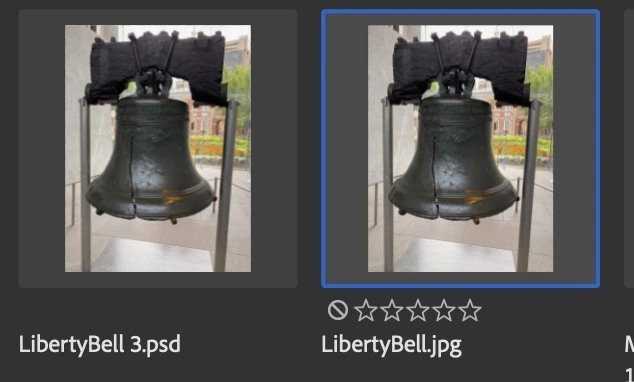
I then notice I am missing the right hand part of it.
Open the original and its also now cropped.
Open in MSpaint its all there, save suffixed MSpaint.jpg
open that into Pshop 2025 as a .jpg, its missing that area again.😡
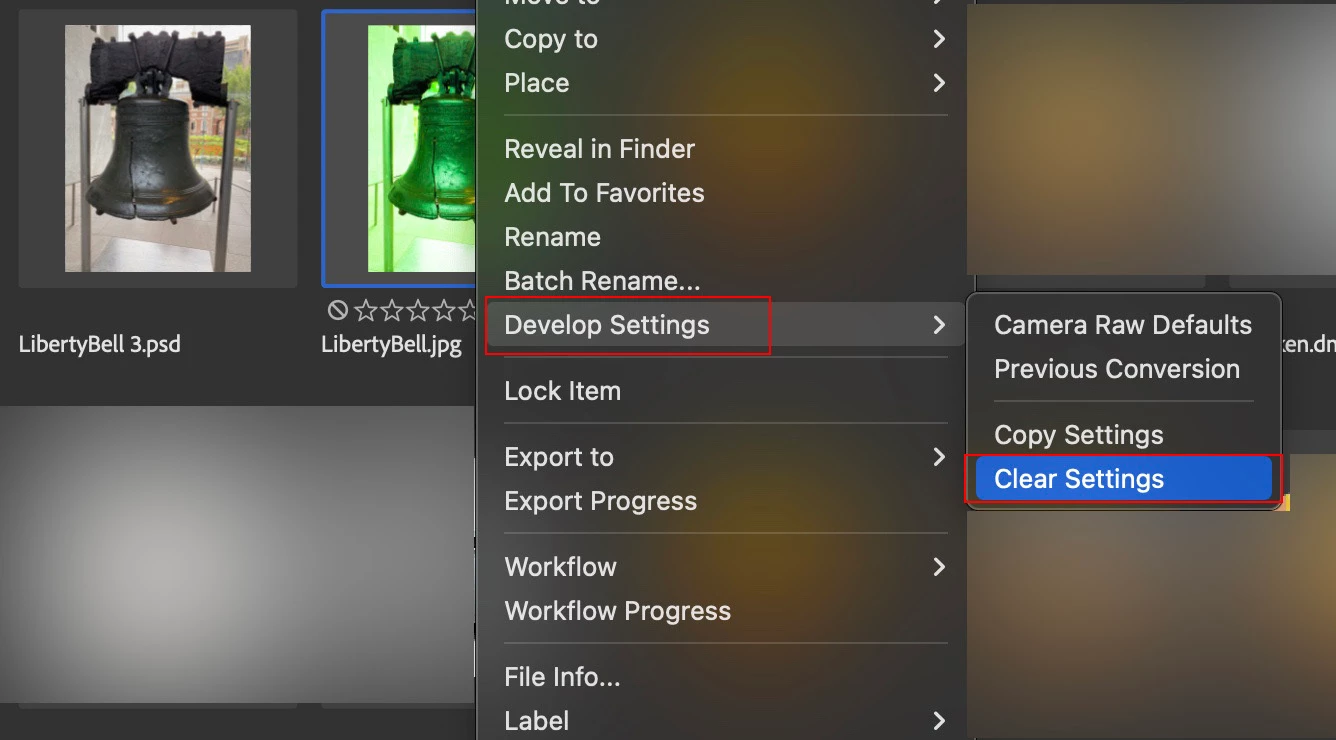
Why did raw crop it and its sent that instruction into the inner coding of the jpg.
There is no .xmp file to delete to kill the ACR activity. as it was an open as method.
What do I now do ?
Why did ACR crop it ?
I tried opening original .jpg into gimp and its all there, I can’t see a way of file save as, as a .jpg.
ring Adobe tech (yet again, keep finding bugs and problems in 2025) and get goodbye, as its the weekend.
Merlin


 AdChoices