
Known Participant
June 8, 2025
Question

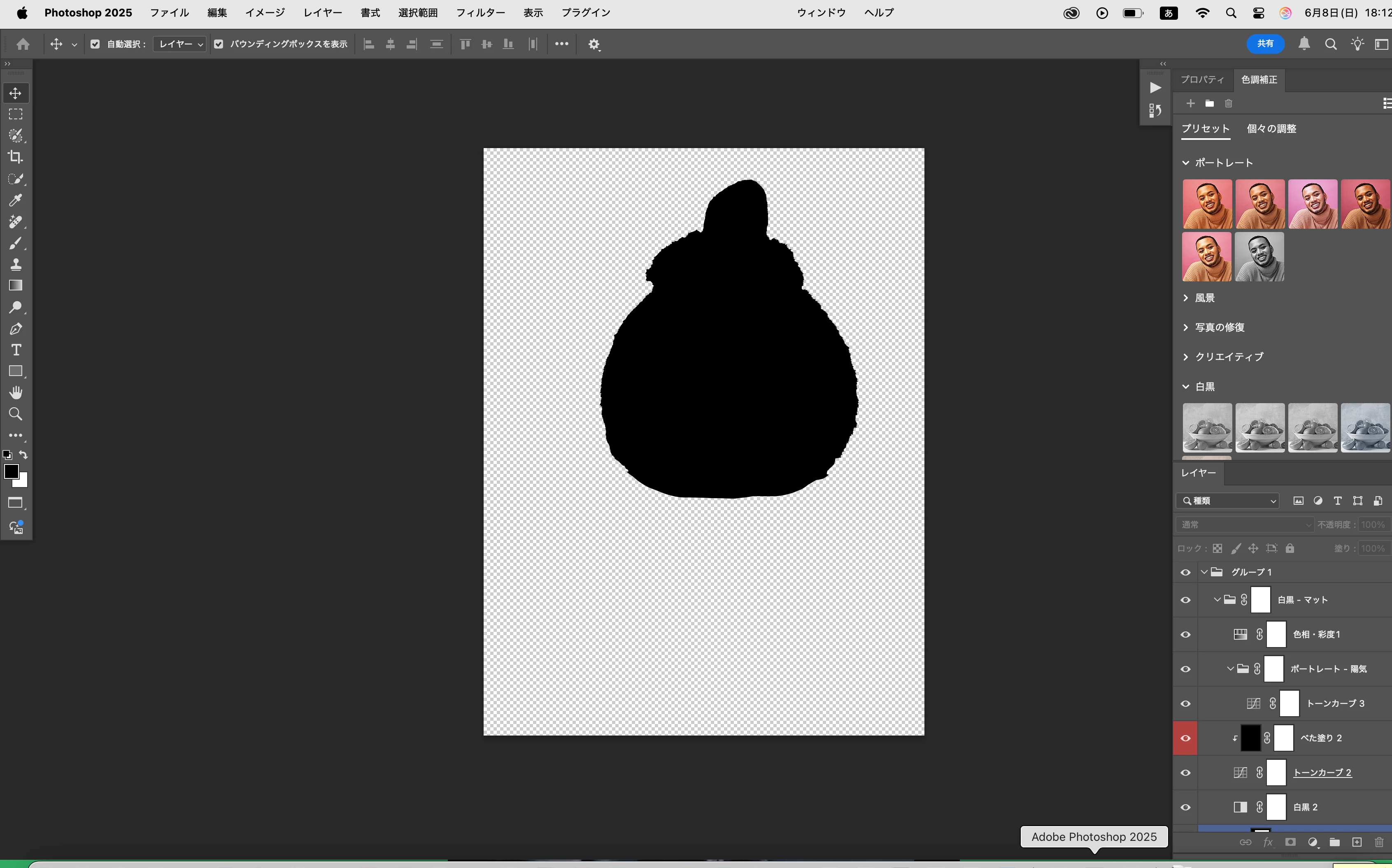
Fill function is not available.

  • June 8, 2025
  • 1 reply
  • 276 views

I just want to fill in the black areas on the image with red, but neither Fill in New Layer nor Fill in Selection will work. I read tutorial but I couldn't.  Please help me. BTW, I use 'Photo shop 2025' and adove creative cloud.I also use Mac book air recent version.
1 reply

Trevor.Dennis
Community Expert
Community Expert
June 9, 2025

The problem is going to lay somewhere in that long list of layers and groups.


You have various options.  The best way would be to locate the layer that black shape is on. If you select the Move tool and Cmd click anywhere on that black area, then that should select its layer.

You could Cmd click the layer to load it as a selection, and fill that selection with your colour of choice on a new layer.

Or you could lock its transparency, and fill with colour.


I would say that if you are fairly new to Photoshop, then it might be better to learn the basics aboput layers, groups and layer masks on a more simple document with just two or three layers.  Give it a go, and come back if you get stuck. 

Known Participant
June 11, 2025

Thank you for your good advice for such a basic question. I've already bought a book about Illustrator and Photoshop. As you mentioned,First of all, I will learn basic knowledge. Again, I appreciate your advice.

jane-e
Community Expert
Community Expert
June 11, 2025

@Mt.Fujiyama 


In addition to Trevor's answer, another method is to lock the layer for transparency (one of the five lock buttons at the top of the layers panel) before filling.


You also need to change your foreground swatch from black to red.