


Question
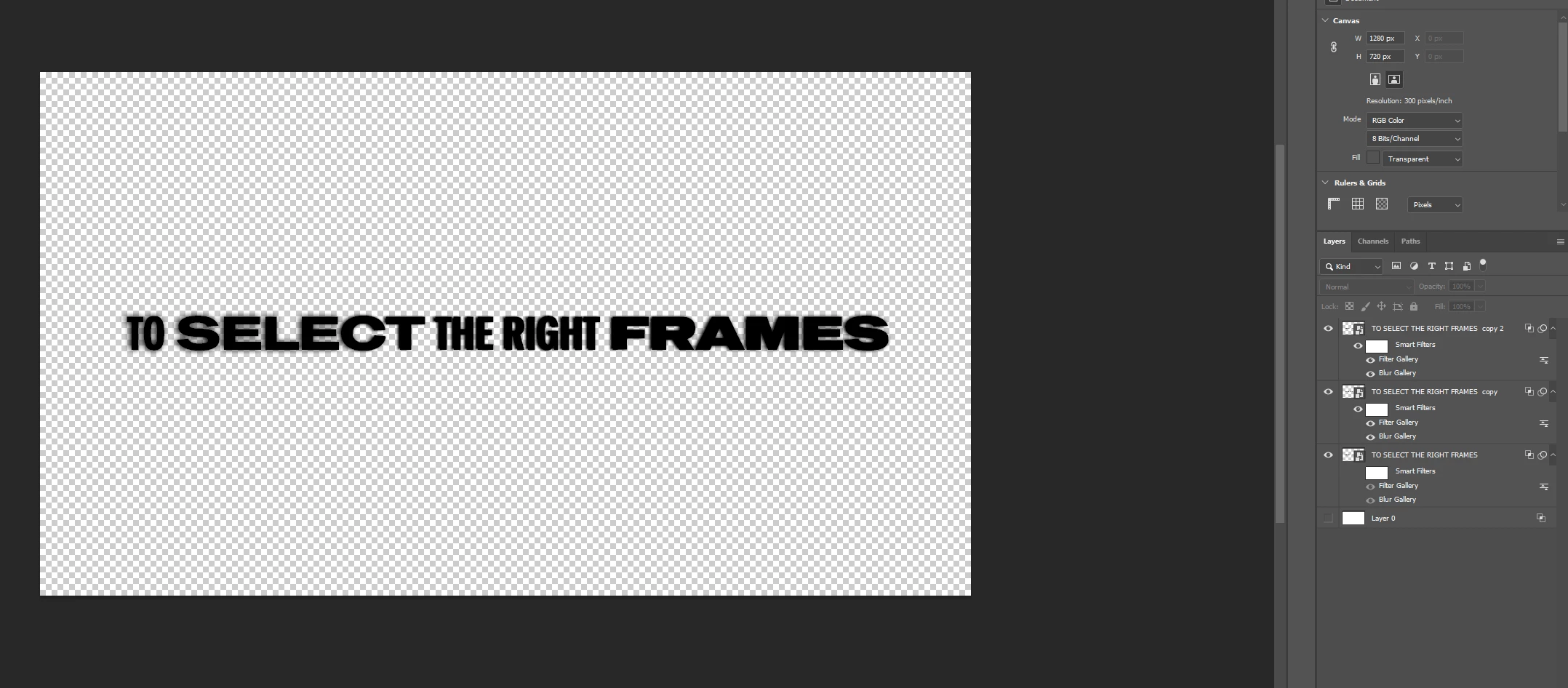
filtered gallery, blend mode, and text will turn black when i change the background to other colors
I am experiencing 3 problems with photoshop
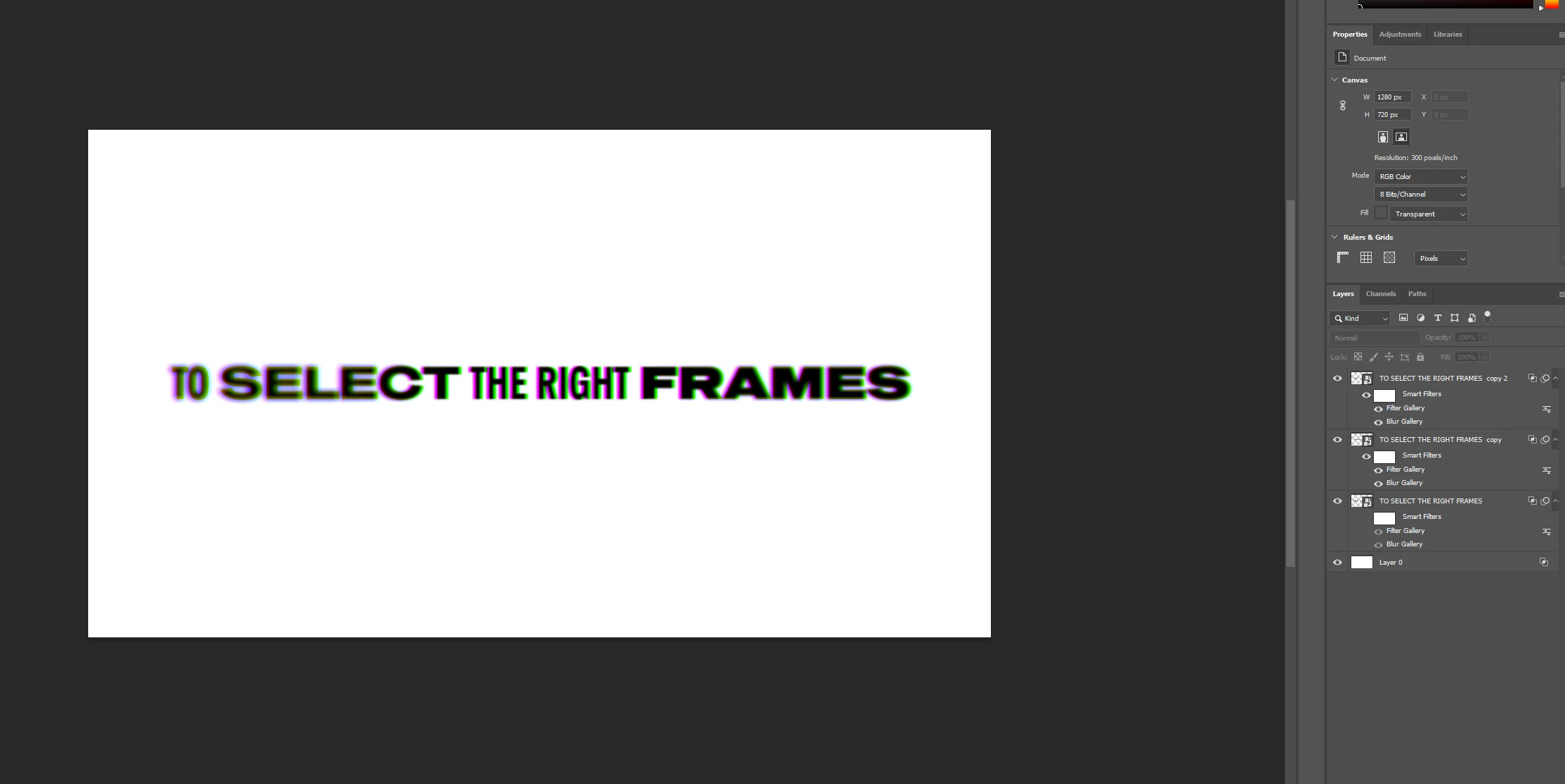
- When I add a text and I want to go to filter gallery and add HALFTONE to add lines on my text It doesn’t apply it
- All of my blend modes when i hover on them it either turn them white or black and that's it
- when I want to make a text transparent after I added effect (changing the R,G,B Channels to make a cool effect) it instantly turn it black and if i want to make the background black or other colors it fully cover the entire text.
Its so weird because previously it worked perfectly but when I try to do another one this happen. I tried everything from Uninstalling photoshop, Adobe cleaner tool, to graphics card updates but nothing would work
 AdChoices