
Participant
April 24, 2020
Question

First two images are blurred when exporting animated gif, why?

  • April 24, 2020
  • 1 reply
  • 327 views

Hi there, I have now spent hours trying to fix this and really nothing works. Please help! When I export this simple animation to gif Photoshop somehow distorts the first two images. My deadline was this morning (panic). What I don't get is why this only happens to the first two images in the animation and the rest is fine...

This is what it looks like in preview:
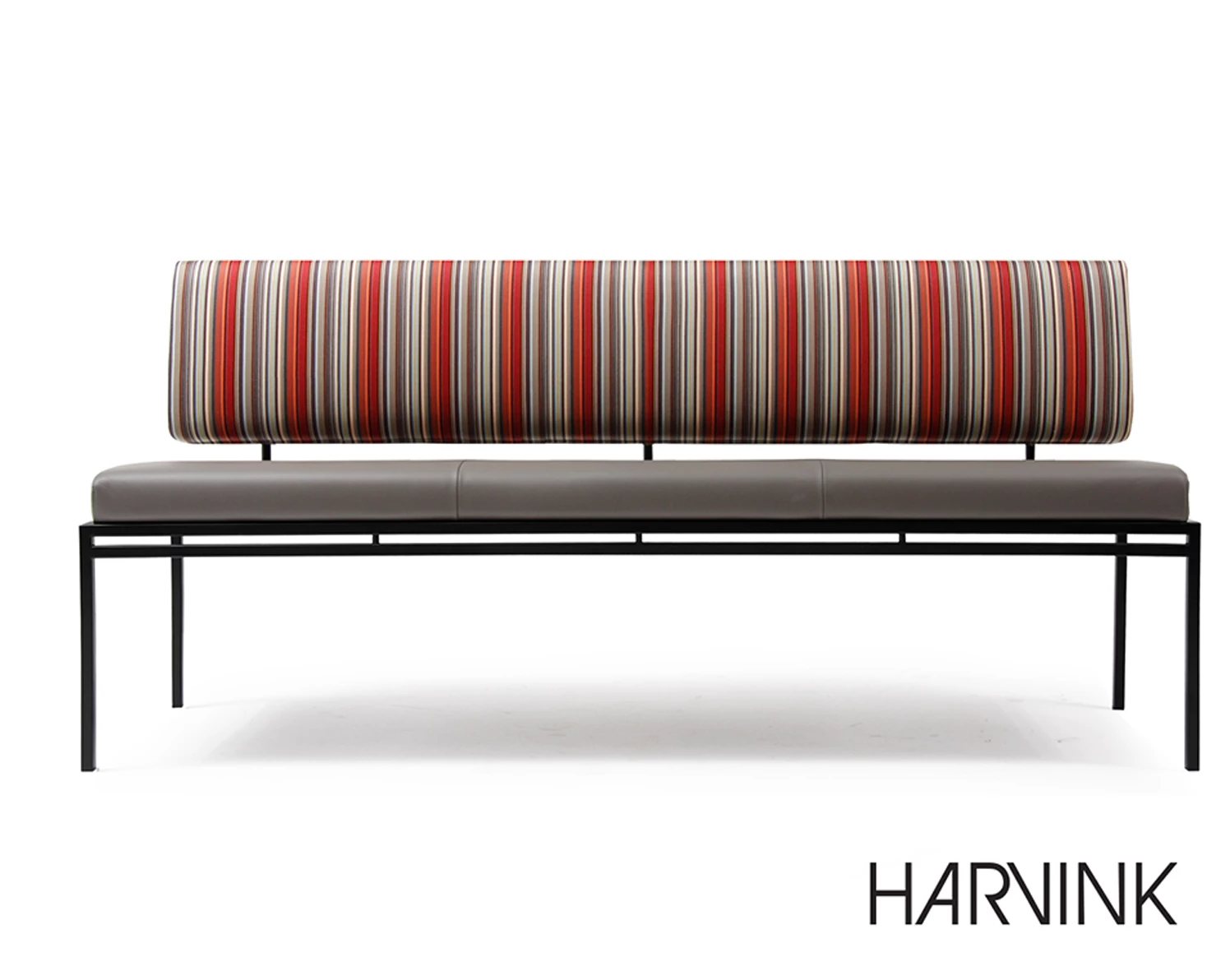
But this is what it looks like when loaded on Facebook...
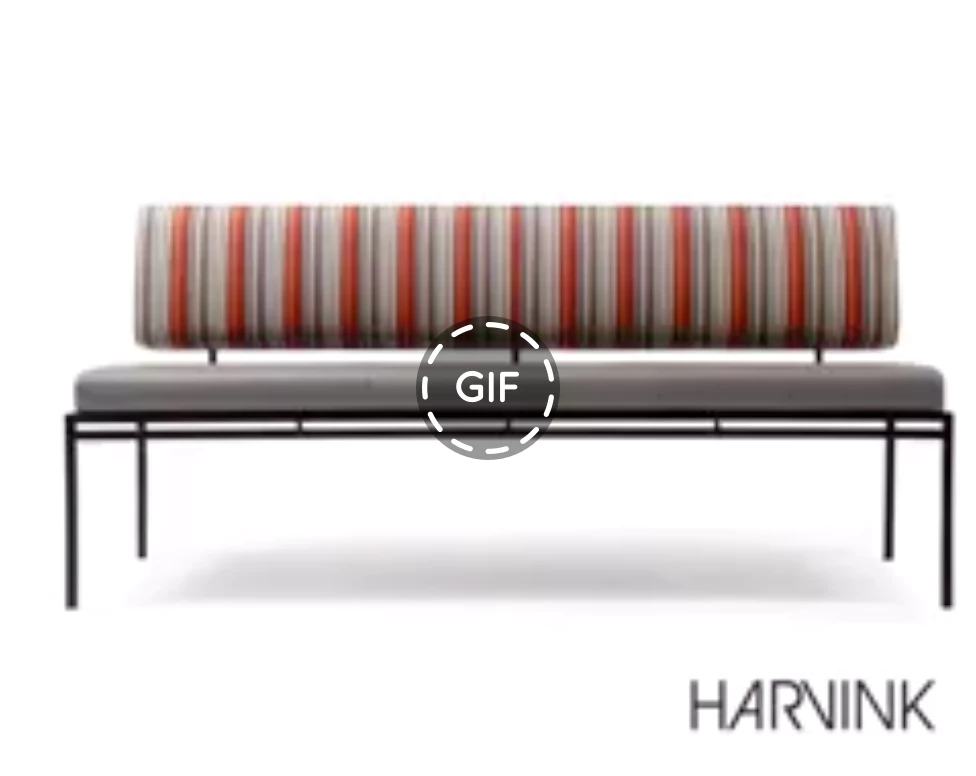


This topic has been closed for replies.

1 reply

c.pfaffenbichler
Community Expert
Community Expert
April 24, 2020

Please post the gif itself and meaningful screenshots taken at View > 100% with the pertinent Panels (Toolbar, Layers, Channels, Options Bar, …) and the SfW fialog visible. 

Did you scale on exporting? 

As for how an image looks on Facebook: As the two images you posted so far appear to be of different sizes it was apparently scaled. 

JamesWildAuthor
Participant
April 24, 2020

Hi c_pfaffenbichler, Thanks for your response. See below as requested...

To Answer your question, no rescaling took place.


c.pfaffenbichler
Community Expert
Community Expert
April 24, 2020

The lower image in the first post was a screenshot of the facebook page? 

If so then the image was apparently scaled on that page and that’s not a Photoshop issue. 


You mentioned that the first two images are »blurred« – is the logo actually sharoer from the third frame on on facebook?