Participating Frequently
October 20, 2020
Answered

Fixed: Photoshop 22.0 neural filter style transfer not available

  • October 20, 2020
  • 42 replies
  • 124389 views

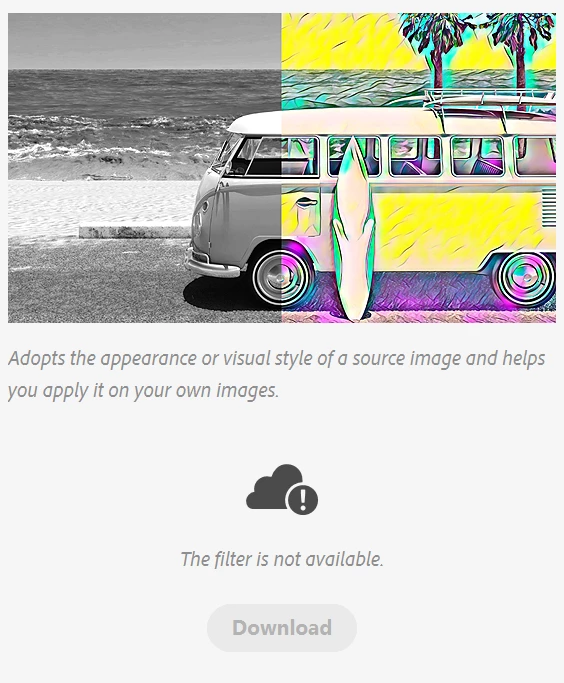
I am pumped for the style transfer feature in photoshop 2021, but it is the only neural filter that wont work. The download button is unclickable and greyed out and it says the filter is not available.
{Moderator Note: Edited thread title, LFP-1846, PS-57169}

Correct answer Corvette1968

Finally I could install these filters... First I had to set the temporary path (TEMP and TMP) to c:\windows\temp. Second I had to run PS as administrator. Then the download worked.


Then I started PS without admin-rights and the filters were not installed... So I had to change the rights for all of the directories in folder c:\users\....\Appdata\Roaming\Adobe\UXP\PluginsStorage\PHSP\22\Internal\com.adobe.nfp.gallery\ that I am authorised to access it.


Afterwords the filters worked!! *halleluja*

42 replies

davescm
Community Expert
Community Expert
October 20, 2020

I had a similar issue and resolved it with the steps below. Try this (at your own risk):

Go to folder :

C: Users > yourusername > AppData > Roaming >Adobe >UXP >PluginsStorage > PHSP >22 >Internal > com.adobe.nfp.gallery > Plugin Data


and delete everything in it


Now start Photoshop. You  should be given the option to download the filters

Dave

Participant
October 22, 2020

Thanks a lot Sir .. You answer is very usefull for me ....It is work. ❤️


PECourtejoie
Community Expert
Community Expert
October 20, 2020

Hello, maybe does the download only work after the official release at Adobe Max?