


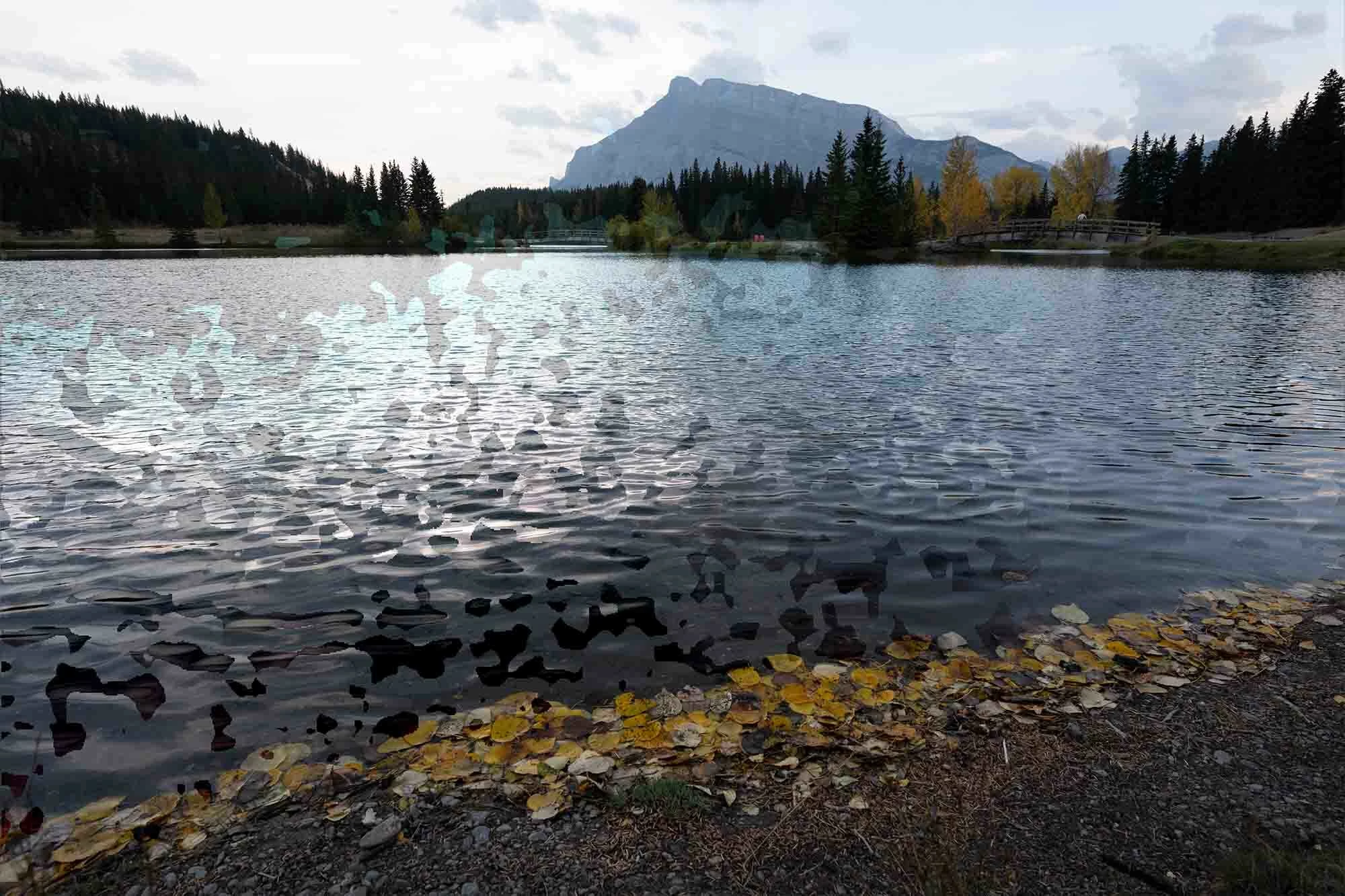
Focus Stacked Images show masked regions when mask is inactive
I loaded eight photos into photoshop File > Scripts > Load Files into Stack.
I then selected all eight layers followed by Edit > Auto Align layers
And followed that by Edit > Auto Blend Layers (Stack images)
A focus stacked image was created as expected. However, I wasn’t pleased with one portion of the image and intended to blend it manually. I started toggling all images off and deactivating masks to find the portion of the image I wanted to use. I then selected that image, duplicated it, deleted its layer mask (when asked to apply or delete mask, I chose delete) and drug it to the top of the layer stack. The result was if the layer mask was still applied to the duplicated image. I witnessed a very patchwork, jigsaw puzzle looking display.
 AdChoices