Answered
Freeze a point with Transform
The image below shows a cello string running diagonally from point M to point F within a Transform control box. Is it possible to freeze point F and move or rotate the transformation from point M?
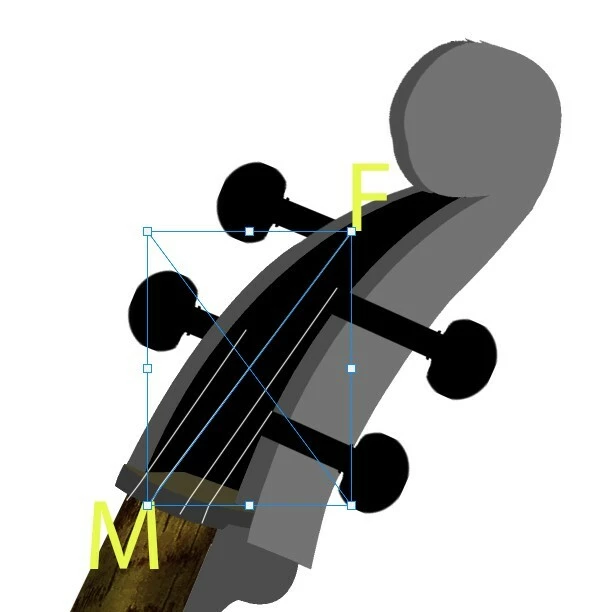

The image below shows a cello string running diagonally from point M to point F within a Transform control box. Is it possible to freeze point F and move or rotate the transformation from point M?
I am not quite sure what you mean.
1) A Reference Point can be set manually (by alt-clicking), then alt-dragging the points will rotate/scale/… around that point.
2) Are you familiar with Edit > Puppet Warp (applied as a Smart Filter naturally)?
Already have an account? Login
Enter your E-mail address. We'll send you an e-mail with instructions to reset your password.


 AdChoices