
MahaB82A
Legend
January 15, 2025
Question

From PSD to PSB

  • January 15, 2025
  • 1 reply
  • 395 views

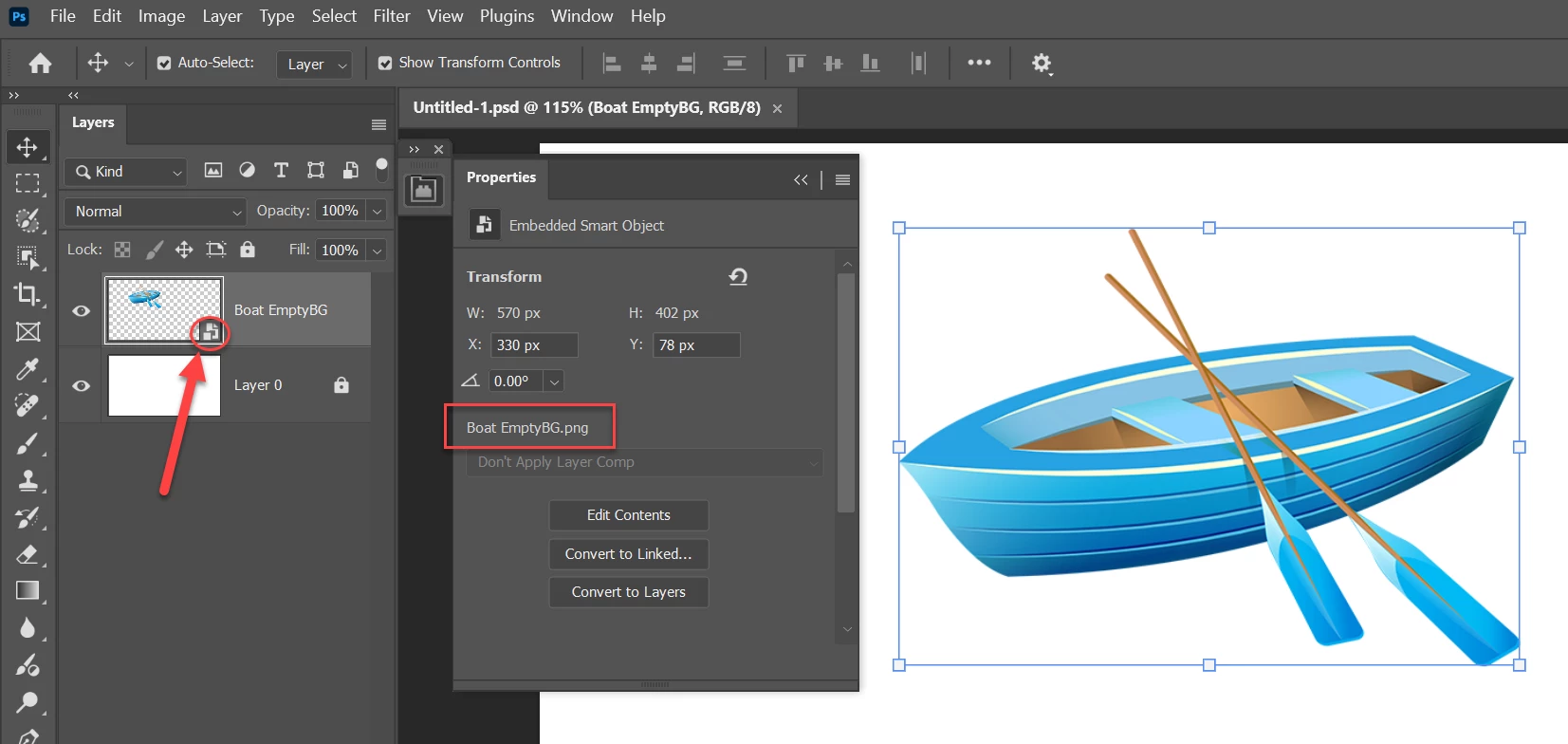
This image is a PNG file also a smart document. Whole is in PSD file format. I want to get this image in PSB file format. For that I click two times on smart icon but it is open as PNG file. What is the reason? Video also attached.
 

1 reply

Myra Ferguson
Community Expert
Community Expert
January 15, 2025

If you use File > Place Embedded... to place a PNG file, then Photoshop places it as a Smart Object. When you double-click on the Smart Object, then it will open that placed PNG.


If you want the contents of the Smart Object to be a PSB, then you could do the following:

  1. Double-click on the Smart Object in the document to open the PNG file
  2. Use File > Save As... to save a PSB version of the PNG to a location where you can find it
  3. Go back to the main document
  4. In the Layers panel on the Smart Object layer (and to the right of the thumnail) right-click and in the contextual menu that appears, select Replace Contents...
  5. Navigate to the PSB file that you saved
MahaB82A
MahaB82AAuthor
Legend
January 15, 2025

I usually drag & drop images because it is easy. I usually do according to your listed procedure. But in this video shows by double clicking smart icon PSB is opned in a new tab. I replicated the work it came without any problem. 

Time 2.50 onward

Smart Object