
2 replies

davescm
Community Expert
Community Expert
Apr 9, 2025 9:08 AM UTC

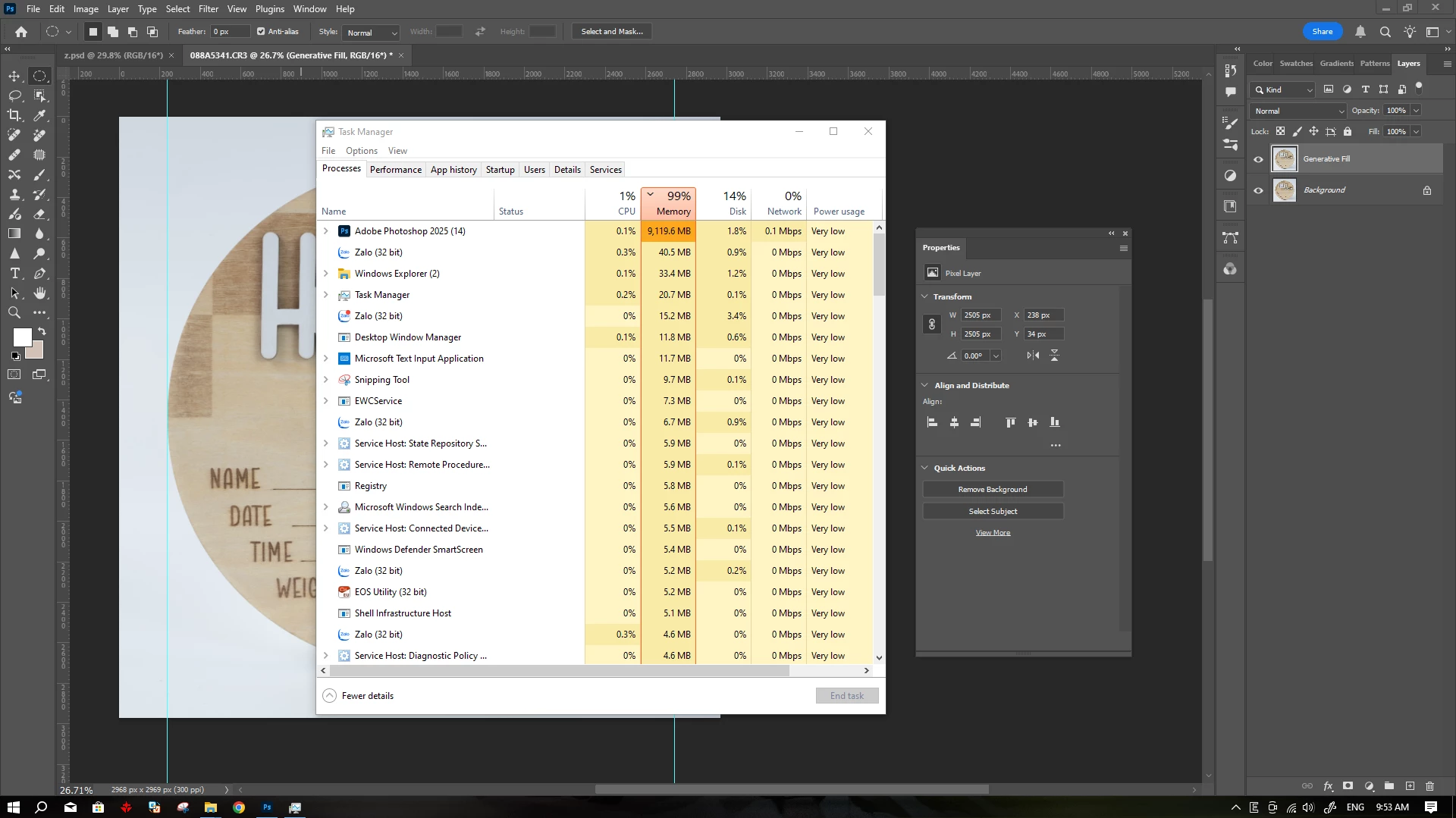
Photoshop will use whatever memory you allocate to it in Preferences > Performance. 9GB is not a lot when handling pixel data and in reality, no matter how much RAM you allocate, it will use both the allocated RAM and scratch disk space. Normally it is advised to allocate no more than 75% of your available RAM to Photoshop. That way you leave space for other processes.

Dave

Translate
lambiloon
Community Expert
Community Expert
Apr 9, 2025 4:44 AM UTC

Hi, it all depends on your computer's ram and also, check what units for document you are using I think you need to work on pixel units...regards

Translate
Ali Sajjad / Graphic Design Trainer / Freelancer / Adobe Certified Professional