

Question
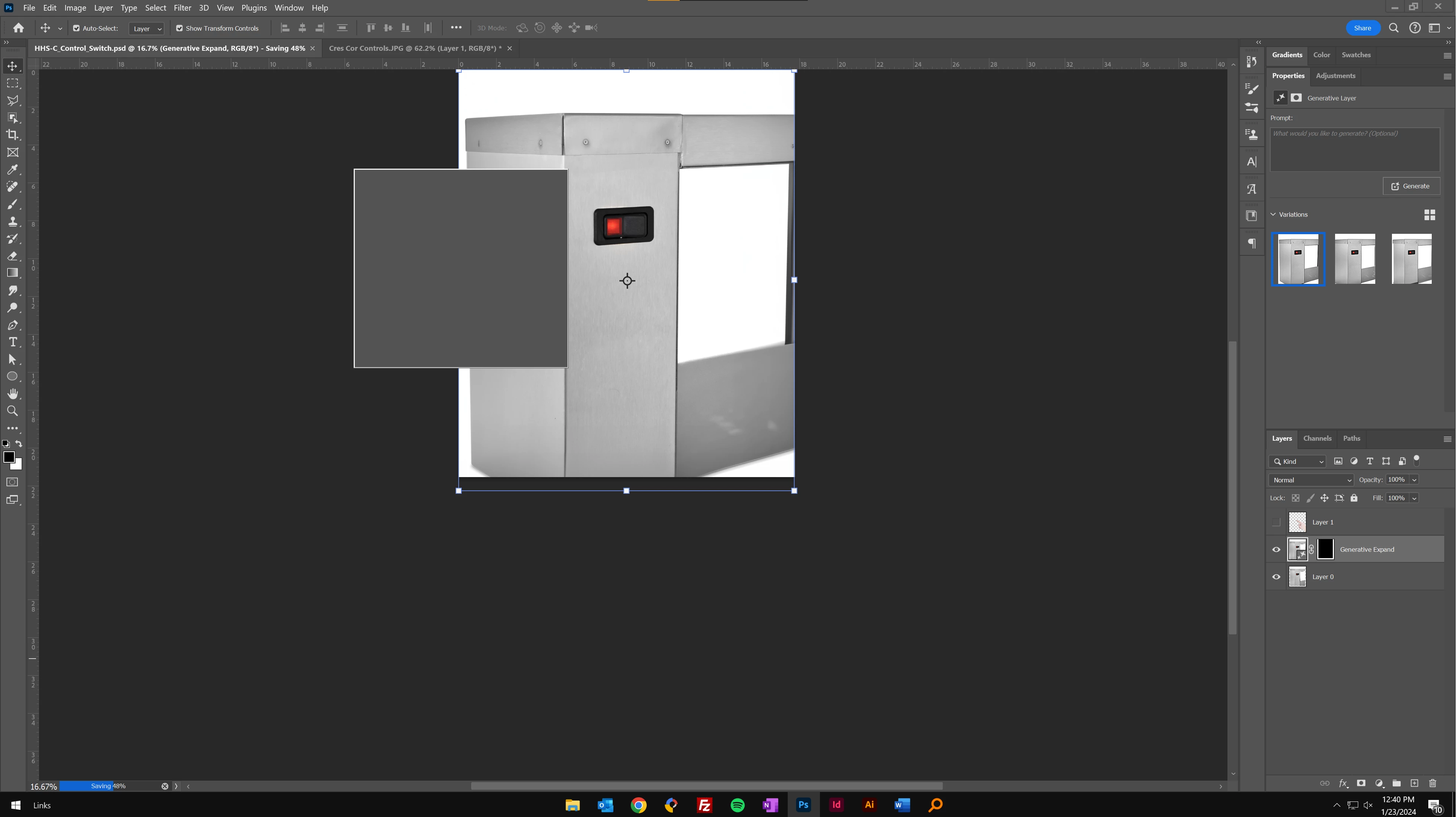
Generative AI popup doesn't load fully, but then stays on screen, blocking my canvas.
When I open a new file, a jpg, Photoshop loads an explainer/training video pop-up.
(I don't need this anymore. It's not that complicated to use Gen AI. And it's now extremely annoying becasues it's preventing progress on my work.)
I exit out of the video player, but there is another pop-up box that hasn't fully loaded, so it's a gray box. But it wont go away, and it blocks my view of the canvas.
There is no way to get rid of it that I can find besides relaunching the app.
Here is a screenshot of the gray box.


 AdChoices