


SCE-Daon
December 9, 2025
Question

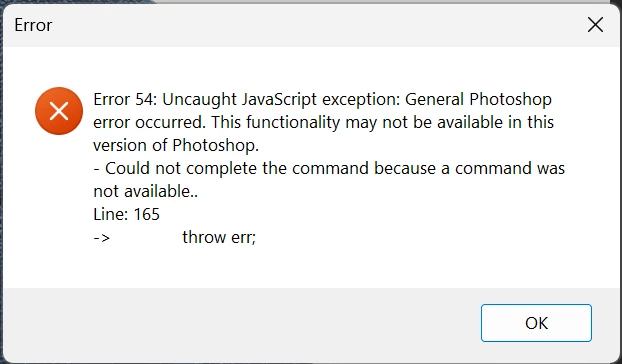
Generative expand is throwing an Error 54 in Photoshop v 27.1 (Windows 11)

  • December 9, 2025
  • 1 reply
  • 121 views

Attempting to use generative expand with or without a prompt throws Error 54. A workaround is to expand the image, select the new area, and apply generative fill, but it's still a bug.
 

SCEDaon_0-1765297211389.png


1 reply

SCE-Daon
SCE-DaonAuthor
December 9, 2025

I did find that if I turned off all of the crop specifications, it also solves the problem, so the problem exists if you try to expand to a spec size/resolution.

Community Manager
December 9, 2025

Hi @SCE-Daon, welcome to the community!
I wasn’t able to reproduce this issue on my end. As a first step, could you try resetting your Photoshop preferences? Just a quick heads-up, this will reset custom settings like brushes and workspaces, so make sure to back those up first.
Here’s the guide:
https://adobe.ly/4plMoP2
Thanks so much!
Alek

*(If you mention me with an @, like @Aleke, I’ll get a notification and can respond faster.)*
SCE-Daon
SCE-DaonAuthor
December 17, 2025

Thanks, Alek. 
At this juncture, since I don't have a ton of time, I'm going to let it be. With it working properly if I don't have any specification set in the crop tool, it's simple enough to generative expand and then adjust the size.