


GIF exporting from Photoshop at low resolution and at a larger size
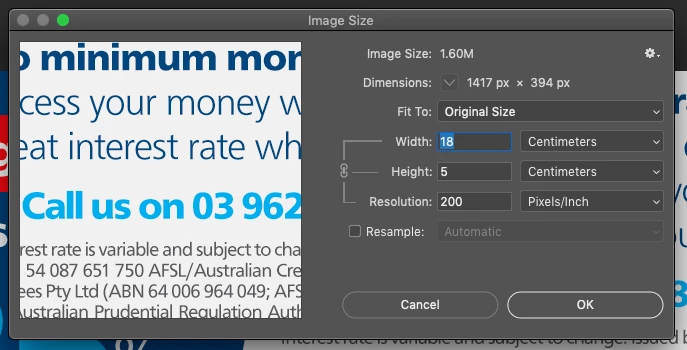
I have a Photoshop file set-up as per the attached image. 180mm x 50mm, resolution of 200ppi.
I want to export it as a GIF with a transparent background and at the size and resolution as the file set-up.
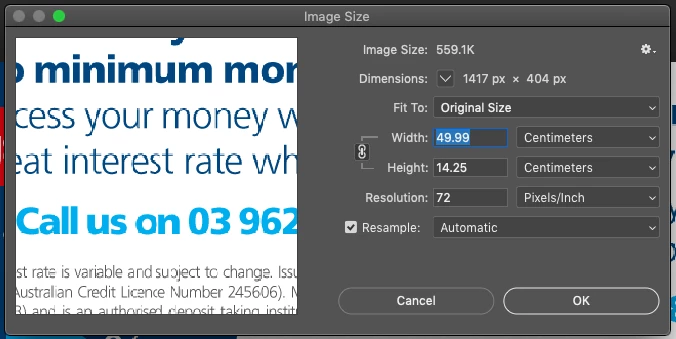
When I do export the file, either 'save as', 'export' or 'save for web (legacy) it saves the file at 499mm x 140mm and a resolution of 72ppi, see image attached.
Firstly, why is it doing this?
Secondly, when I open the exported GIF in Photoshop and resize it and change the resolution and save it, it says it's saved, but when I close and open it again, it's reverted back to 499mm x 140mm and a resolution of 72ppi.
I have no idea what is going on, in my 15 years as a designer, I've never seen this happen. I've attached my Photoshop file if yoy want to see how it's set-up.
Thank you
 AdChoices