
Participant
March 27, 2024
Question

Gradient fill layer shift when saving with multiple artboards

  • March 27, 2024
  • 3 replies
  • 311 views

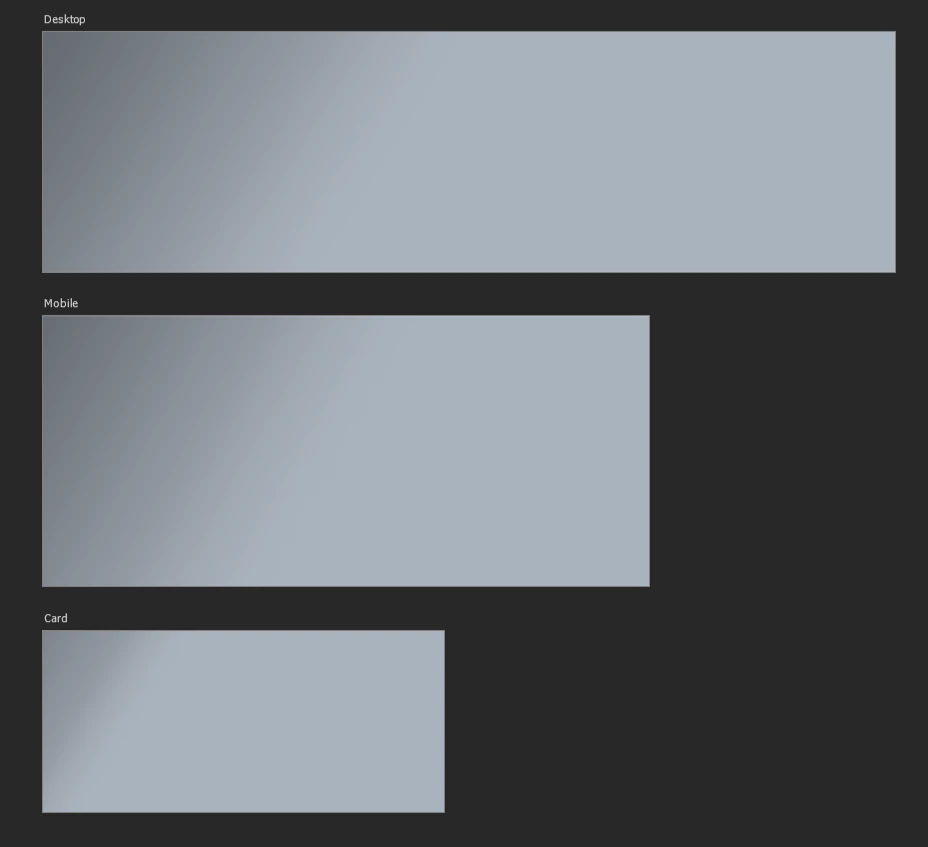
When working in a document with multiple artboards, my gradients do not stay still. different actions cause them to move around on me. The most frustrating is a simple save. Running photoshop 25.6.0, Windows 11.
Before Save

 

After Save
3 replies

Participant
April 10, 2024

Ok so I think the problem has to do with align to layer. if the gradient has "Align to layer", everything stays the same when I hit save. However, if i adjust the gradient it automatically unchecks align to layer. Hitting save then moves the gradient. If i adjust the gradient and then click align to layer it moves as well.

Participant
March 28, 2024

Hi @mglush ,

yes i've tried locking the layer. I used the Gradient tool, not a layer style. 

mglush
Community Expert
Community Expert
March 28, 2024

Hi!

Have you tried locking the Gradient layer? How is hte gradient applied, using the Gradient tool, or applying it as a Style?

Michelle