
Gradients are broken in artboards
Hello everyone,
I use the Artboard feature quite frequently, and having this feature in Photoshop greatly simplifies my workflow. However, I've been suffering from serious bugs, lack of optimization, and performance bottlenecks for a long time. The recent updates haven't given enough attention to these issues, making me feel like the development team has neglected this fundamental feature.
Gradients are broken. For example, when working with multiple artboards and creating a gradient with the gradient tool, the gradient will appear incorrectly with the default settings, as shown in the image below. I found a temporary solution by removing the default layer mask and creating a new mask with the artboard dimensions. The gradient tool likely calculates the entire canvas rather than just the artboard it's currently on, which can cause the gradient to not work properly.
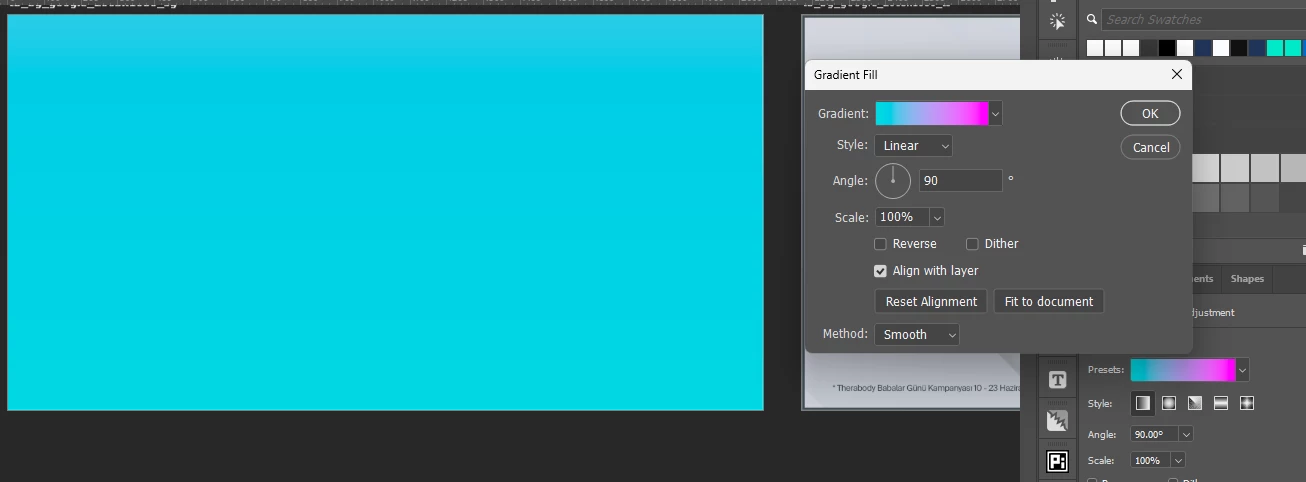
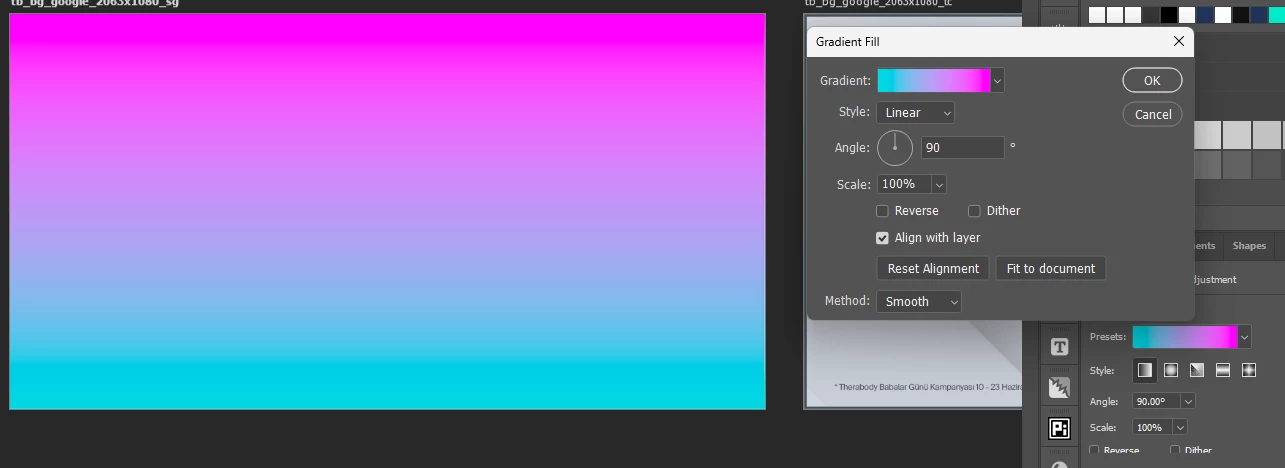
The recently added live gradient feature initially works flawlessly on the artboard, as you can see in the example below.
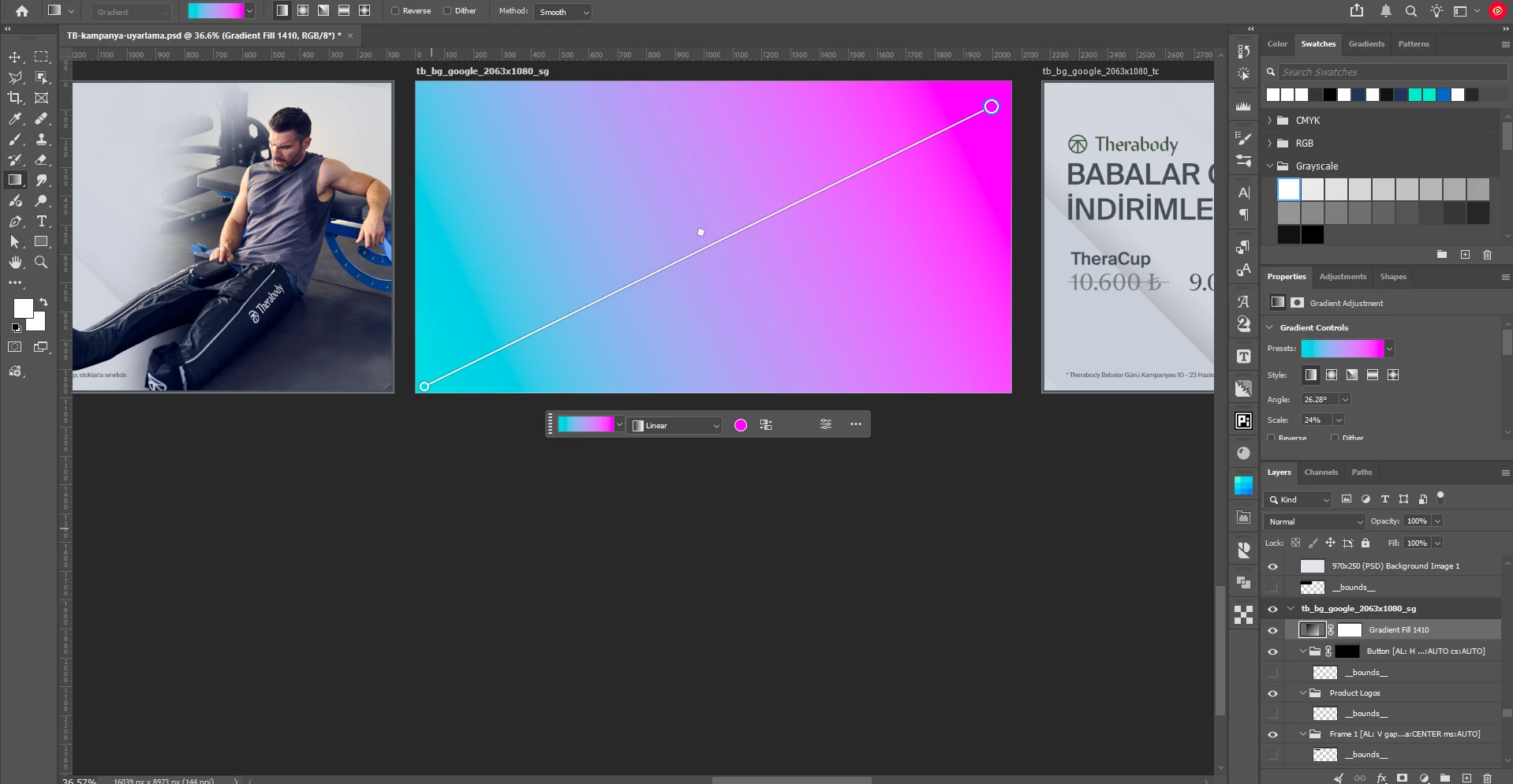
However, if you export this artboard, the gradient is exported completely broken, as shown in the example below.

This suggests that live gradients, like classic gradients, probably calculate the canvas rather than just the artboard. However, unlike classic gradients, live gradients don't show this problem until you export, which is the most annoying part. My temporary solution is to absolutely avoid using live gradients in artboards; if I do use them, I convert them to smart objects and edit them again through smart objects.
I hope Adobe finds a solution to this long-standing problem as soon as possible.


 AdChoices